
GameCC
Download for Android This app is available for Android only.- Category:Tools
- Rating:
- Language:English
- Updated:2026-11-20
Screenshots
Introduction
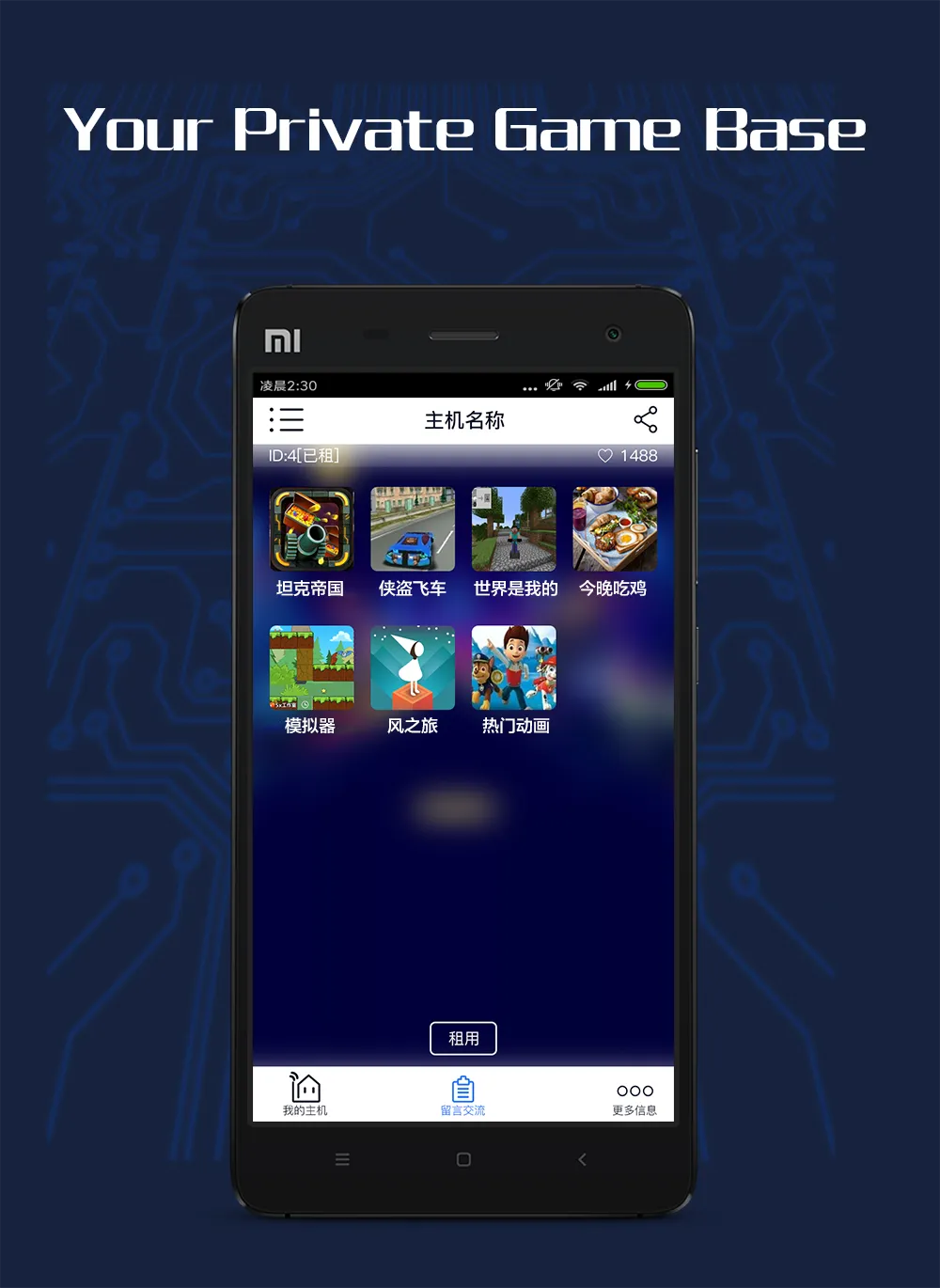
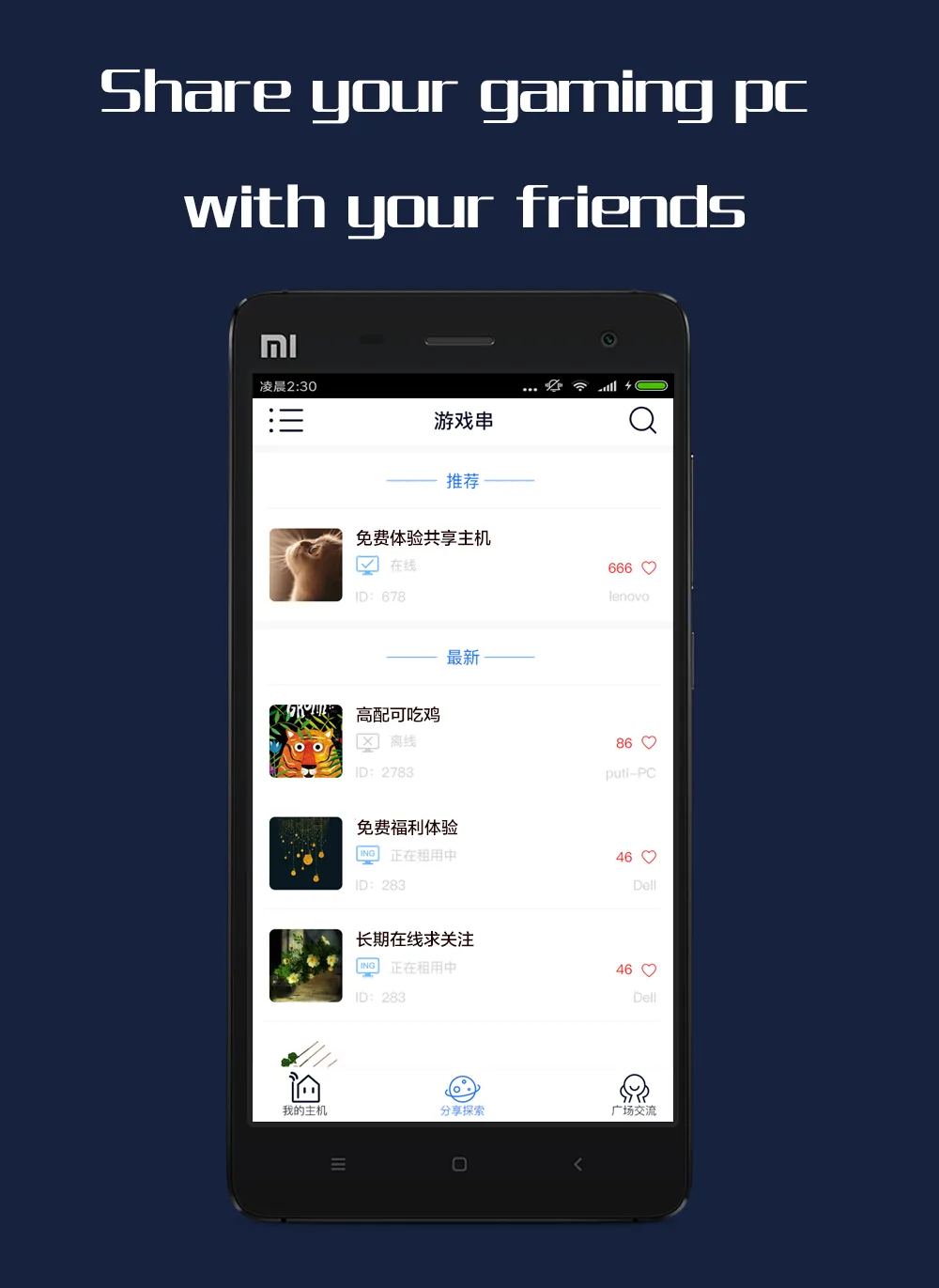
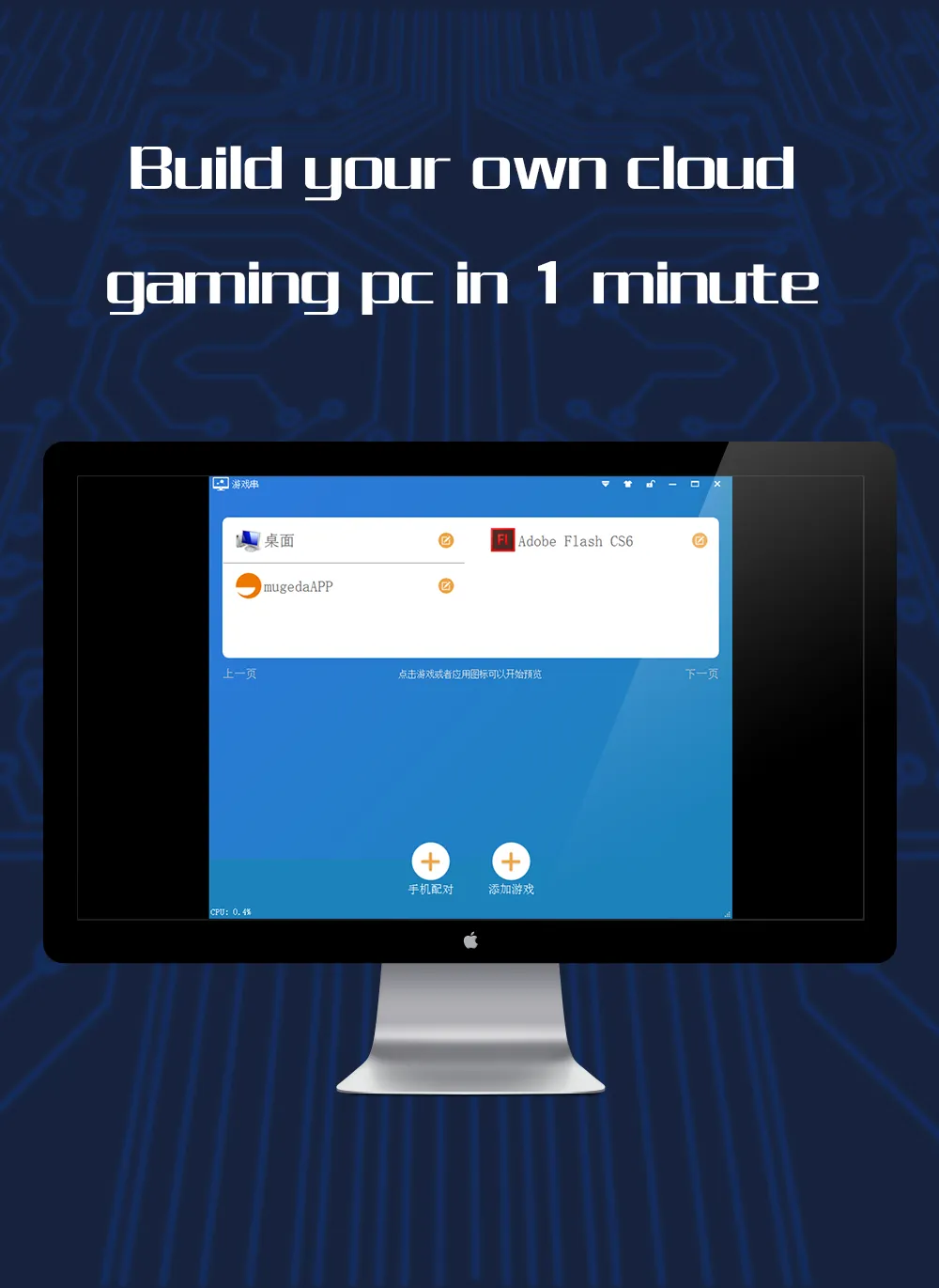
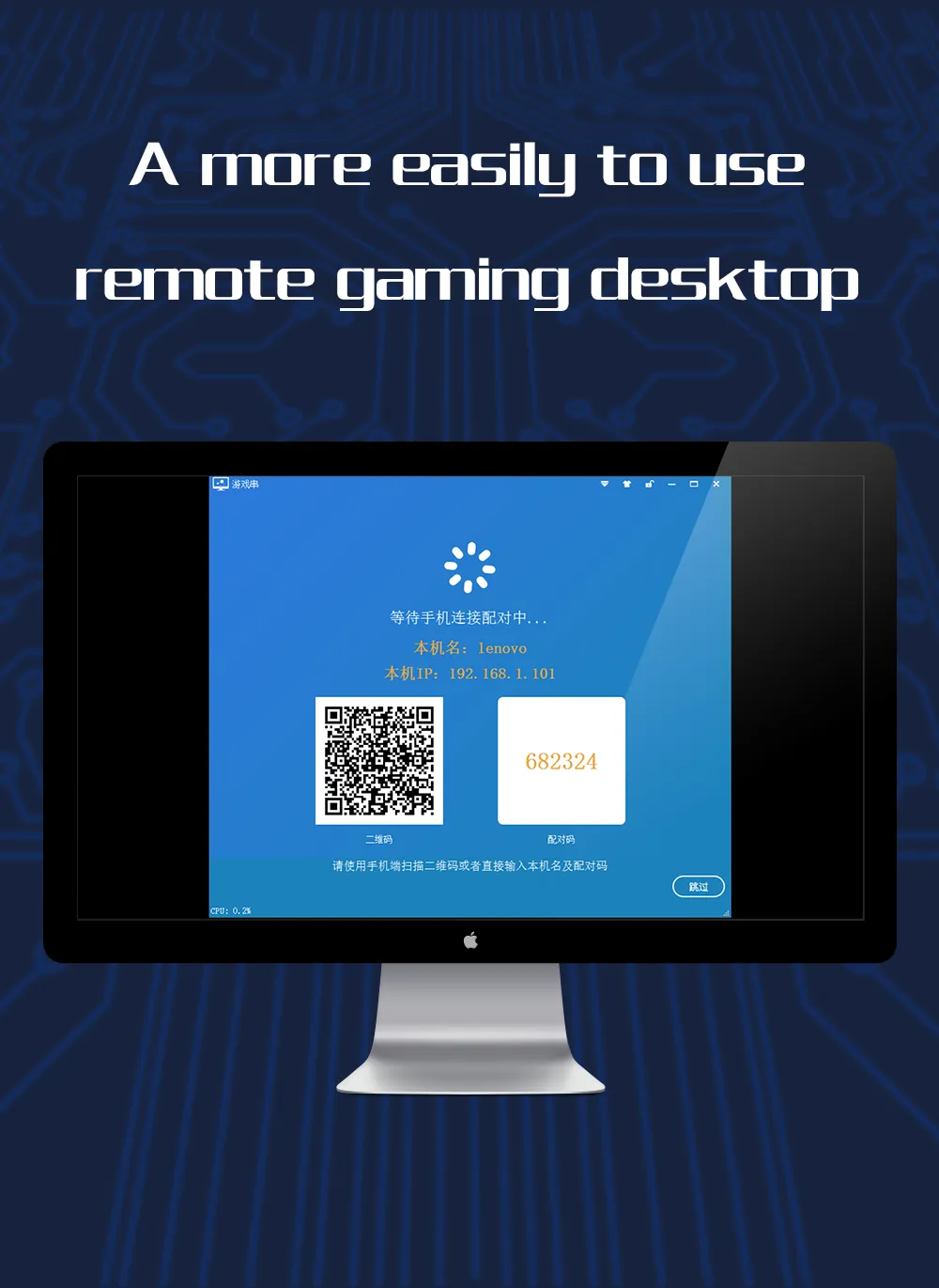
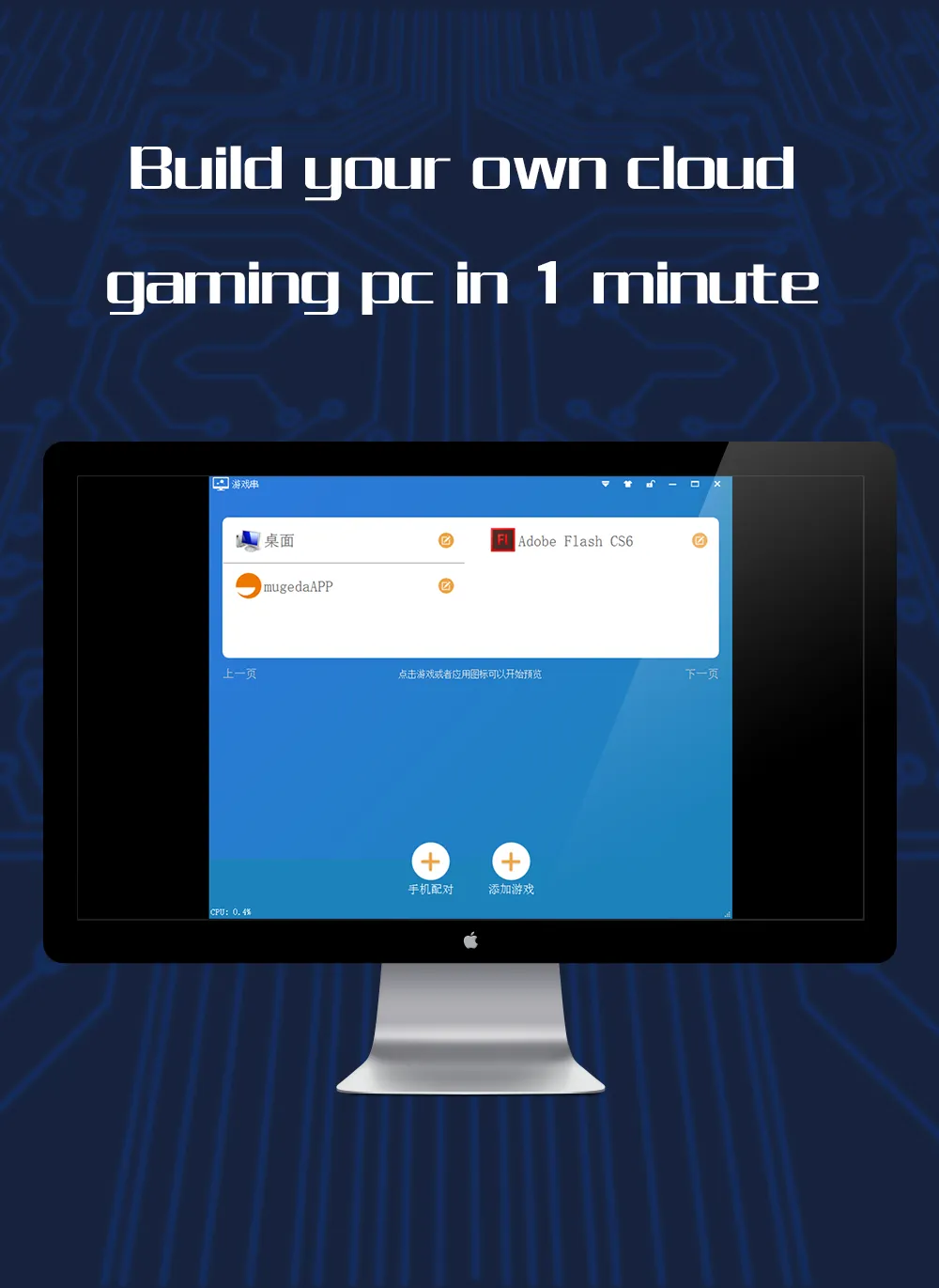
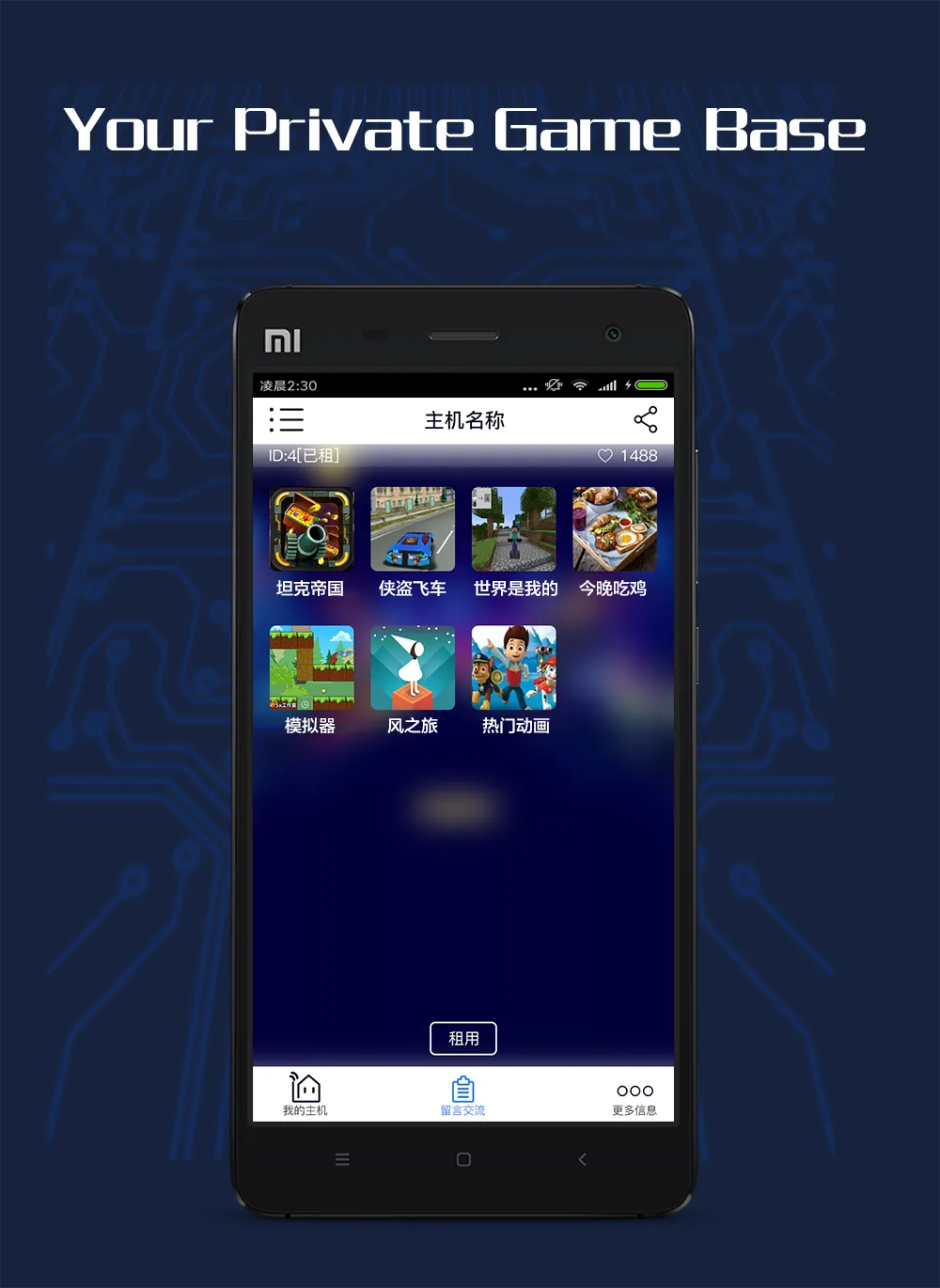
GameCC is a gaming tool designed for the Android ecosystem. It allows users to remotely connect to their own game consoles or computers, enabling them to play games online. The software supports various resolution settings, ensuring a smooth gaming experience. Users are not restricted by time or location, allowing them to enjoy their games anytime, anywhere. The tool also facilitates the sharing of game programs with others, letting you enjoy the platform alongside fellow gamers. Furthermore, it offers access to free-to-play games, with a strong focus on security. The software also optimizes the experience for older titles, making it easier for users to revisit and play the games they love.
Features
Remote Desktop Access
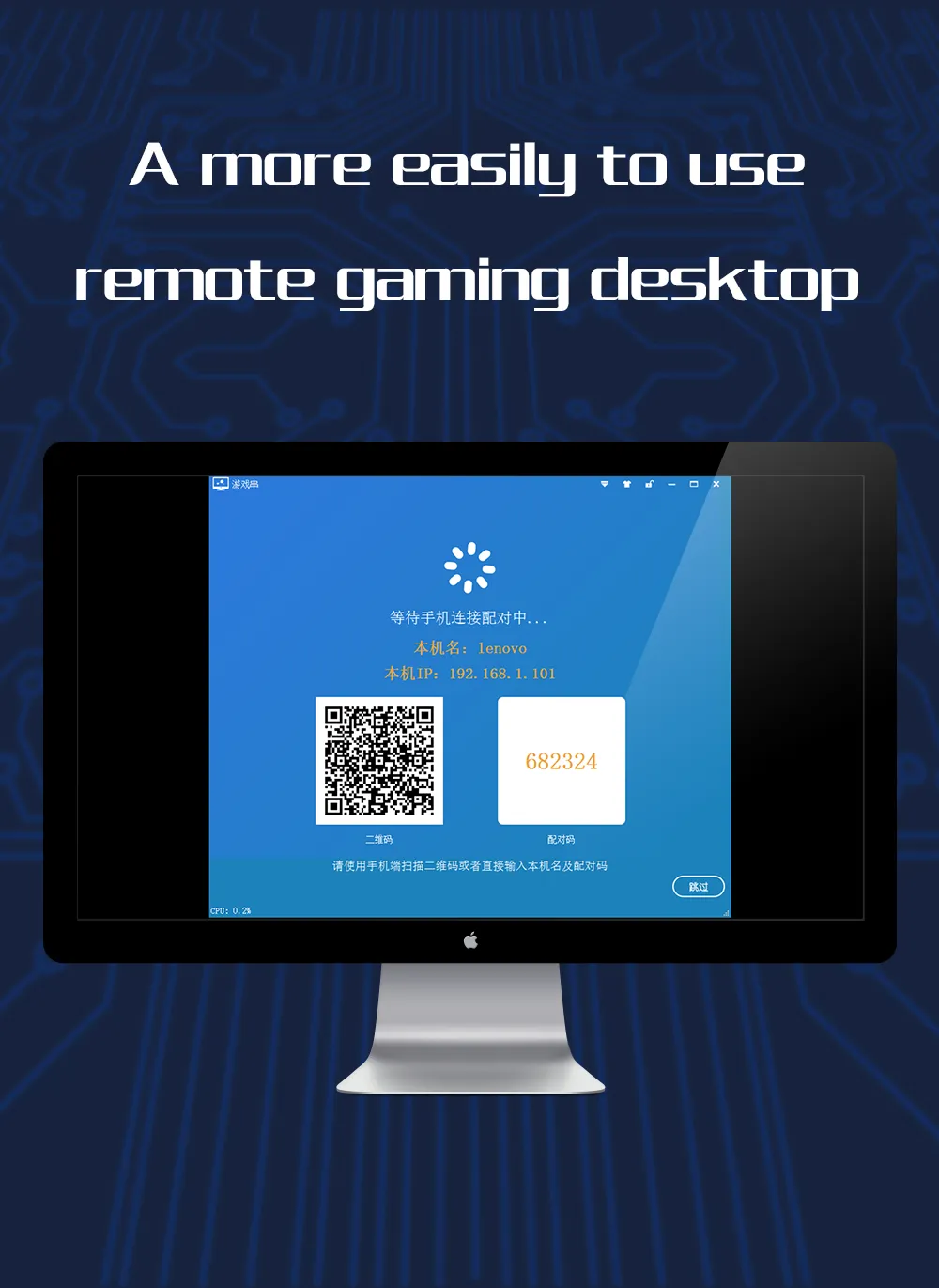
Access your computer or game console from your smartphone or tablet. With support for 720p and 1080p resolutions, it ensures a smooth, optimized, and lag-free gaming experience.
Secure and Reliable Gaming
Enjoy your games anytime, anywhere—without being tied down by location or time. From PS4 to Xbox, dive into your favorite titles whenever you like!
Console Sharing Opportunities
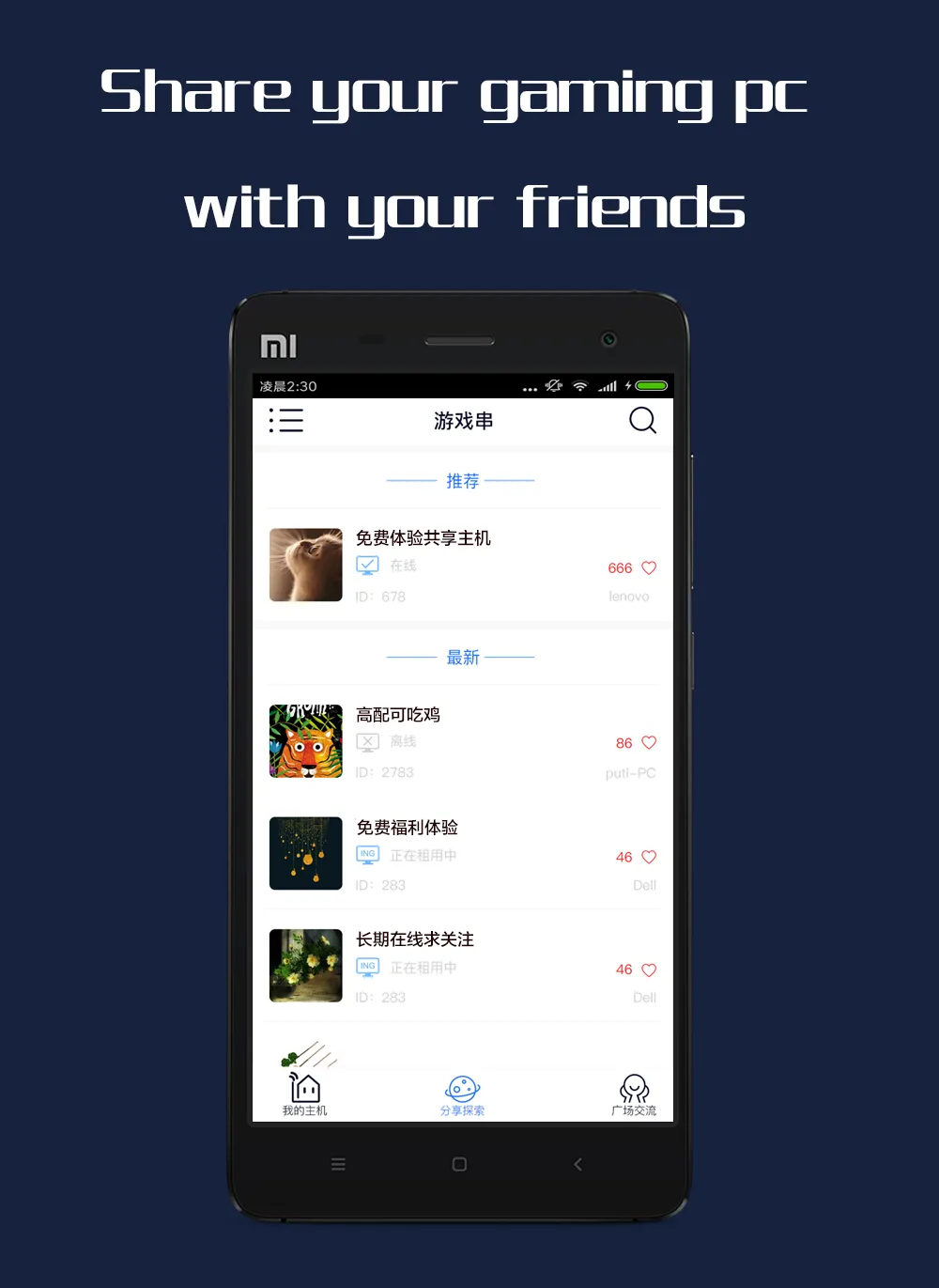
Share your games or applications with others by renting out your game console—a great way to earn some extra income while you aren't using it yourself.
Free Game Trials
Safely test and play indie games without the risk of unauthorized leaks. It’s the perfect platform for discovering exciting new titles.
Highlights
A Platform for Free Game Trials: Indie game developers, rejoice! GameCC provides a secure and reliable way to showcase and test your indie games without worrying about leaks. Reach a wider audience and gather valuable feedback to help refine your projects.
Community-Driven Gaming: GameCC fosters a vibrant gaming community where players can interact, share tips and tricks, and even collaborate on new game development projects. Join a community of like-minded gamers and immerse yourself in the world of gaming.
Cross-Platform Compatibility: GameCC is compatible with a wide range of devices, including smartphones, tablets, and computers. Access GameCC from wherever you are and enjoy your favorite games seamlessly across different platforms.
Pros and Cons
Pros:
Remote access to supported desktop games
Streaming resolution up to 1080p
Immersive gaming experience
Play games anytime, anywhere
Cons:
Frequent latency can disrupt gameplay.
Points earned from watching ads are very limited.
Conclusion
GameCC is a game-changer in the world of gaming applications, offering a unique set of features that cater to players of all levels. With its innovative remote desktop tools, secure private game library, and community-driven gaming experience, GameCC is the ultimate choice for players looking to elevate their gaming experience.
More Information
- Size:63.38MB
- Version:1.7.10
- Requirements:Android
- Package Name:com.ihuaj.gamecc.global
- Signature:b4e0e049809263cebf90c19bd9d66dae
Related topics
-
Meet Game BOX — your all-in-one game hub! Explore action, RPG, strategy, and more. Find games quickly, download fast, and play seamlessly on mobile. Simple, safe, and packed with top-rated titles. Perfect for gamers everywhere.
-
![GameCC]()
GameCC
-
![PS2 Emulator DamonPS2 PPSSPP]()
PS2 Emulator DamonPS2 PPSSPP
-
![RPCSX Emulator]()
RPCSX Emulator
-
![Skin Editor 3D for Minecraft]()
Skin Editor 3D for Minecraft
-
![PSPlay]()
PSPlay
-
![Xaeros Minimap Minecraft]()
Xaeros Minimap Minecraft
-
![Bluestacks Emulator Launcher]()
Bluestacks Emulator Launcher
-
![ToonHQ for Toontown Rewritten]()
ToonHQ for Toontown Rewritten
-
-
Transform your mobile device into a powerhouse of efficiency with these handpicked essential tools. Whether you need professional-grade photo editing, seamless file organization, smart task management, or real-time weather updates, our curated selection of premium apps delivers unbeatable performance. Streamline your daily routine, automate repetitive tasks, and boost your productivity with intuitive interfaces and powerful features. Designed for both professionals and casual users, these editor-approved applications will revolutionize how you work and play. Don't settle for an ordinary phone - upgrade your digital experience today and unlock your device's full potential!
-
![GameCC]()
GameCC
-
![Rips by Triumph]()
Rips by Triumph
-
![Trace Sketch & Draw On Paper]()
Trace Sketch & Draw On Paper
-
![Sub4Sub Pro]()
Sub4Sub Pro
-
![File Sharing]()
File Sharing
-
![Opensignal]()
Opensignal
-
![Epson iPrint]()
Epson iPrint
-
![Universal TV Remote-ZaZa Remot]()
Universal TV Remote-ZaZa Remot
-
-
With the development of mobile hardware and software, many practical tool software have emerged, covering a wide range of aspects and becoming a good helper for everyone in work and life. Today, the editor provides you with a list of useful tool software downloads. These tools are not particularly complex types, and after reading them, everyone can quickly learn how to use them. Proper use can bring great convenience to life and work.
-
![GameCC]()
GameCC
-
![PS2 Emulator DamonPS2 PPSSPP]()
PS2 Emulator DamonPS2 PPSSPP
-
![Rips by Triumph]()
Rips by Triumph
-
![RPCSX Emulator]()
RPCSX Emulator
-
![Sub4Sub Pro]()
Sub4Sub Pro
-
![EX File Manager]()
EX File Manager
-
![Opensignal]()
Opensignal
-
![Epson iPrint]()
Epson iPrint
-











Latest Updated




Popular Apps








Popular News
More+-
![Tomie Wants to Get Married Full Walkthrough, All Choices and Ending Guide]()
Tomie Wants to Get Married Full Walkthrough, All Choices and Ending Guide
2026-05-22
-
![Karryn’s Prison Gameplay Walkthrough & Strategy Guide]()
Karryn’s Prison Gameplay Walkthrough & Strategy Guide
2025-10-28
-
![Life in Santa County Game Guide & Complete Walkthrough]()
Life in Santa County Game Guide & Complete Walkthrough
2025-10-28
-
![Dreams of Desire Complete Walkthrough and Game Guide]()
Dreams of Desire Complete Walkthrough and Game Guide
2025-10-28
-
![Era Hunter Gameplay Guide & Full Walkthrough]()
Era Hunter Gameplay Guide & Full Walkthrough
2025-10-28




