

Wink by Meitu
Download for Android This app is available for Android only.- Category:Photography
- Rating: 4.7
- Language:English
- Updated:2026-08-18
Screenshots
Introduction
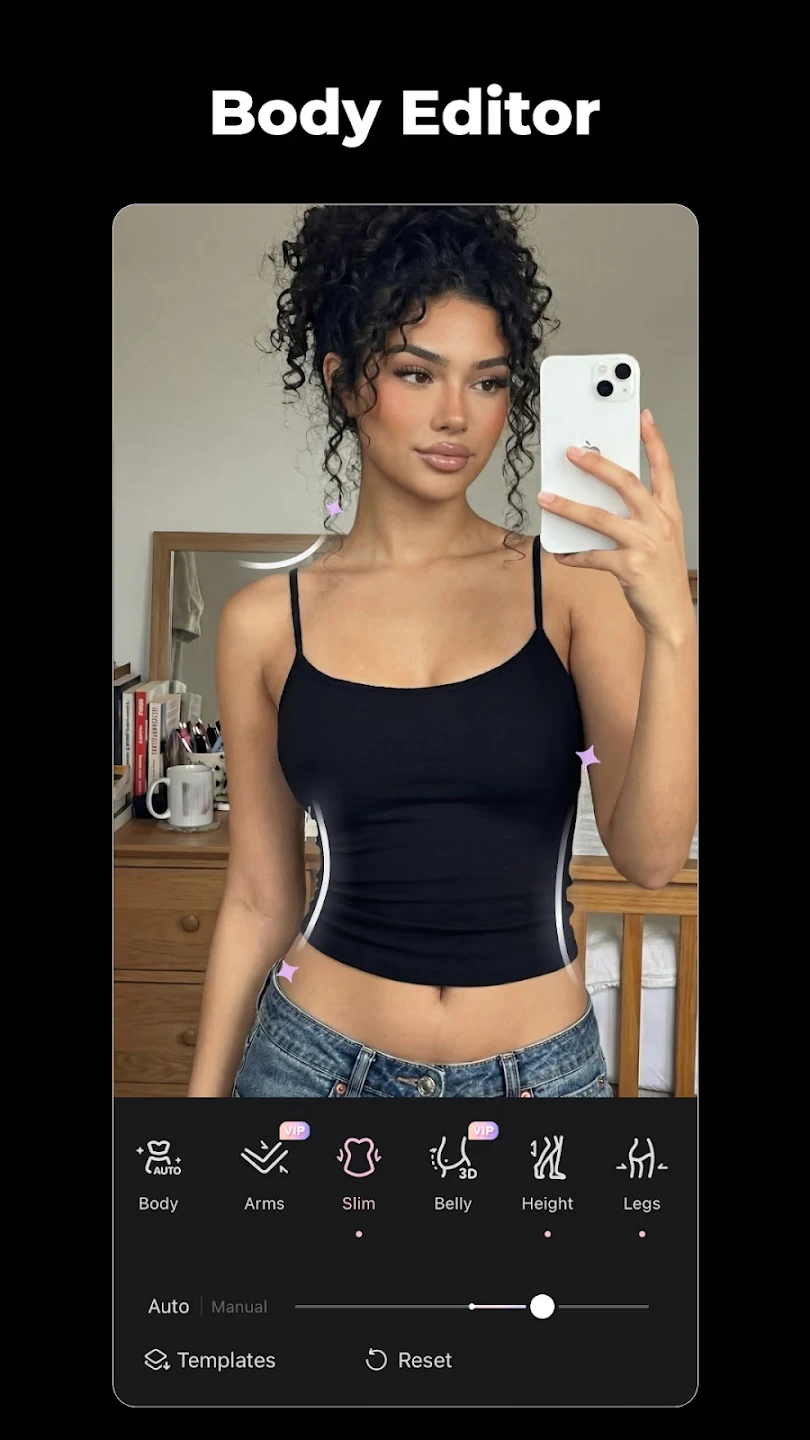
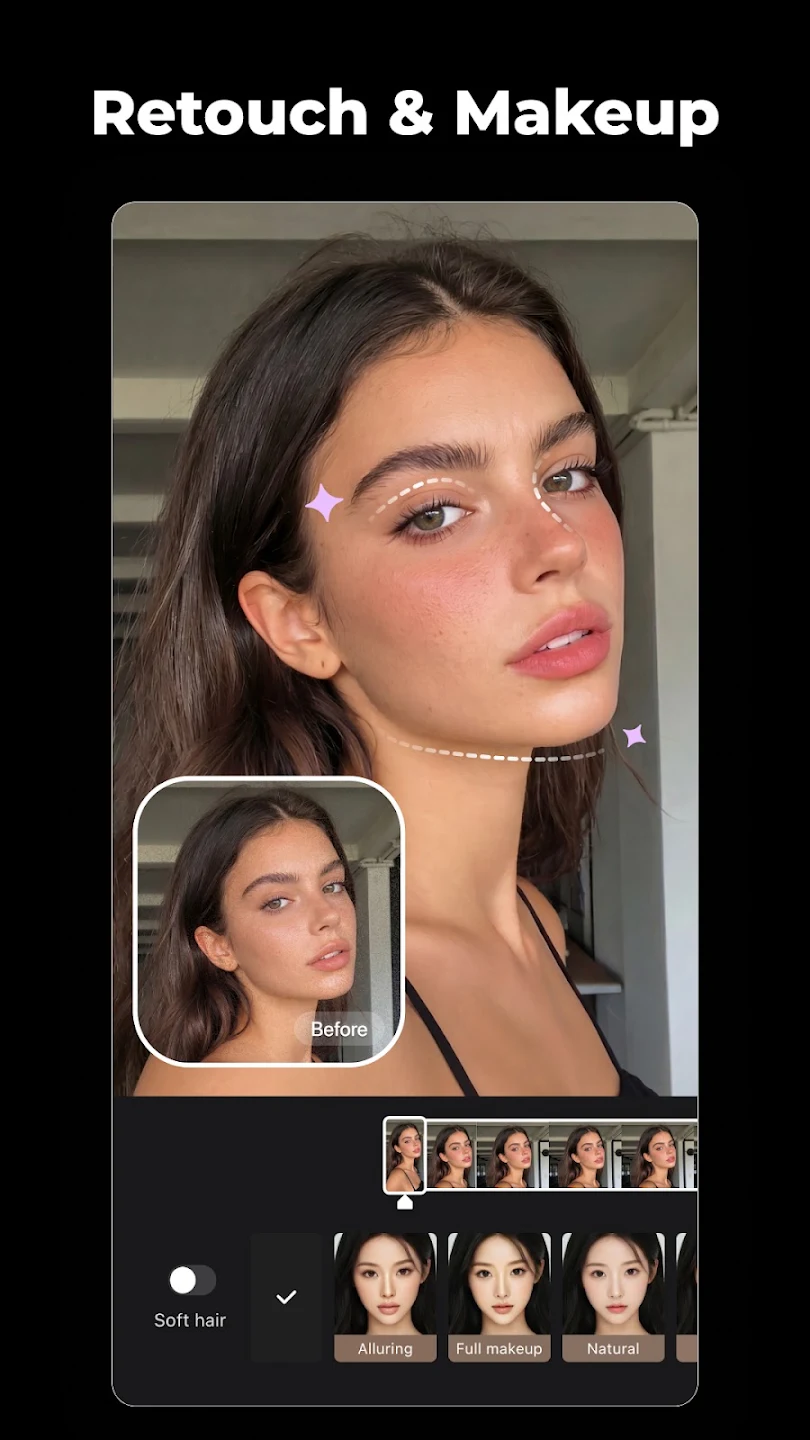
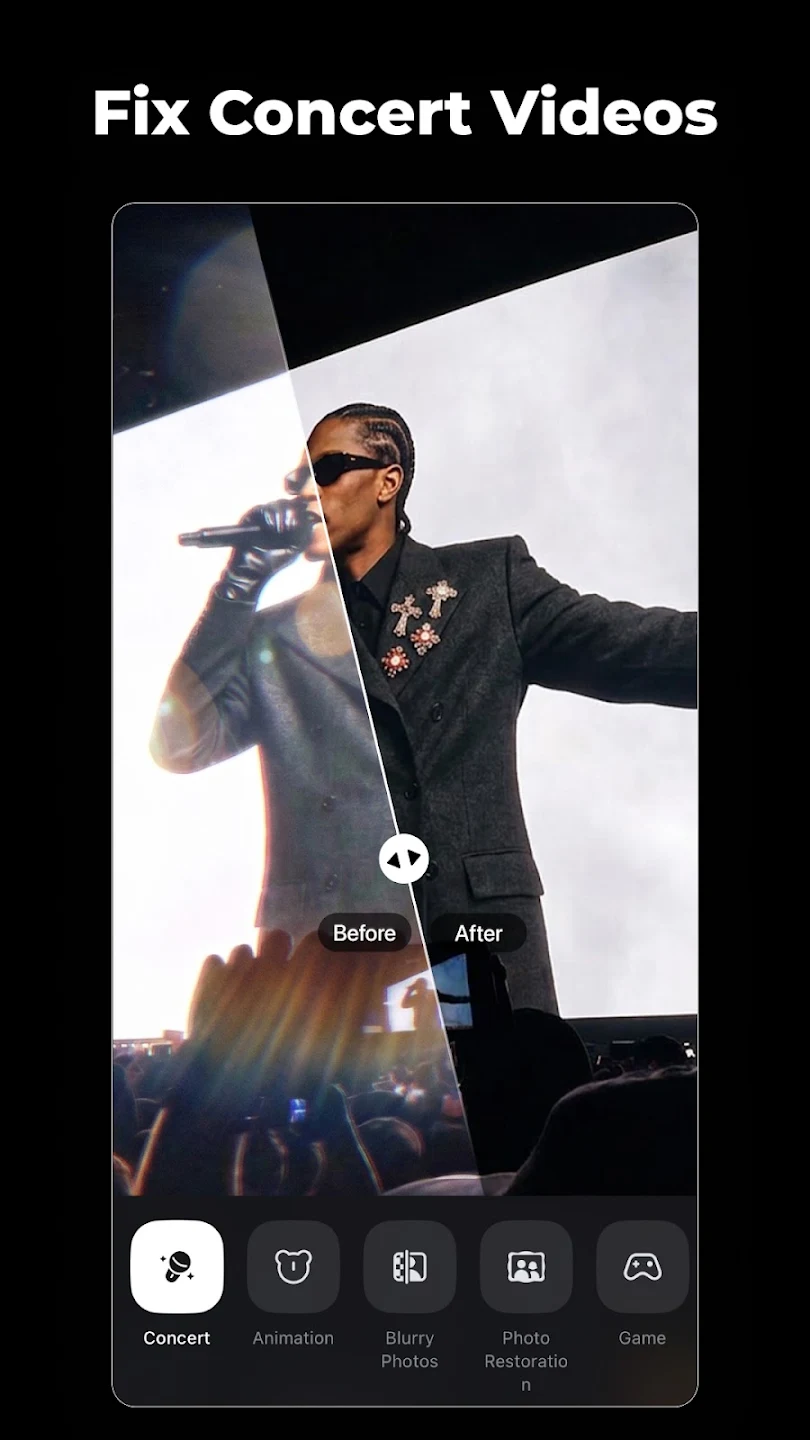
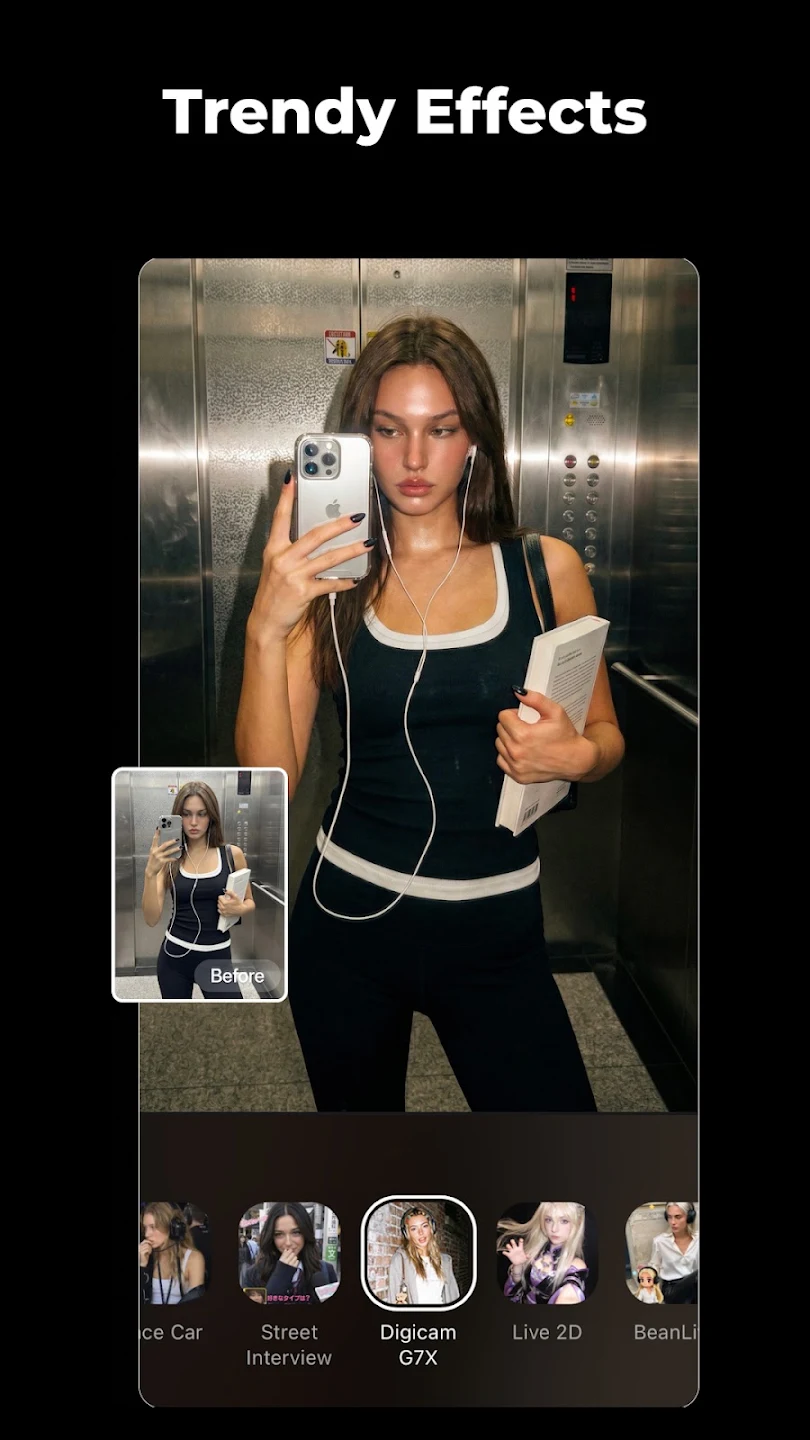
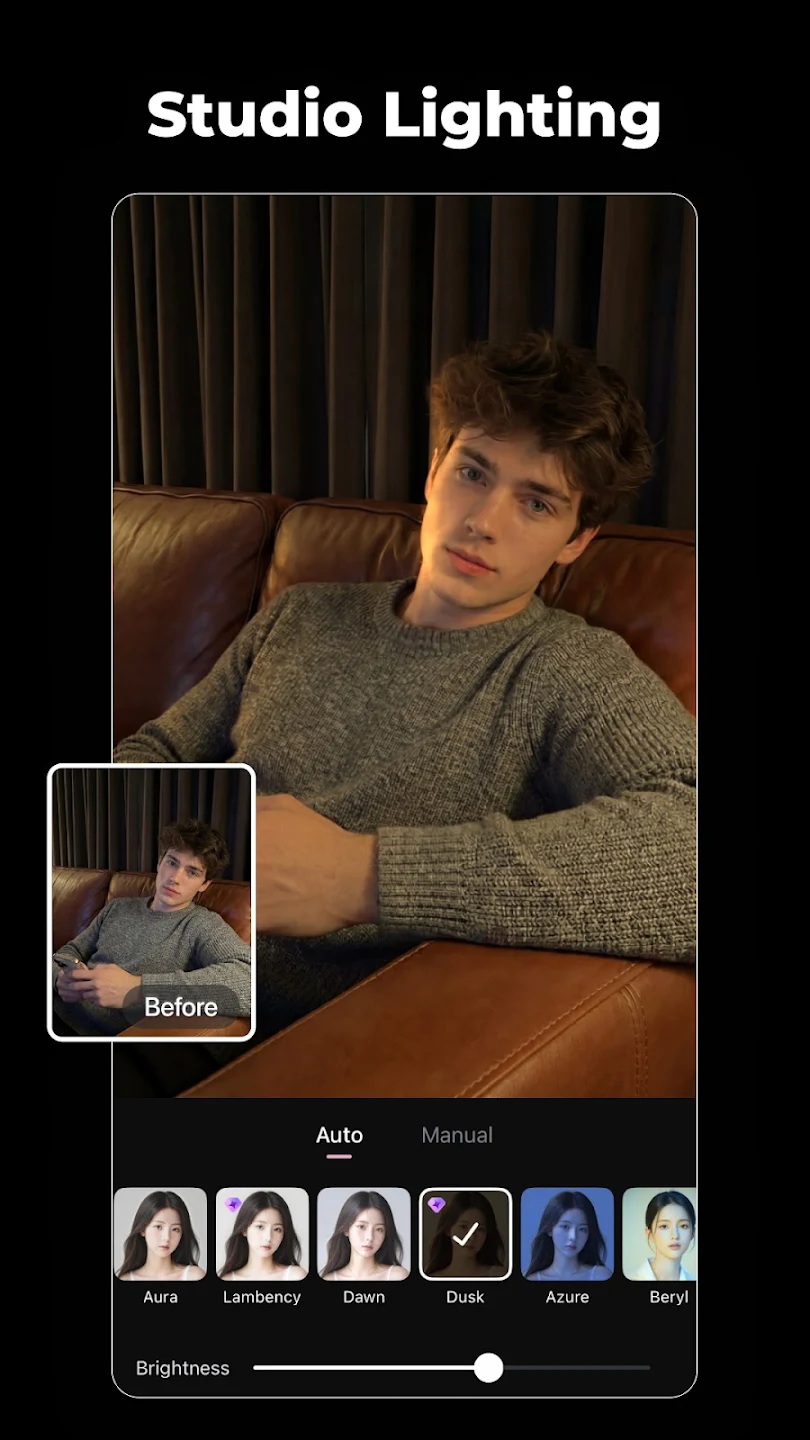
Wink by Meitu is a photo and video editing and enhancement software. After uploading photos and videos, users can enhance their image quality by choosing appropriate enhancement effects to make them more natural and highlight the subject. The software supports batch processing, allowing users to restore old photos to their former glory with a single click. For different photos and videos, users can further process details, enhancing skin to remove wrinkles and beautifying facial features to create satisfying videos and photos to share with friends and earn likes. The software also offers a range of different video filters, effects, and subtitles for users to explore, allowing them to use these materials flexibly to make their videos more unique.
Features of Wink by Meitu:
Easy Video Editing: Wink by Meitu offers an intuitive and user-friendly video editing experience. You can trim and cut your videos, merge multiple clips, and add smooth transitions effortlessly. Whether you’re a beginner or a professional, the editing process is seamless and straightforward.
Stunning Enhancements: What makes this app stand out is its powerful enhancement tools. You can adjust brightness, contrast, and saturation, as well as apply stunning filters to completely transform the look of your video. Whether you’re going for a classic or modern aesthetic, there’s a filter for every style.
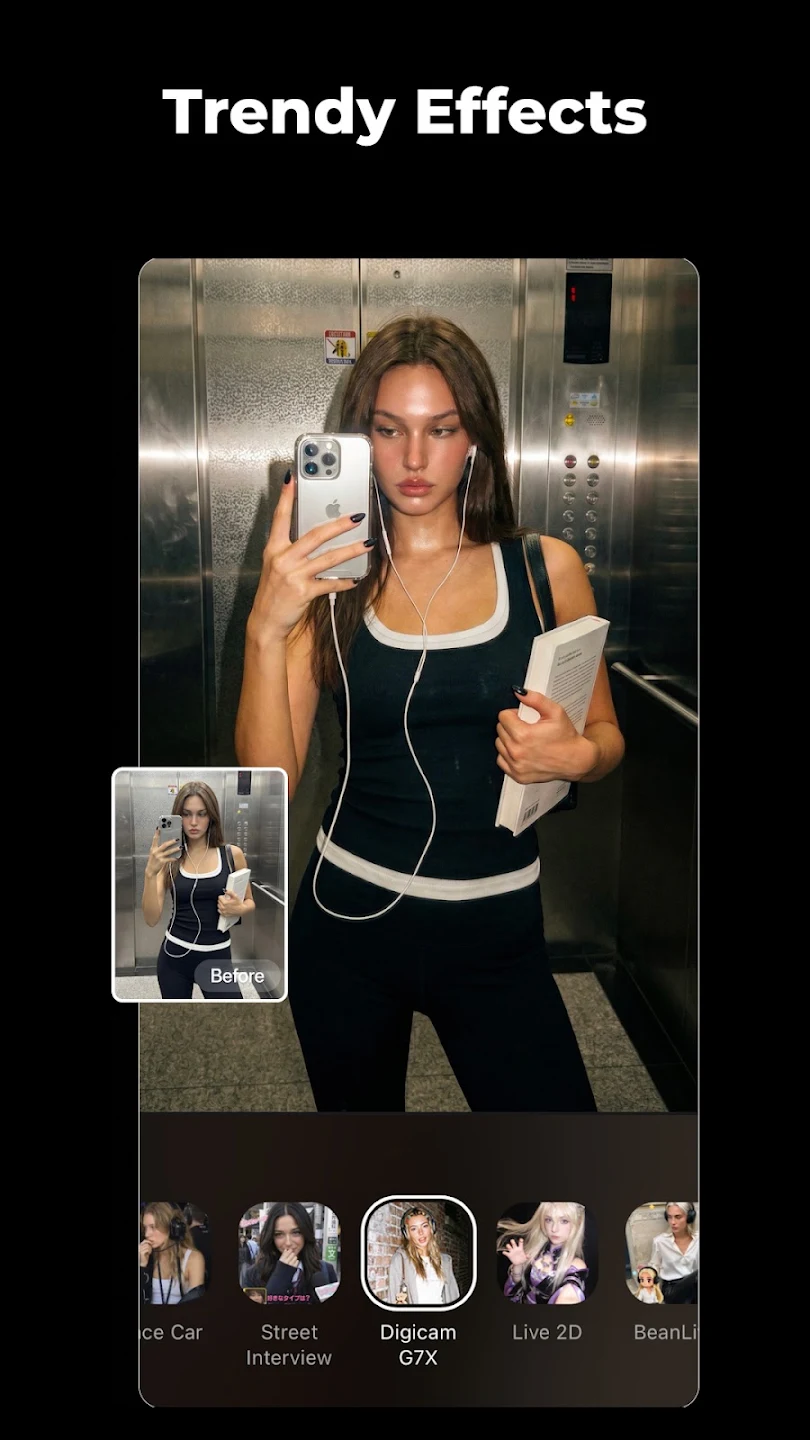
Create Dynamic Videos: Want to add some fun to your videos? Wink by Meitu provides a variety of animated effects, stickers, and text options that you can incorporate into your clips. Create engaging and lively videos to share with friends and make your memories even more vibrant.
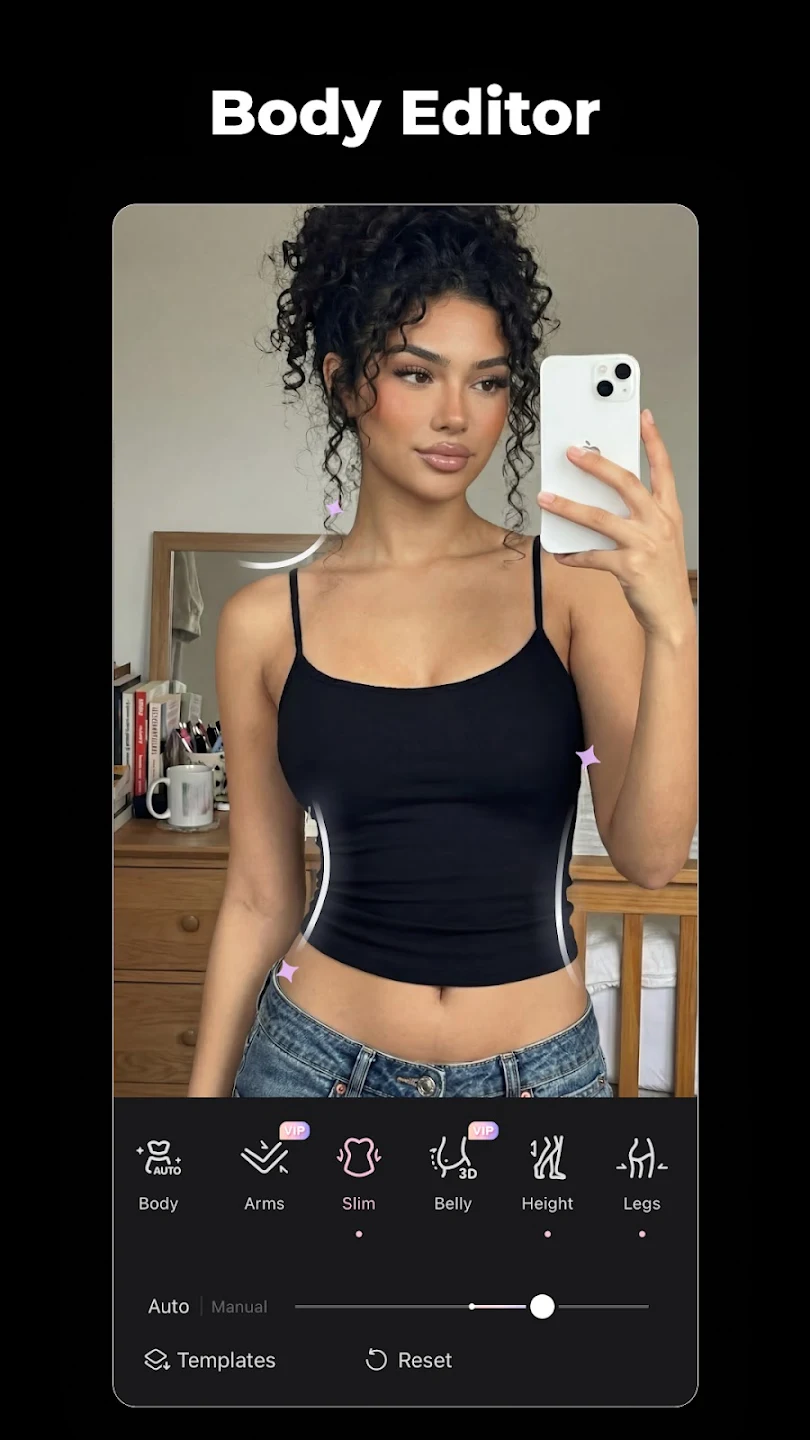
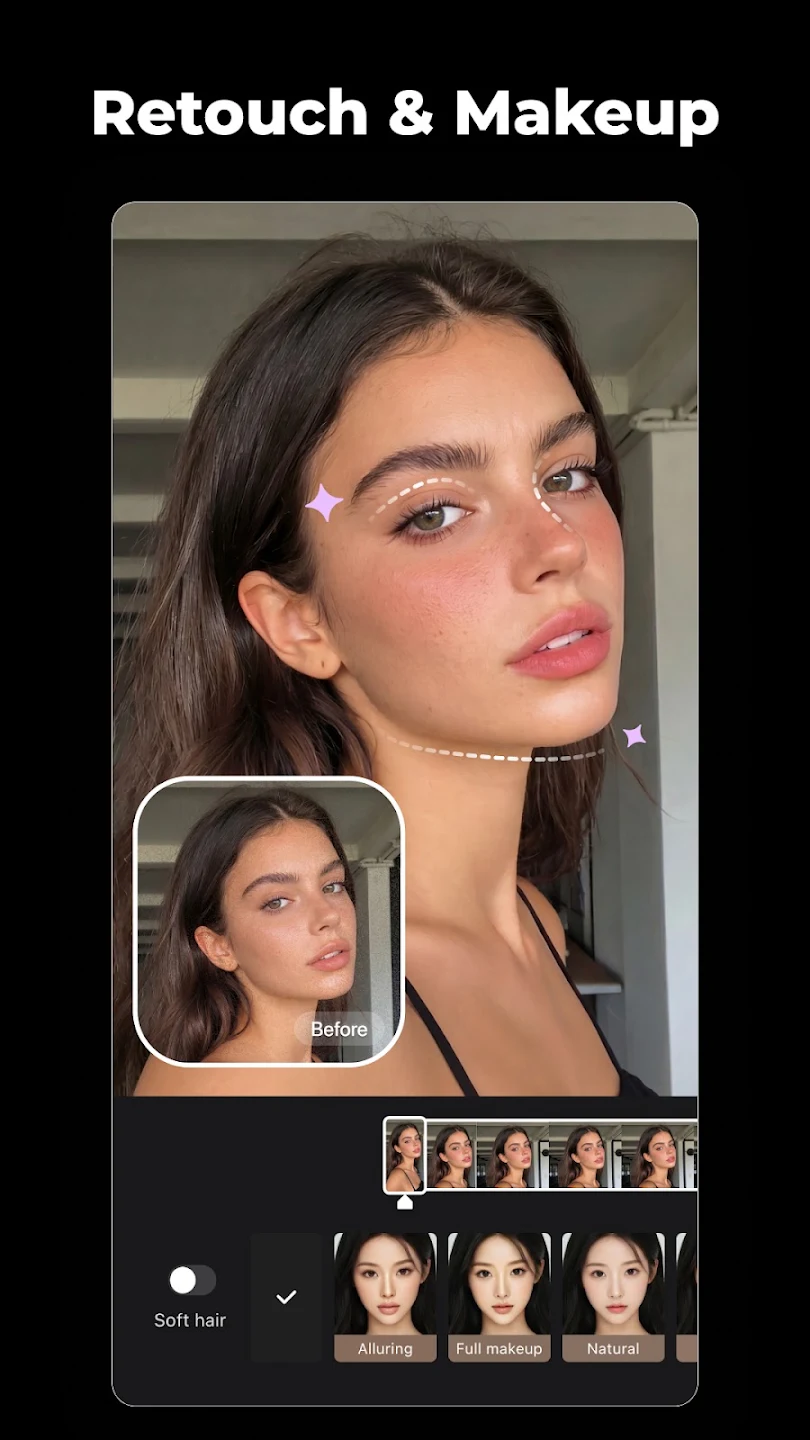
Advanced Beauty Tools: For those who love recording selfie videos, Wink by Meitu includes advanced beauty tools to enhance your appearance. You can whiten teeth, remove blemishes, and even change eye color to ensure you always look your best on camera.
Share Your Moments: Once you’re done editing, Wink by Meitu makes it easy to share your videos with the world. Upload your creations directly to your favorite social media platforms or save them on your device for later sharing.
Functions of Wink by Meitu:
Wink by Meitu ships the same toolset as the official client. Here is what people actually open the app to do:
AI repair and upscaling: Restore blurry or low-res clips toward HD, Ultra HD, or 4K.
Scene-specific models: Seven tuned passes for gaming, night footage, old photos, and more.
Auto captions: Generate subtitles from the audio across major languages.
Face retouch and makeup: Smooth skin, whiten teeth, and apply natural beauty filters.
AI remover and cutout: Erase objects or cut the background in one tap.
Templates and editing: Trending templates, transitions, collage, and soundtrack tools.
User Reviews of Wink by Meitu:
Hi! I'm experiencing the same issues as many other users. I was recently charged P2,890 even though I don't have an active subscription. I only signed up for a 7-day free trial, and without notice, the Wink by Meitu app automatically deducted the amount from my GCash. I've been trying to request a refund, but it keeps getting declined. Like many others, I wasn't aware that the subscription would auto-renew. This is so frustrating. I hope this feedback reaches your team and that this issue can be.
Excellent customer service! They responded to my concern very quickly and were professional, helpful, and polite throughout the process. I really appreciate how fast they replied and how efficiently they handled my issue. It's refreshing to receive this level of support. Keep up the great work!
Excellent customer service! I had an issue with an accidental subscription charge, but their support team was incredibly understanding, responsive, and approved my refund quickly. I highly appreciate how they value their users. Great app and amazing team! Thank Youuuuuuuu.
i downloaded this app for ai enhancing, and so far... it’s going well! i’m not just sure if it needs payment after a long time. but i hope not. because i love how it enhances it — it doesn’t look ai at all — maybe if it’s not enhancing your blurry face from afar. since i often enhance random things except for my blurry face, i just don’t know yet. but it enhanced the things very well! i just hope that this app doesn’t turn into a money thirsty. loveyall, whoever made this app!
FAQs of Wink by Meitu:
What is Credit?
Credits can be redeemed for premium services on the Wink by Meitu app.
Earn Credits on Wink by Meitu through tasks, top-ups, Subscriptions, and more.
Some Wink by Meitu app features and services require Credits.
Credits expire and must be used within their validity period. Expired Credits will not be refunded or reissued, so please use them promptly.
How to obtain Credits?
There are currently several methods to obtain Credits:
Tasks and Activities: Earn Credits by completing tasks, including your first login.
Top-ups: Buy a set amount of Credits with a one-time top-up.
Benefits: Get monthly Credits with Wink by Meitu VIP or Wink by Meitu SVIP.
When will member Credits be distributed?
You will receive your monthly Credits upon Subscription. The monthly Credits depend on your billing date; for example, if you join on the 10th, you will receive next month's Credits on the 10th of the following month.
How many devices can use the same Subscription simultaneously?
Up to 3 devices can log in simultaneously.
Why Choose Wink by Meitu?
Fix blurry videos, restore old photos, and upscale to 4K Ultra HD with Wink by Meitu the AI video and photo enhancer trusted by 100M+ users. Free on mobile, tablet, desktop, and web.
Summary:
Overall, Wink by Meitu is a convenient, beginner-friendly app that makes improving photos and videos quick and approachable. Its mix of filters, templates, and AI tools suits casual users, content creators, and anyone who wants polished results without complicated editing.
More Information
- Size:223.83MB
- Version:3.12.5
- Requirements:Android
- Votes:79
- Package Name:com.meitu.wink
- Signature:e5a17fbef3aacc1b07e7db0aeabbec96
Related Versions




Related topics
-
Transform your smartphone into a powerful editing studio with the best video editing apps for Android! Whether you're a content creator, social media enthusiast, or just looking to polish personal videos, these apps offer professional-grade tools right at your fingertips. Enjoy intuitive interfaces, advanced features like multi-track editing and filters, and seamless exporting options - all optimized for mobile devices. Download now and start creating stunning videos anytime, anywhere!
-
![Funimate]()
Funimate
-
![Dream Face]()
Dream Face
-
![VN - Video Editor & Maker]()
VN - Video Editor & Maker
-
![Faceplay Face Swap Video]()
Faceplay Face Swap Video
-
![NodeVideo]()
NodeVideo
-
![Edits Video Editor]()
Edits Video Editor
-
![Storybeat]()
Storybeat
-
![All Video Downloader]()
All Video Downloader
-
-
Video Editor is a powerful software tool designed for crafting, refining, and enhancing video content. It enables users to transform raw footage into compelling visual narratives or effective communication platforms. As digital media continues to evolve, video editing has grown in significance - no longer just a professional necessity but also an accessible skill for everyday creators. Modern editing tools now offer intuitive interfaces, AI-powered features, and cross-platform compatibility, making high-quality video production achievable for both experts and casual users alike.
-
![Vidmix]()
Vidmix
-
![Funimate]()
Funimate
-
![Vivavideo]()
Vivavideo
-
![Faceplay Face Swap Video]()
Faceplay Face Swap Video
-
![NodeVideo]()
NodeVideo
-
![Edits Video Editor]()
Edits Video Editor
-
![Storybeat]()
Storybeat
-
![MVideo]()
MVideo
-
-
Mobile video editing tools are highly popular, with complete functions and professional tools that provide a strong atmosphere for various materials. Rich video templates can be operated with just one click, saving time and without too high a threshold. So what are the free versions of mobile video editing software? Editing software should have high popularity, but most of them require membership. Next, I recommend several platforms that can be used for free.
-
![Vidmix]()
Vidmix
-
![Funimate]()
Funimate
-
![Venlow]()
Venlow
-
![Adobe Lightroom]()
Adobe Lightroom
-
![Faceplay Face Swap Video]()
Faceplay Face Swap Video
-
![NodeVideo]()
NodeVideo
-
![Edits Video Editor]()
Edits Video Editor
-
![Storybeat]()
Storybeat
-













Latest Updated






Popular Apps








Popular News
More+-
![Tomie Wants to Get Married Full Walkthrough, All Choices and Ending Guide]()
Tomie Wants to Get Married Full Walkthrough, All Choices and Ending Guide
2026-05-22
-
![Karryn’s Prison Gameplay Walkthrough & Strategy Guide]()
Karryn’s Prison Gameplay Walkthrough & Strategy Guide
2025-10-28
-
![Life in Santa County Game Guide & Complete Walkthrough]()
Life in Santa County Game Guide & Complete Walkthrough
2025-10-28
-
![Dreams of Desire Complete Walkthrough and Game Guide]()
Dreams of Desire Complete Walkthrough and Game Guide
2025-10-28
-
![Era Hunter Gameplay Guide & Full Walkthrough]()
Era Hunter Gameplay Guide & Full Walkthrough
2025-10-28




