

Phocus Mobile
Download for Android This app is available for Android only.- Category:Photography
- Rating: 4.6
- Language:English
- Updated:2026-10-13
Screenshots
Introduction
Phocus Mobile is a free photography editing application officially released by Hasselblad. This application supports remote shooting and editing via wireless or high-speed wired connection to the user's own camera. The software boasts excellent noise reduction technology, capable of reducing noise in a specified number of pixels within an extremely short timeframe. Users can enjoy highly efficient image processing and editing on their mobile devices, and it also supports exporting to multiple formats, earning numerous positive reviews from users.
Features
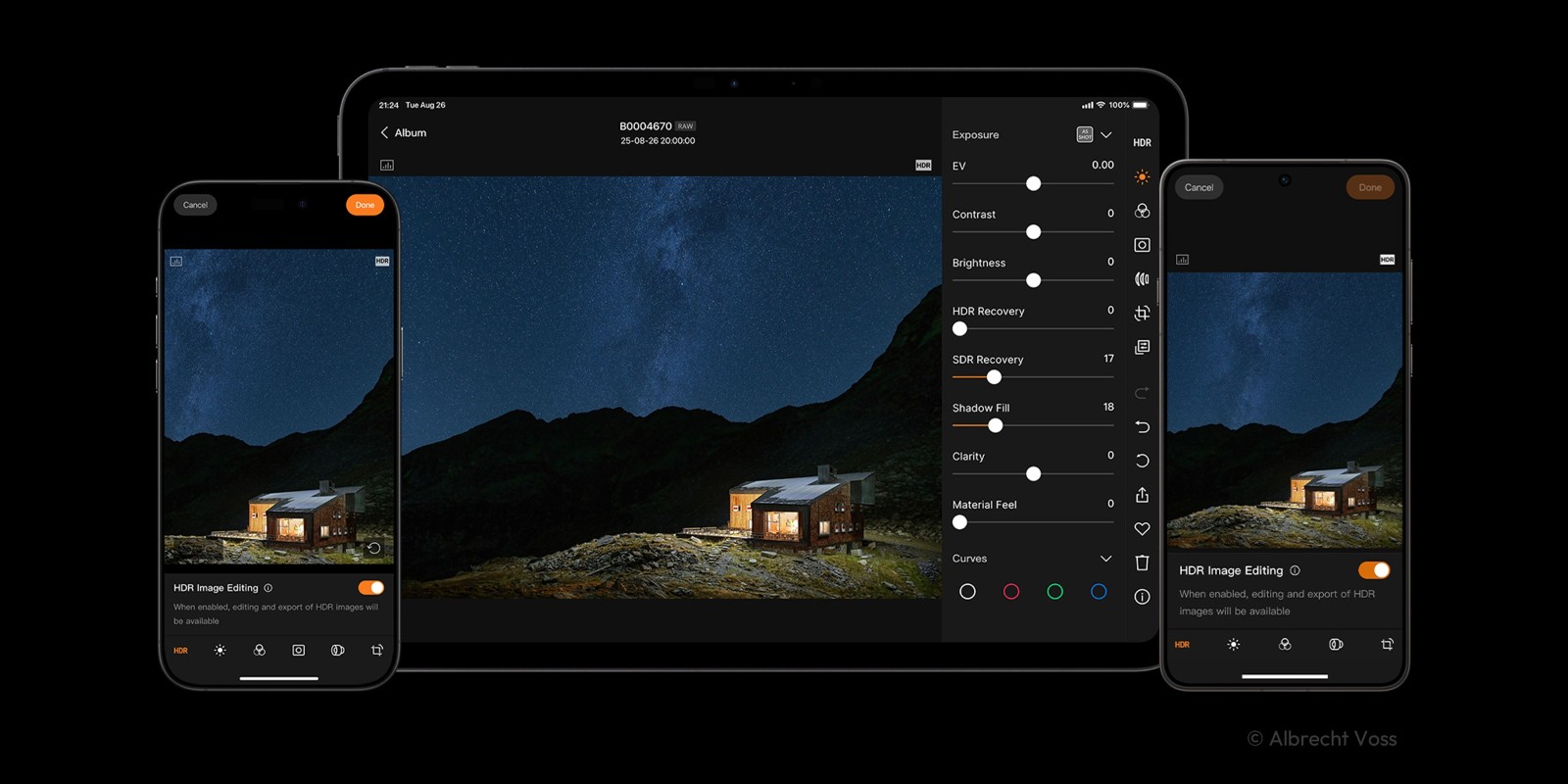
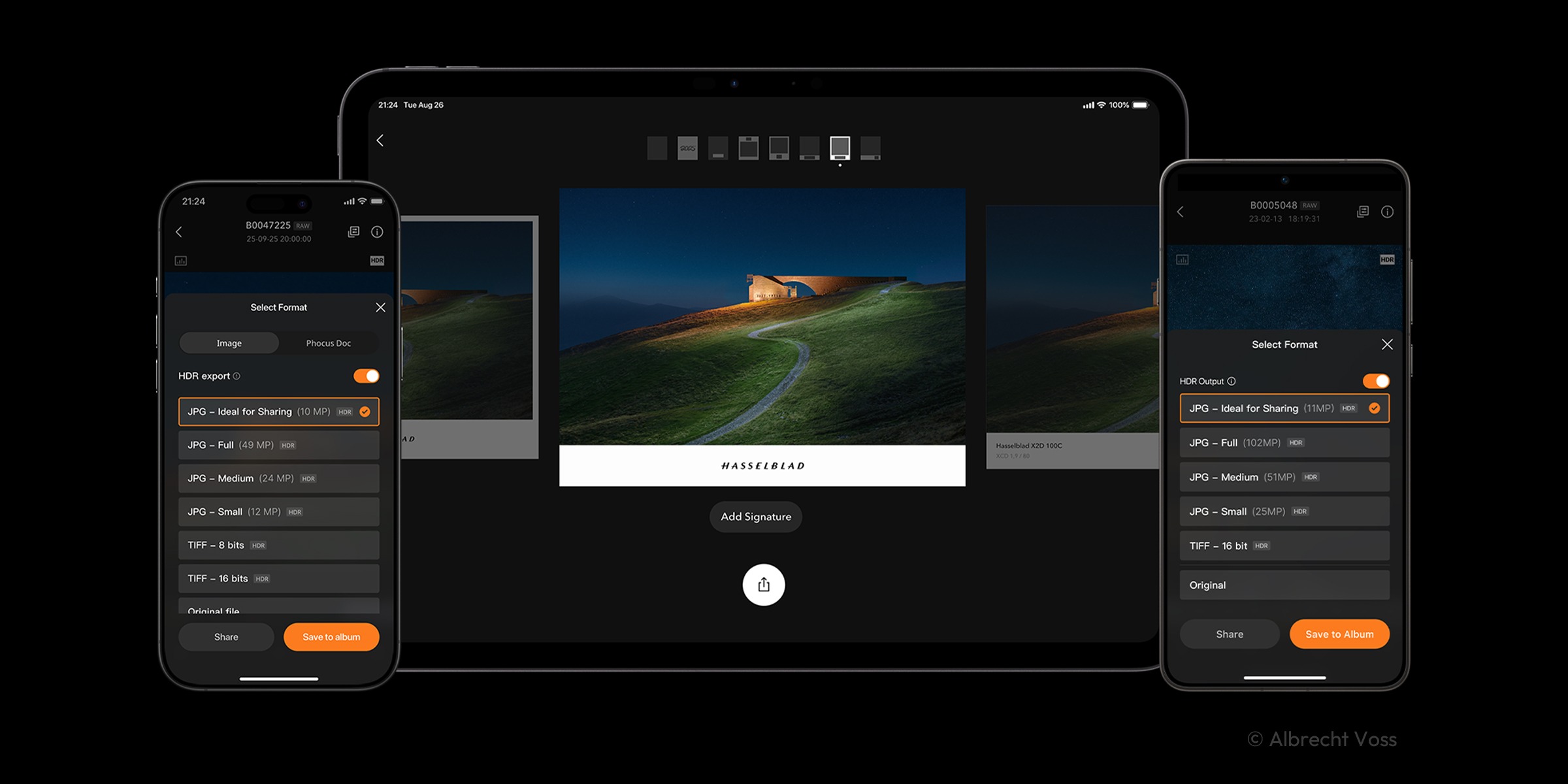
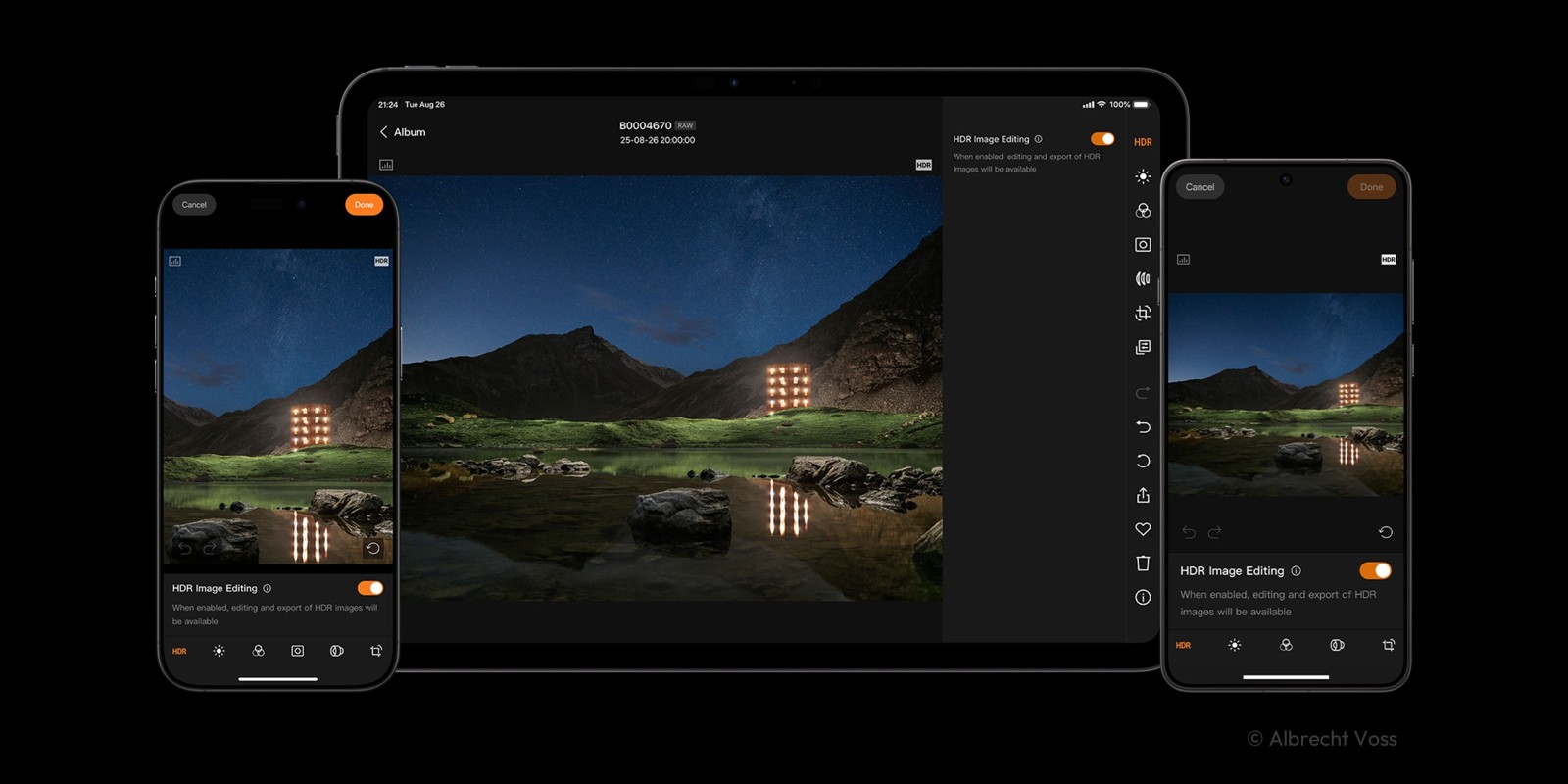
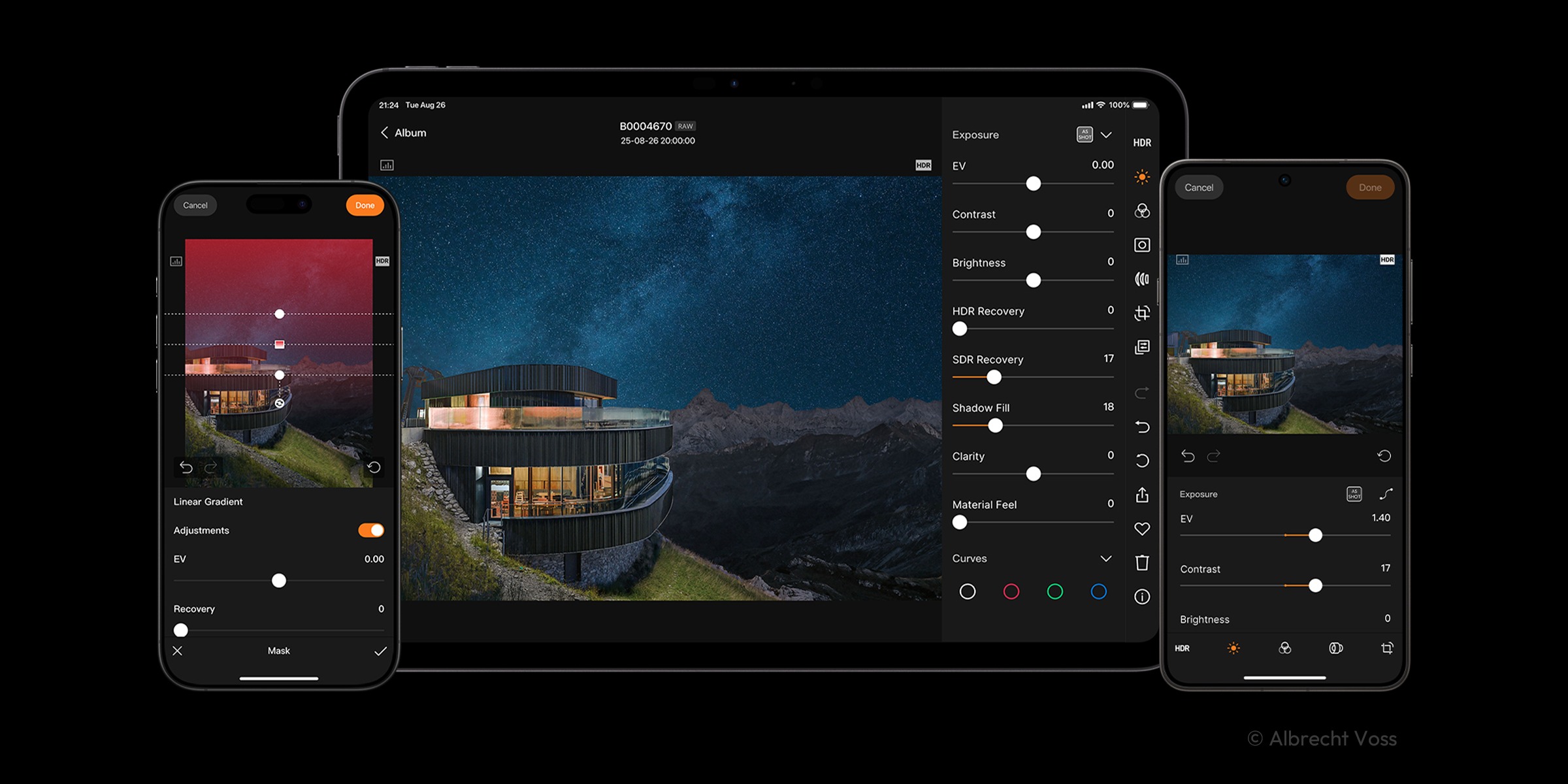
End-to-End HNCS Experience: Fully integrated with Hasselblad Natural Color Solution (HNCS), enabling perfect viewing and editing of HDR images on HDR-enabled mobile devices, and supporting export to Ultra HDR JPG or HDR TIFF formats.
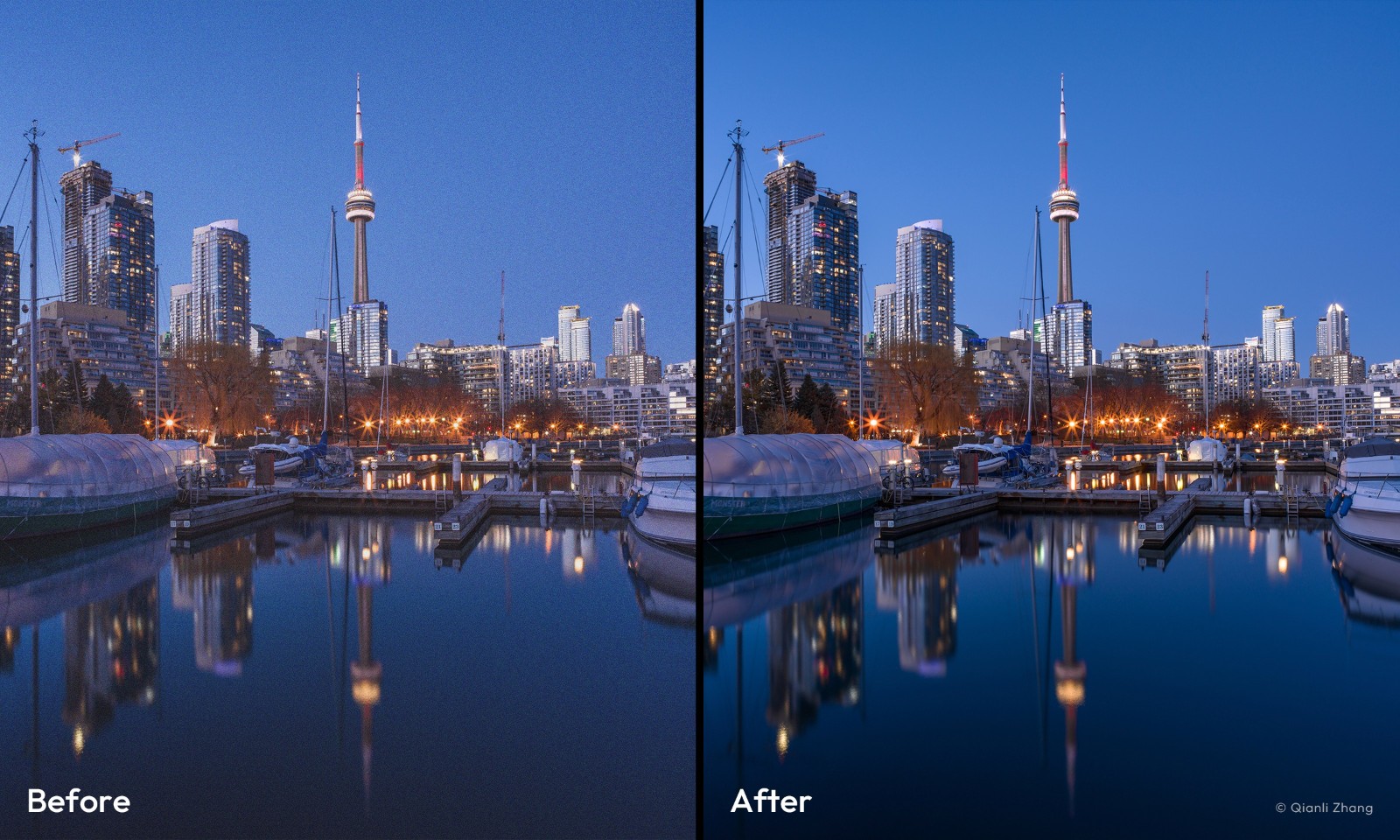
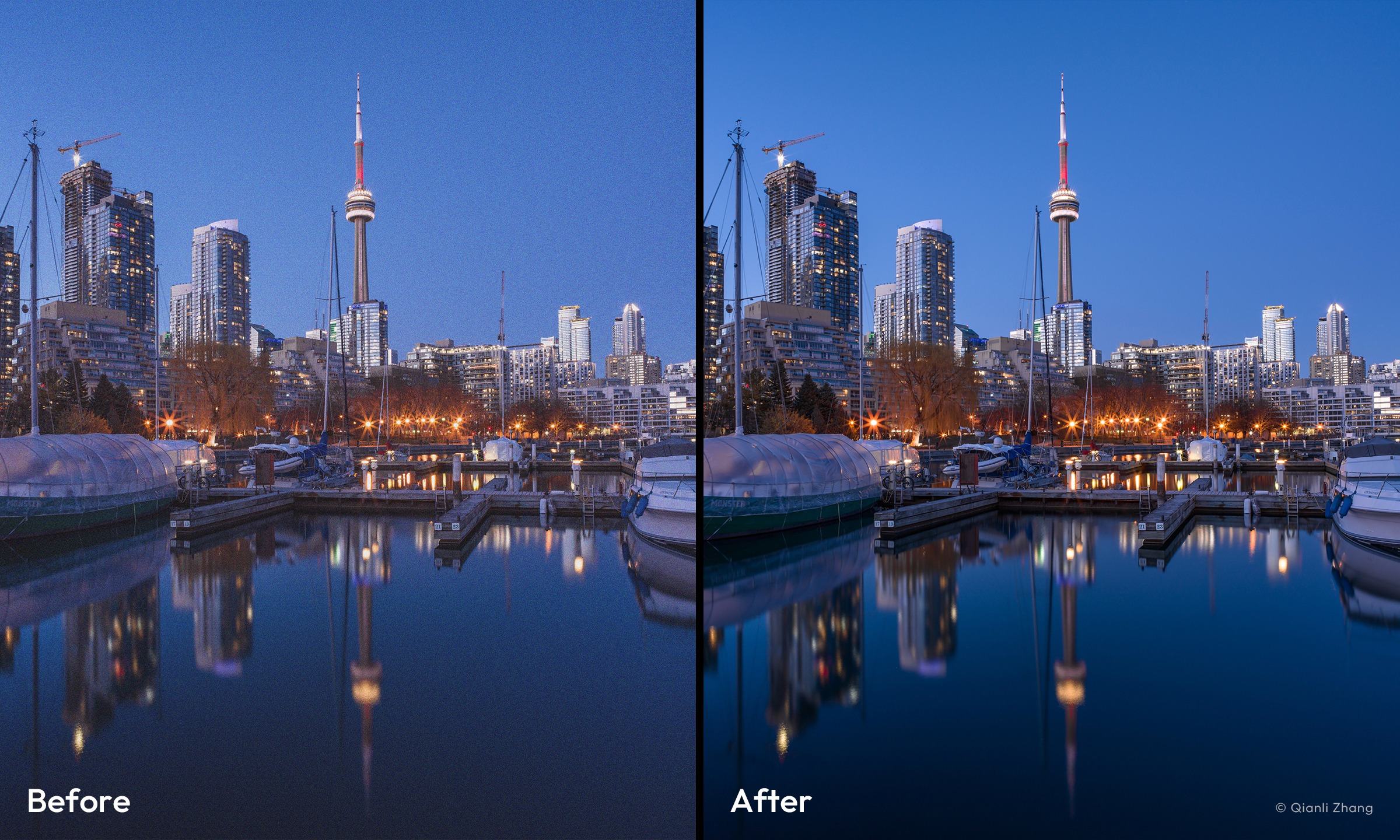
HNNR Local High-Efficiency Noise Reduction: For the first time, the "Hasselblad Natural Noise Reduction" model runs natively on mobile devices. When processing 100-megapixel RAW (3FR) files, high-quality local noise reduction is completed in approximately 20 seconds.
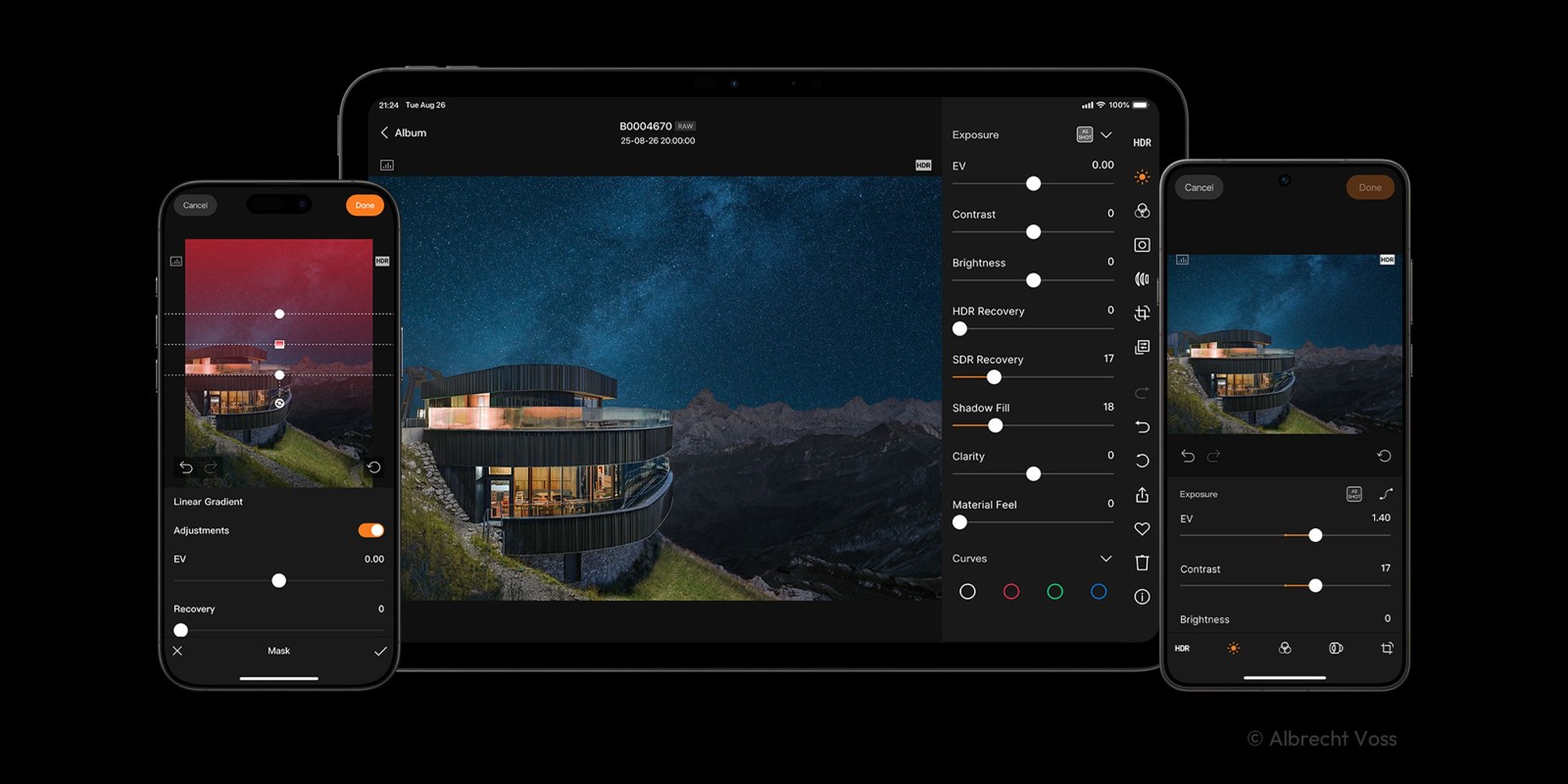
Professional Editing Toolkit: Provides a full suite of parameter adjustments including exposure, curves, white balance, lens correction, and keystone correction, and supports batch copying of editing parameters for improved efficiency.
Diverse Photo Management and Transfer: Supports photo transfer via Wi-Fi or wired connection. Offers convenient management functions such as star rating, tag filtering, and EXIF information viewing.
Function
A brand-new HNCS HDR image display, editing, and export experience
Full-quality RAW editing powered by the HNCS engine
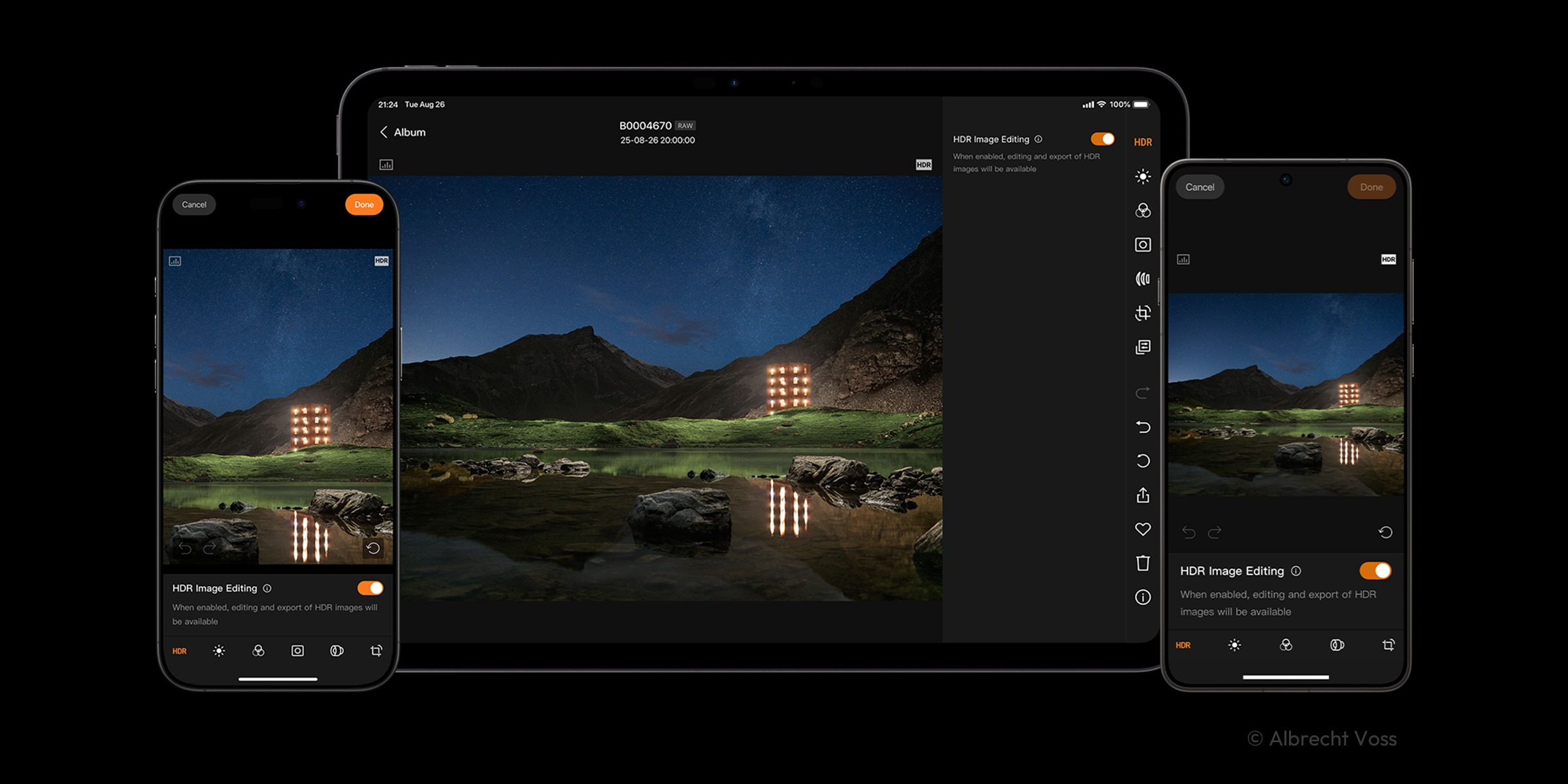
Supports multi-format downloads (RAW/JPG/HEIF)
Supports generating TIFF files for cross-platform lossless editing
Download or delete images from the camera
Control camera shooting parameters
Supports generating full-size or medium-size JPEG files
FAQs
What is Phocus Mobile?
Phocus Mobile is a mobile application developed by Hasselblad that allows photographers to capture, edit, and share high-quality images directly from their smartphone or tablet.
Which platforms is Phocus Mobile available on?
Phocus Mobile is currently available for iOS devices, such as iPhones and iPads.
What are the key features of Phocus Mobile?
Key features of Phocus Mobile include tethered shooting, remote camera control, image browsing and editing capabilities, as well as the ability to share images directly to social media platforms.
Can I shoot tethered with Phocus Mobile?
Yes, Phocus Mobile allows photographers to shoot tethered by connecting their camera to the app via Wi-Fi or USB.
Does Phocus Mobile support RAW image editing?
Yes, Phocus Mobile supports the editing of RAW image files, providing photographers with advanced editing capabilities on their mobile devices.
Is Phocus Mobile compatible with all Hasselblad cameras?
Phocus Mobile is compatible with select Hasselblad cameras that support tethering and remote control functionality. Compatibility may vary depending on the camera model.
Usage
The Android version of Phocus Mobile is currently only compatible with devices running Android 12 or later and with at least 12GB of RAM. For optimal color display and editing performance, devices running Android 16 or later and powered by a Qualcomm Snapdragon 8 (3rd generation) or higher chip are recommended.
HDR functionality requires a device screen that supports HDR display and power saving mode to be disabled. Devices running Android 16 or later and with at least 16GB of RAM are recommended for best HDR display performance. Refer to the official website for recommended device models.
HNNR currently only supports Android devices powered by a Qualcomm Snapdragon 8 (3rd generation) or higher chip. Please refer to the official website for details.
Wired connectivity is currently only supported on the X2D II 100C model, and the X2D II 100C firmware must be version 1.3.16.1 or higher.
Conclusion
Phocus Mobile expands the possibilities of Hasselblad workflows, elevating image editing to a whole new level of portability, enabling travel photographers and studio photographers to have a faster and smoother workflow.
More Information
- Size:128.08MB
- Version:1.0.0
- Requirements:Android 10+
- Votes:498
- Package Name:com.hasselblad.phocus2
- Signature:32721f5dddb54853b21defead53c50be
Related topics
-
A collection of essential beauty camera tools designed to instantly enhance your photos. Whether you’re perfecting your selfies or creating stunning images, these tools help you achieve flawless results with just a few taps. Ideal for anyone looking to elevate their photo game effortlessly.
-
![Phocus Mobile]()
Phocus Mobile
-
![Thermal Infrared Camera Effect]()
Thermal Infrared Camera Effect
-
![Timelapse Calculator]()
Timelapse Calculator
-
![500px-Photo Sharing Community]()
500px-Photo Sharing Community
-
![Selfie - Enstyle]()
Selfie - Enstyle
-
![KiwiCamera]()
KiwiCamera
-
![Camera360]()
Camera360
-
![Lightroom]()
Lightroom
-
-
Photography is an art form that has been around for over a century and has evolved greatly over the years. With the advent of technology, photography has become more accessible and convenient, especially with the rise of mobile photography. Mobile photography has revolutionized the field of photography, making it possible to capture and edit high-quality photos right from your smartphone. As mobile photography continues to grow in popularity, there is an abundance of mobile apps available for photography enthusiasts. However, with so many options available, it can be difficult to determine which apps are worth your time and investment. In this article, we’ll take a look at the top mobile apps for photography and provide you with a comprehensive guide to help you choose the best app for your needs.
-
![Phocus Mobile]()
Phocus Mobile
-
![Camera for Facebook]()
Camera for Facebook
-
![Photo & Picture Resizer]()
Photo & Picture Resizer
-
![Timelapse Calculator]()
Timelapse Calculator
-
![500px-Photo Sharing Community]()
500px-Photo Sharing Community
-
![Kapi Cam]()
Kapi Cam
-
![LoFi Cam]()
LoFi Cam
-
![Bleach Bypass]()
Bleach Bypass
-
-
Transform your smartphone into a powerful creative tool with these top-rated camera apps. Packed with professional-grade editing features, stunning filters, and advanced effects, they help you capture and refine every shot like never before. Perfect for landscapes, portraits, or spontaneous selfies, these apps offer intuitive controls and AI-powered enhancements-all for free. Download today and unlock your full artistic potential. With these apps, your photos will stand out with polished, professional quality, making every moment picture-perfect!
-
![Phocus Mobile]()
Phocus Mobile
-
![Thermal Infrared Camera Effect]()
Thermal Infrared Camera Effect
-
![Camera for Facebook]()
Camera for Facebook
-
![Timelapse Calculator]()
Timelapse Calculator
-
![500px-Photo Sharing Community]()
500px-Photo Sharing Community
-
![Camera Pixel]()
Camera Pixel
-
![Timestamp Camera Enterprise]()
Timestamp Camera Enterprise
-
![Camera360]()
Camera360
-












Latest Updated






Popular Apps








Popular News
More+-
![Tomie Wants to Get Married Full Walkthrough, All Choices and Ending Guide]()
Tomie Wants to Get Married Full Walkthrough, All Choices and Ending Guide
2026-05-22
-
![Karryn’s Prison Gameplay Walkthrough & Strategy Guide]()
Karryn’s Prison Gameplay Walkthrough & Strategy Guide
2025-10-28
-
![Life in Santa County Game Guide & Complete Walkthrough]()
Life in Santa County Game Guide & Complete Walkthrough
2025-10-28
-
![Dreams of Desire Complete Walkthrough and Game Guide]()
Dreams of Desire Complete Walkthrough and Game Guide
2025-10-28
-
![Era Hunter Gameplay Guide & Full Walkthrough]()
Era Hunter Gameplay Guide & Full Walkthrough
2025-10-28




