
Snap Pro
Download for Android This app is available for Android only.- Category:Photography
- Rating:
- Language:English
- Updated:2026-11-10
Screenshots
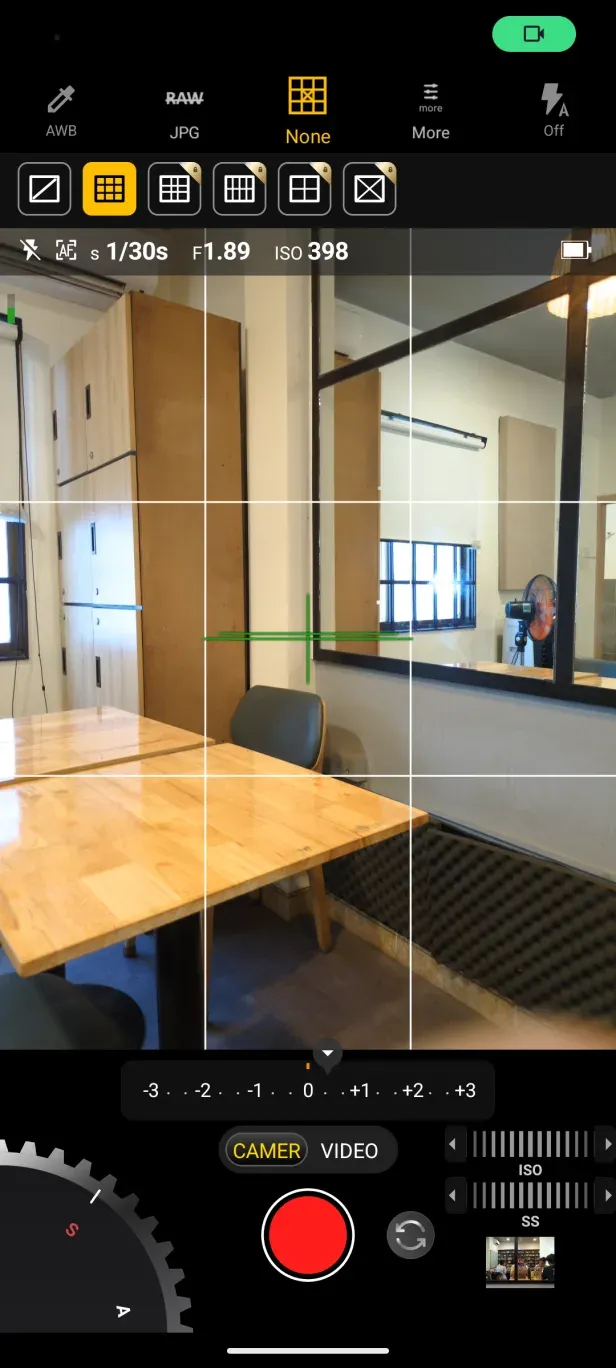
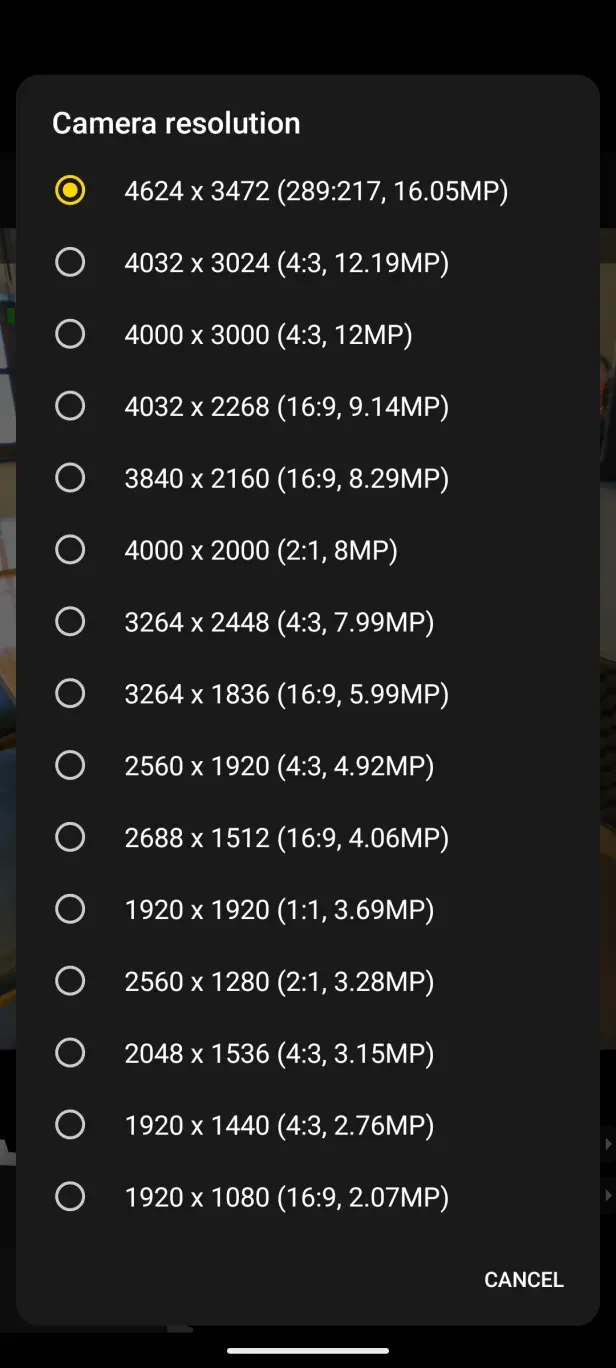
Introduction
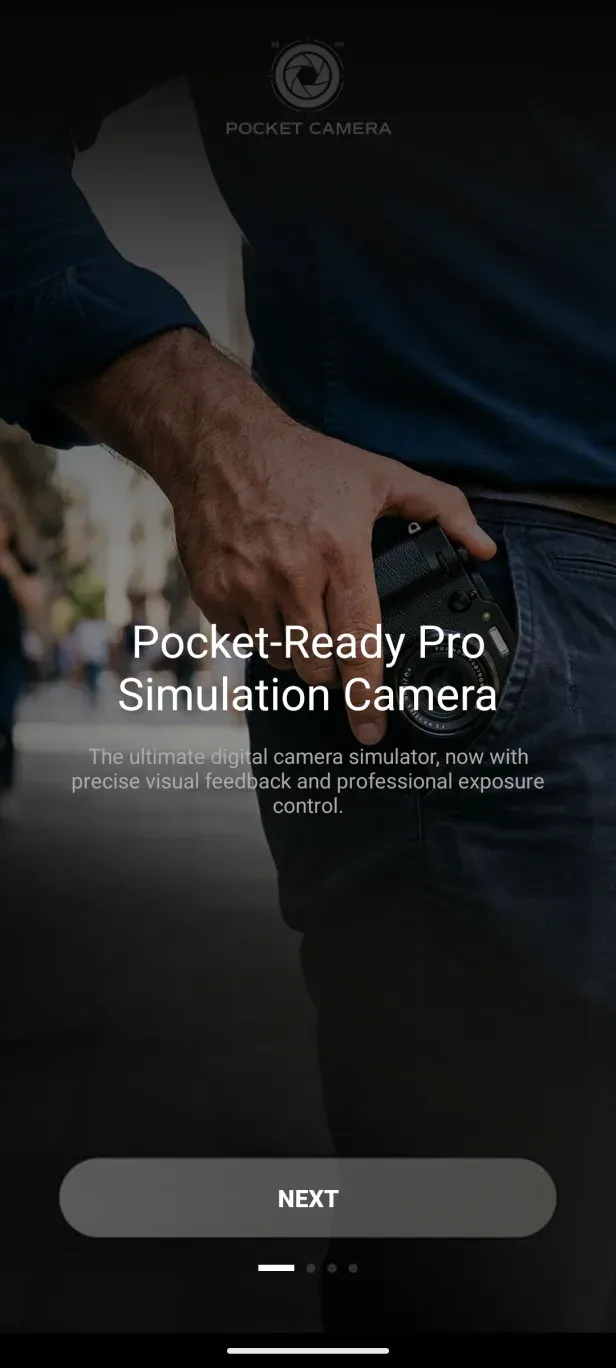
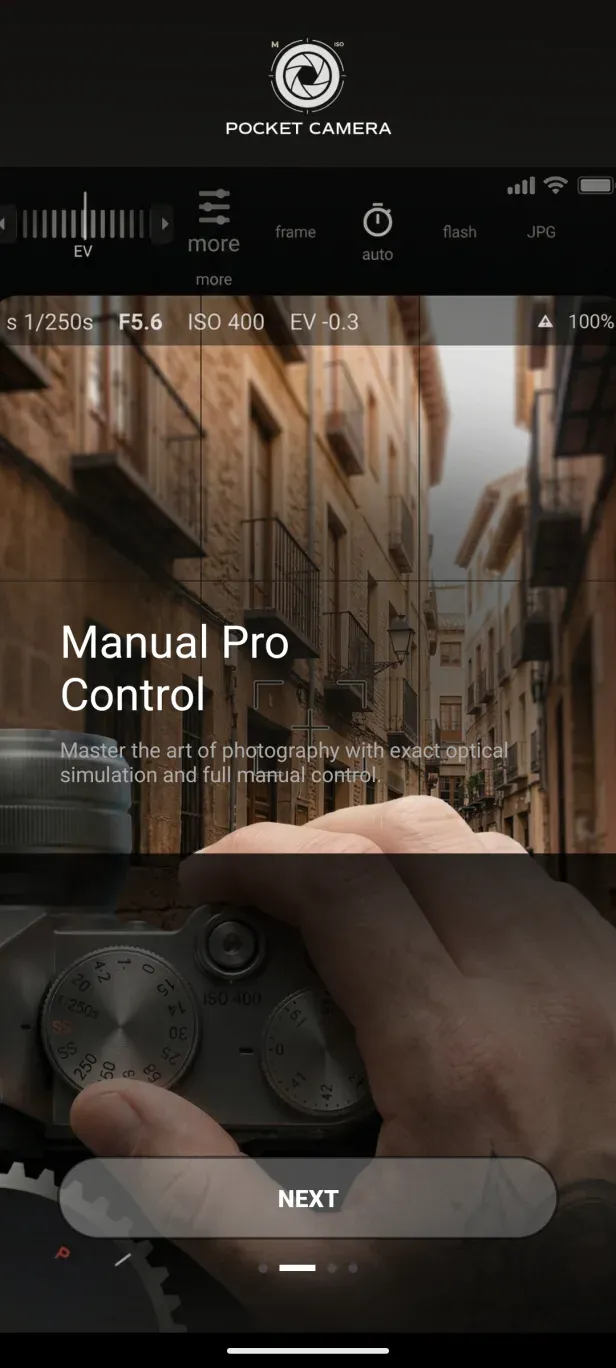
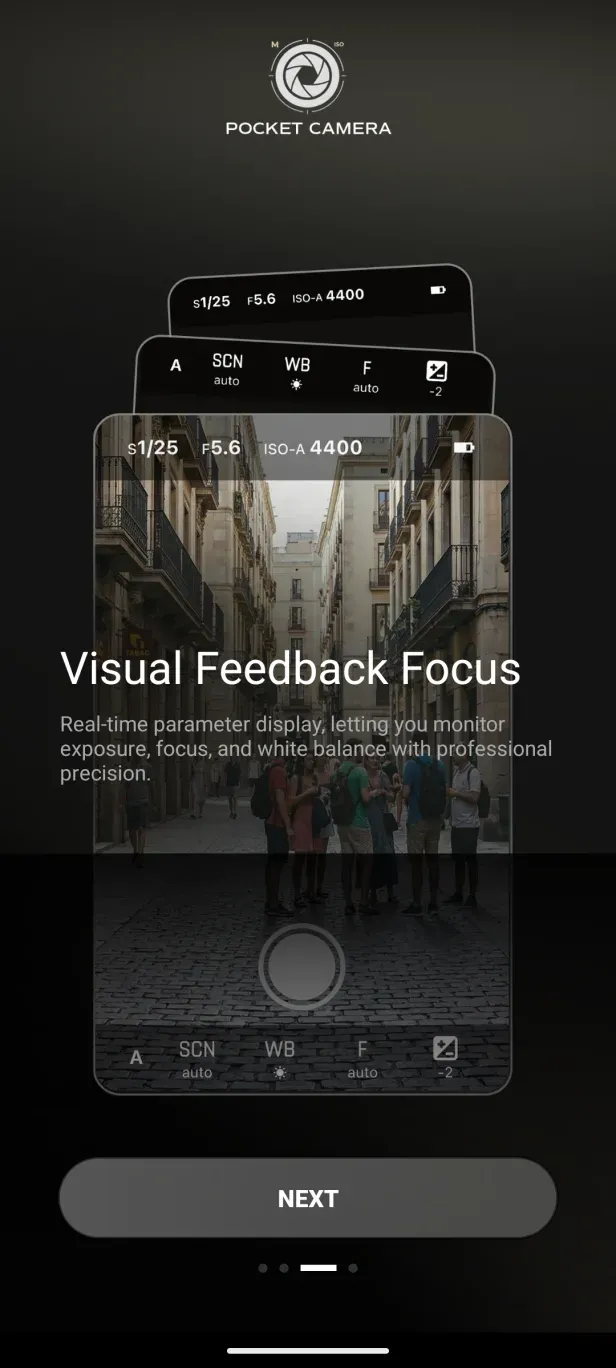
Snap Pro is a camera application that gives users full control over shooting parameters—such as focus, shutter speed, and white balance—while offering a variety of specialized modes, including burst shooting, night mode, and noise reduction, to ensure the best possible results in any environment. The app also features extensive customization options, allowing you to tailor the interface and place frequently used functions in easily accessible spots to streamline your shooting and editing workflow. Additionally, users can add custom watermarks to their photos, incorporating details like the date, time, and personalized text.
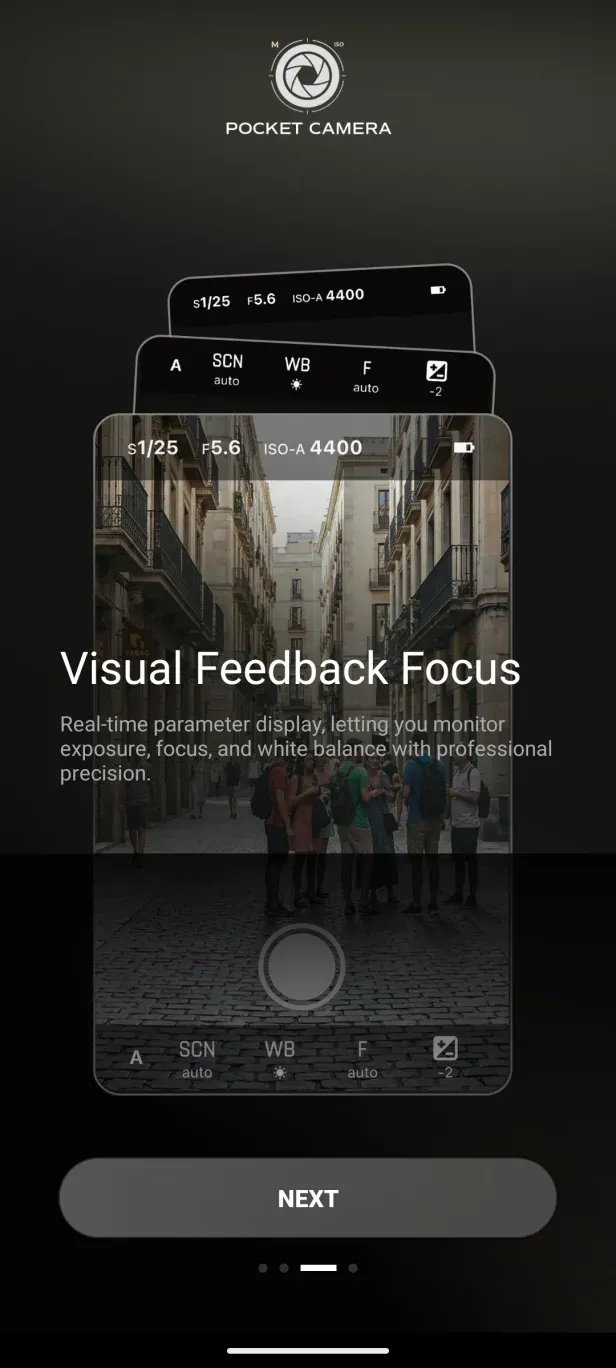
Features of Snap Pro:
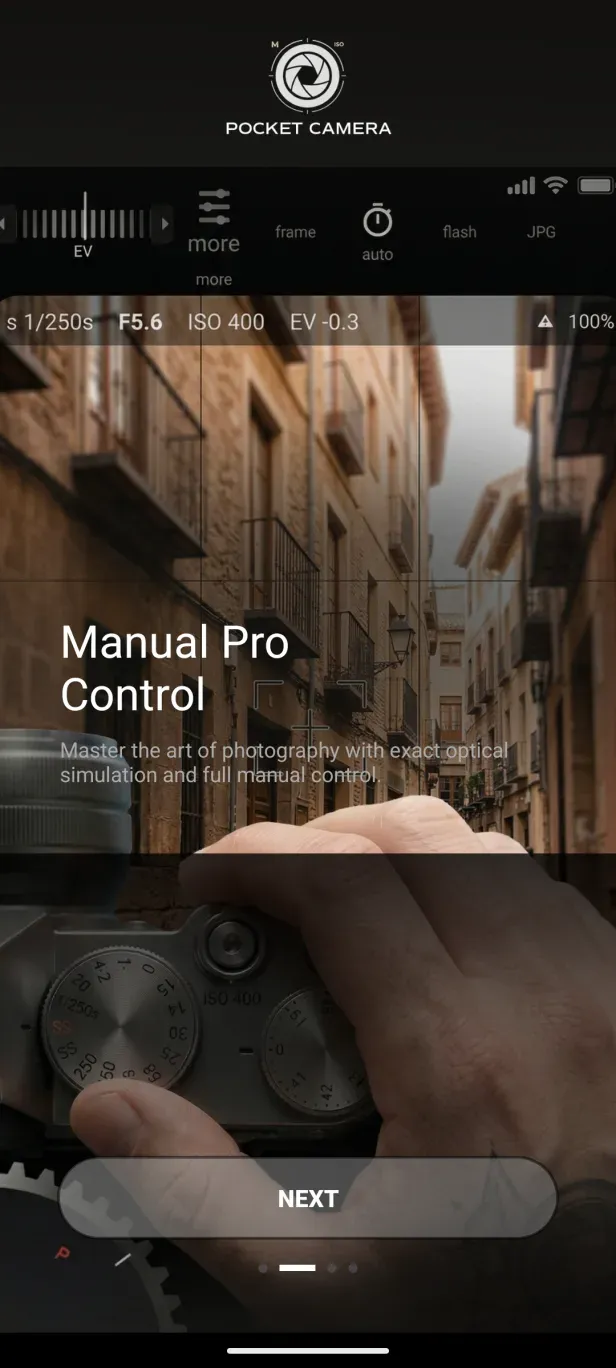
Manual Controls for Professional Photography: Snap Pro gives you full control over your shots with manual settings for ISO, shutter speed, and white balance. This feature is perfect for those who want to fine-tune their photography and achieve professional results right from their smartphone.
AI-Powered Portrait Mode: The app's portrait mode uses advanced AI to create stunning bokeh effects, similar to those you’d get with a DSLR camera. It automatically adjusts the depth of field, making your subject pop against a beautifully blurred background.
Long Exposure Capabilities: Capture mesmerizing images with long exposure settings. Whether you’re photographing light trails or creating a dreamy effect with motion blur, this feature adds an artistic touch to your photos.
Creative Photography Modes: Snap Prooffers a variety of creative modes, including time-lapse and tilt-shift. These options allow you to explore different styles of photography and bring your unique vision to life.
RAW and ProRAW Support: For those who want the most out of their editing process, the app supports RAW and ProRAW formats. This allows you to retain all the details of your photos, giving you maximum flexibility when it comes to post-processing.
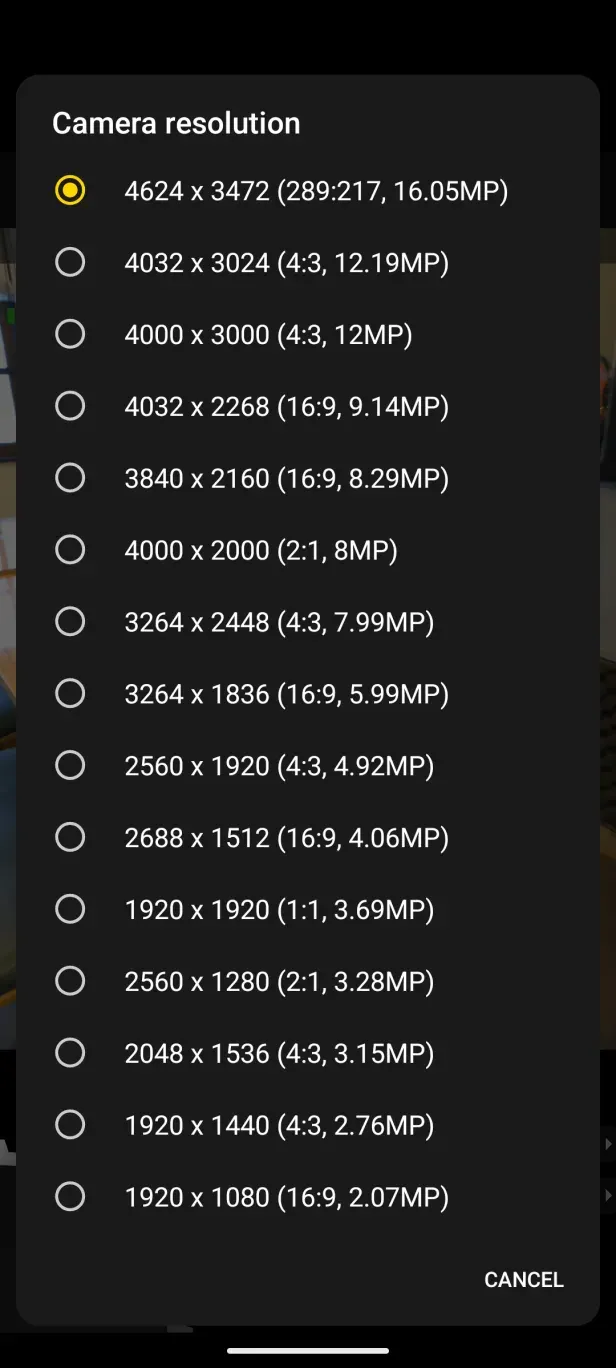
Highlights of Snap Pro:
This is best suited to Android photographers who understand the exposure triangle or want to learn it through experimentation. Adjusting shutter speed and focus can produce images that a stock camera's automatic mode might miss. Novices may find the number of settings daunting, especially when burst, timer, or automatic repeat modes are active. One reported case of unexpected five-shot captures suggests that these controls are not always easy to find or disable.
Video tools receive nearly as much attention. Snap Pro can record at 4K UHD resolution on compatible phones, with options for frame rate, bit rate, orientation lock, and audio. Time-lapse, fast-motion, and slow-motion modes broaden its creative range, while the intervalometer can automate repeated shots for time-lapse or stop-motion work. Some external microphones are supported as well.
Those options make the app more flexible than a simple point-and-shoot replacement, but hardware remains the limiting factor. Choosing a resolution beyond the phone's capacity can produce a corrupted file. Likewise, installing a manual camera app cannot create sensor detail, frame rates, or focusing behavior that the device itself does not provide.
User Reviews of Snap Pro:
Interesting camera..pls go easy on us R150 monthly subscription is kinda too much.
i mostly like the features...makes your phone feel like it a pro camera...
Bought this program for IPhone 15 Pro. Every time I attach my 2x’s external lens the shutter button freezes and will not allow me to take another photo unless I reboot my phone. It does this every time. This is inacceptable.UPDATE: After messing around with installing and reinstalling the program I no longer have the problem. It NOW works fine. I really wanted this program to work because it is one of the BEST programs out there. I’m glad I could now have resolved that perplexing problem. I especially LOVE it because I no longer have to change my lens back and forth when going from 1x to 3x. I also LOVE the aspect ratio of FULL. I could never get this with other programs I used. Also I LOVE the fact that I have far less problems getting this program to produce relatively sharp image photos.
Summary:
Snap Pro offers a comprehensive suite of tools that cater to both amateur and professional photographers. Its wide range of features, from manual controls to creative photography modes, makes it an indispensable app for those who want to get the most out of their smartphone camera. Whether you’re capturing everyday moments or experimenting with advanced photography techniques, Snap Pro APK is equipped to meet your needs.
More Information
- Size:23.16MB
- Version:1.5
- Requirements:Android 7.0+
- Package Name:com.dlsr.cam
- Signature:87c1715009044b4c9d64bf364567e949
Related topics
-
Welcome to our image editing apps! Perfect for beginners and pros alike, they make photo enhancement easy. Use PicsArt to crop, adjust colors, and apply filters. Remove backgrounds instantly with Remove.bg. Get creative with layers and advanced tools on Adobe Photoshop Express. Start transforming your images today!
-
![Snap Pro]()
Snap Pro
-
![Photo Lab PRO Picture Editor]()
Photo Lab PRO Picture Editor
-
![We Heart It]()
We Heart It
-
![Aarya Editz]()
Aarya Editz
-
![Memes]()
Memes
-
![PREQUEL]()
PREQUEL
-
![Story Editor]()
Story Editor
-
![Huji Cam]()
Huji Cam
-
-
Enhance your photos effortlessly with the best free photo editing apps for Android! Whether you want to apply stunning filters, adjust brightness and contrast, remove blemishes, or create professional-quality edits, these apps offer powerful tools at your fingertips. From simple one-tap enhancements to advanced editing features like background removal and AI-powered effects, you can transform your images with ease. Explore a wide range of user-friendly and feature-rich apps, all available for free download. Start editing and make your photos stand out today!
-
![Snap Pro]()
Snap Pro
-
![Photo Lab PRO Picture Editor]()
Photo Lab PRO Picture Editor
-
![Aarya Editz]()
Aarya Editz
-
![Mivi :Music & Beat Video Maker]()
Mivi :Music & Beat Video Maker
-
![PREQUEL]()
PREQUEL
-
![Story Editor]()
Story Editor
-
![Huji Cam]()
Huji Cam
-
![Magic Eraser]()
Magic Eraser
-
-
Nowadays, with the popularity of intelligent technology, this new intelligent technology will provide faster content creation in daily life. In the face of today's intelligent landscape application creation, it supports the creation of text content for different themes, provides intelligent image creation and painting, and even realizes various personalized AI creation functions such as intelligent image cutout. In terms of using intelligent tools, you can gain more information, knowledge and inspiration. The editor recommends the following popular AI creation tools for you to experience the help that intelligent AI brings to different scenarios such as life, work, and study.
-
![Snap Pro]()
Snap Pro
-
![Kwiky]()
Kwiky
-
![Swapy]()
Swapy
-
![Photo Lab Picture Editor art]()
Photo Lab Picture Editor art
-
![Da Vinci Eye]()
Da Vinci Eye
-
![Kafios]()
Kafios
-
![AI Anime]()
AI Anime
-
![Prompt Seen]()
Prompt Seen
-















Latest Updated


Popular Apps








Popular News
More+-
![Tomie Wants to Get Married Full Walkthrough, All Choices and Ending Guide]()
Tomie Wants to Get Married Full Walkthrough, All Choices and Ending Guide
2026-05-22
-
![Karryn’s Prison Gameplay Walkthrough & Strategy Guide]()
Karryn’s Prison Gameplay Walkthrough & Strategy Guide
2025-10-28
-
![Life in Santa County Game Guide & Complete Walkthrough]()
Life in Santa County Game Guide & Complete Walkthrough
2025-10-28
-
![Dreams of Desire Complete Walkthrough and Game Guide]()
Dreams of Desire Complete Walkthrough and Game Guide
2025-10-28
-
![Era Hunter Gameplay Guide & Full Walkthrough]()
Era Hunter Gameplay Guide & Full Walkthrough
2025-10-28




