
Simple Gallery
Download for Android This app is available for Android only.- Category:Photography
- Rating:
- Language:English
- Updated:2026-11-25
Screenshots
Introduction
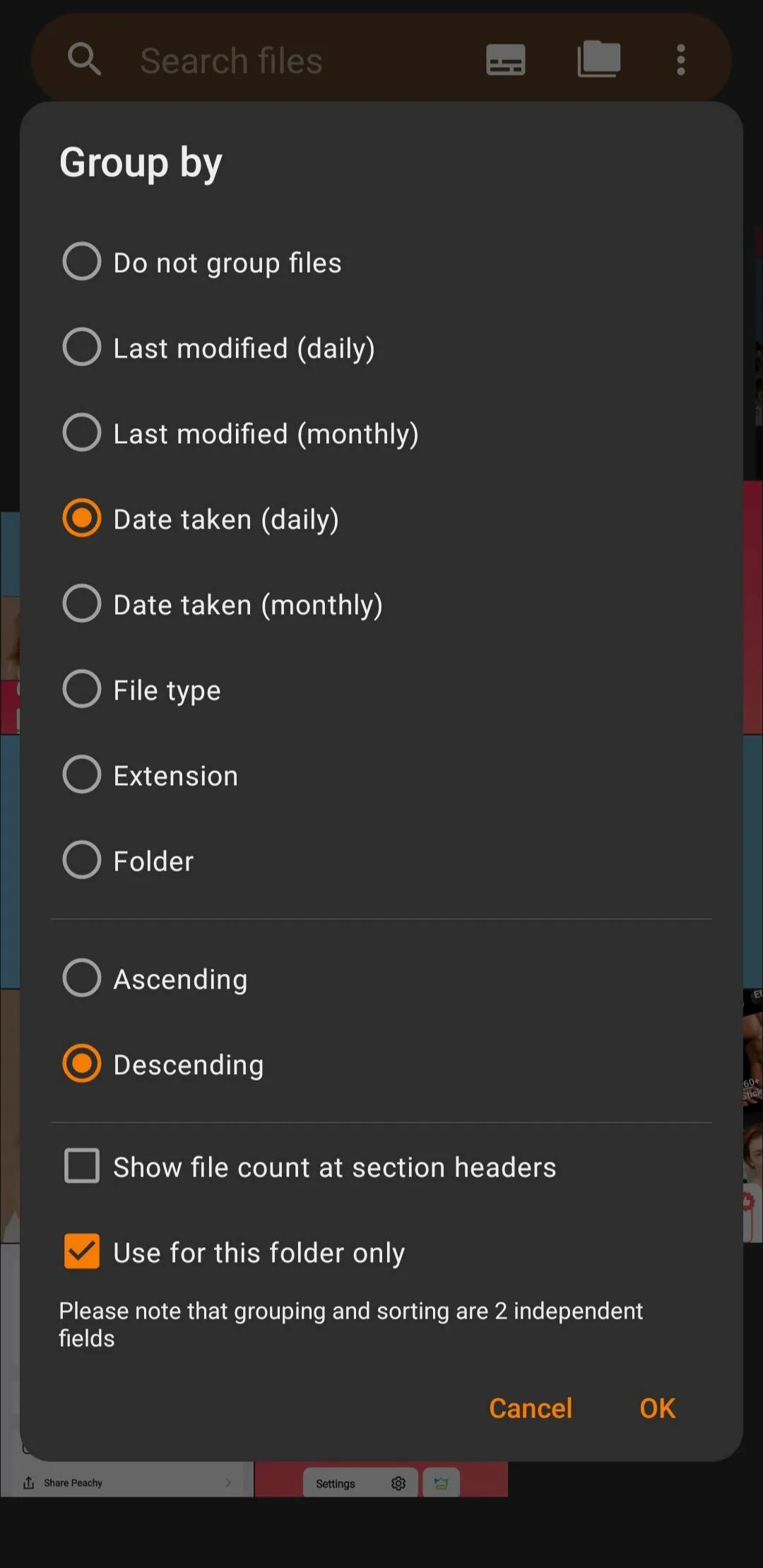
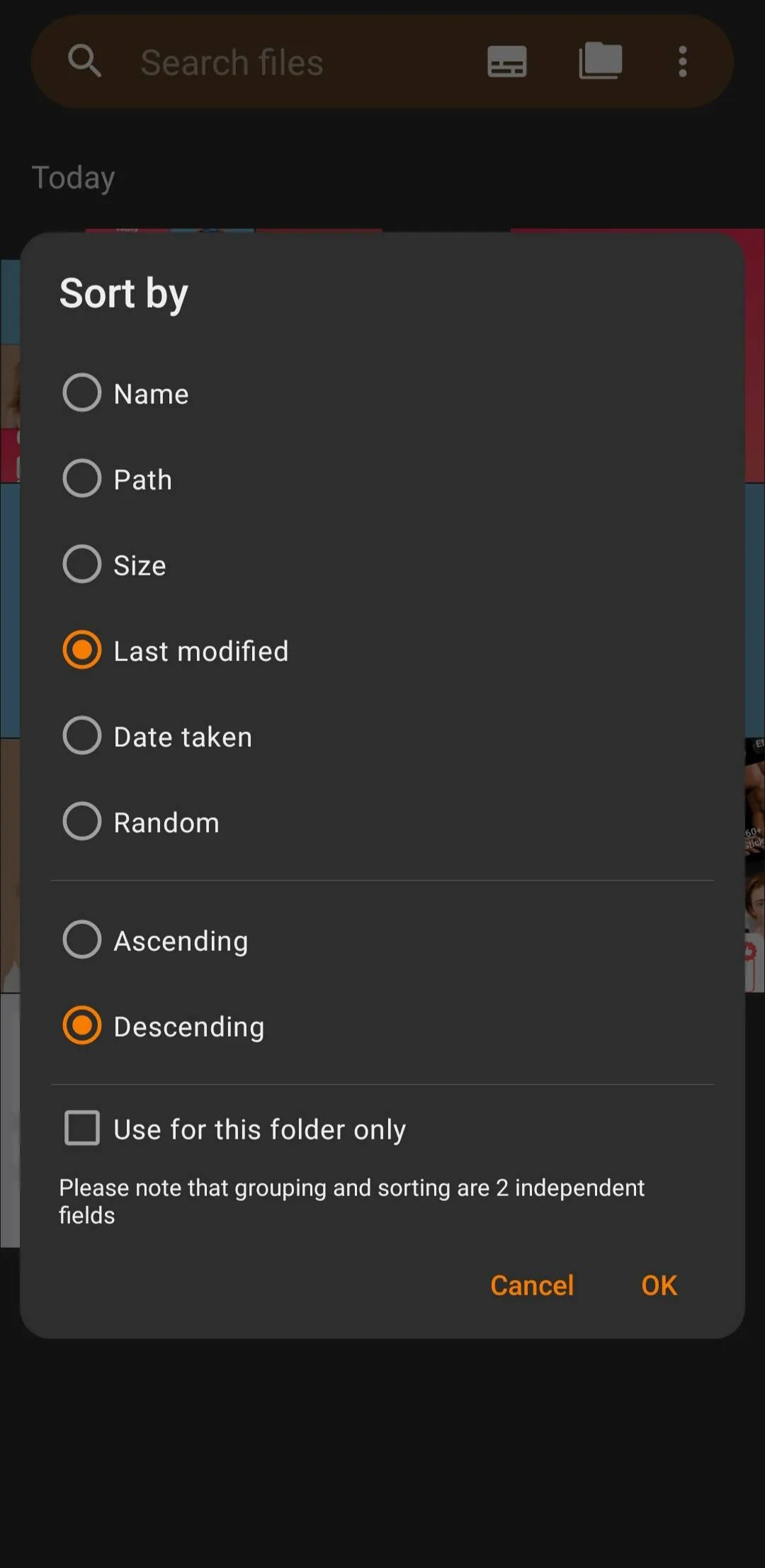
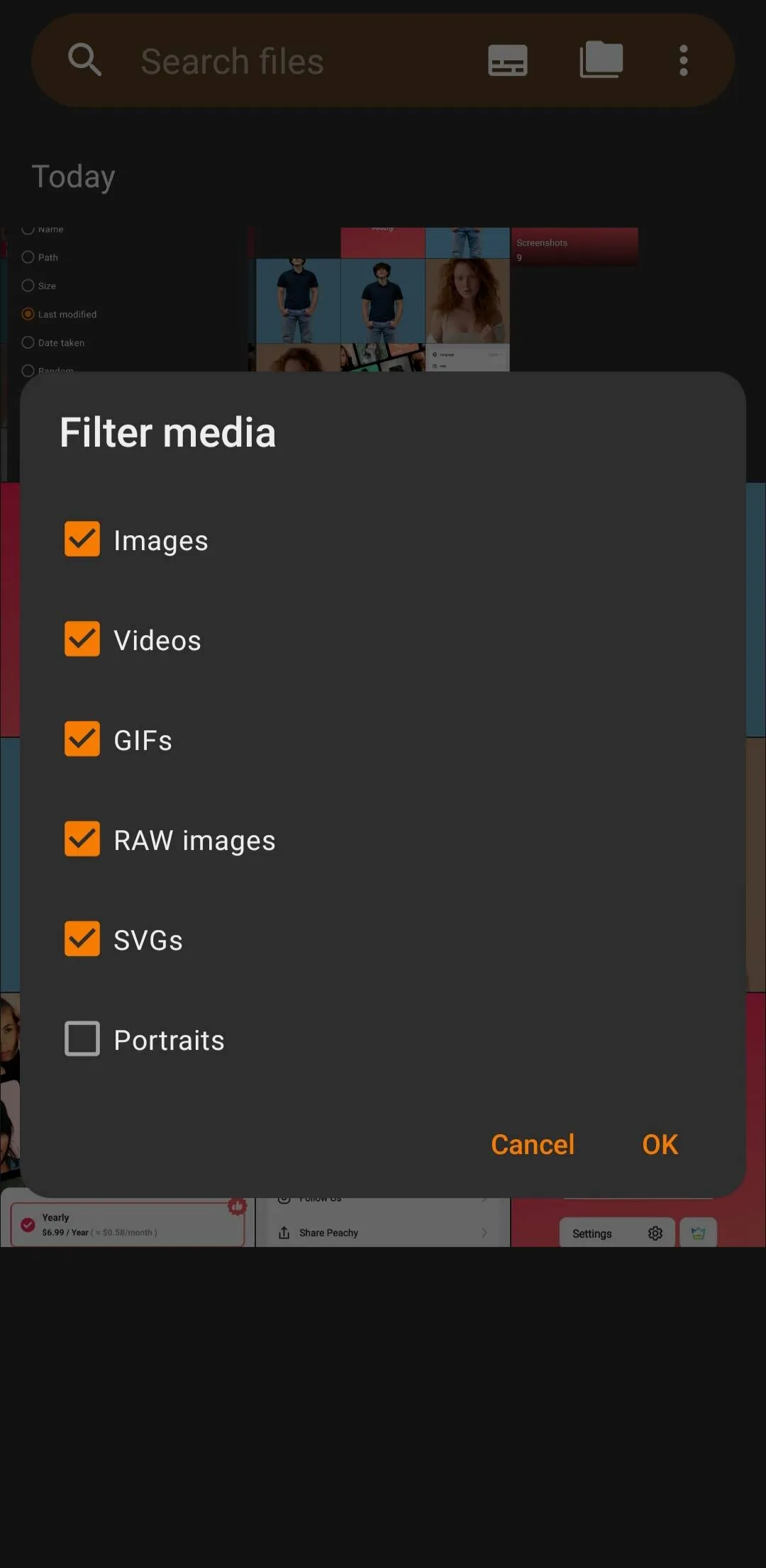
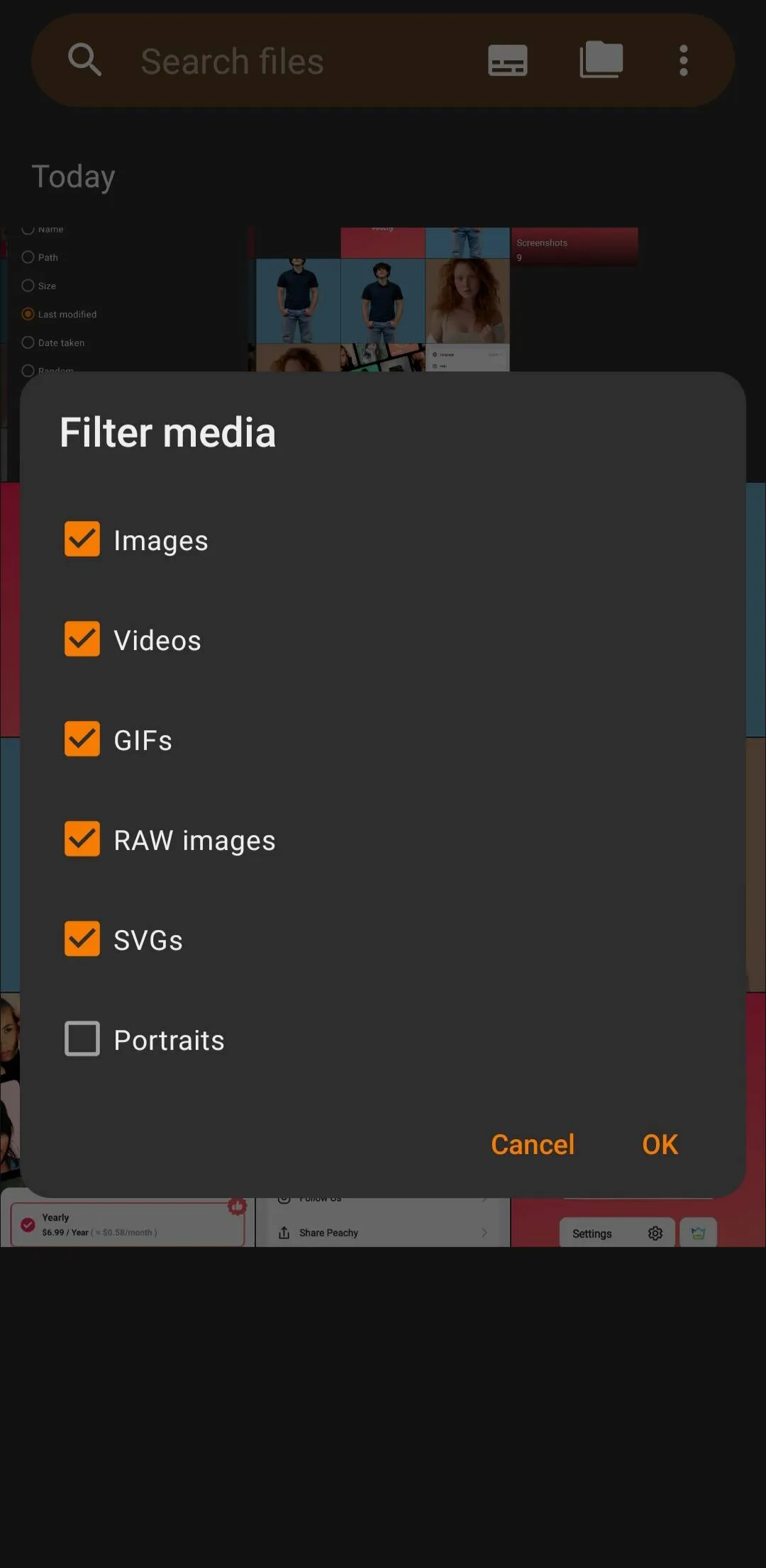
Simple Gallery is an image management tool for Android devices, designed to help users organize the photos and videos on their phones. It features a built-in image editor and file manager, allowing users to crop, flip, and resize images, as well as apply filters. The app is highly customizable, enabling users to tailor its appearance and configure the toolbar with specific function buttons. It supports a wide range of image formats and offers the ability to recover deleted photos and videos. Furthermore, it incorporates robust security measures to keep your private photos, videos, and files safe.
Features
Organize Photos and Videos with Ease!
With Simple Gallery, organizing your photos and videos has never been simpler. Our app streamlines the process, allowing you to manage your media library with ease and precision.
Advanced Photo Editor
Simple Gallery’s enhanced file manager and album system make photo editing a breeze. Intuitive gesture controls allow you to edit images anytime, anywhere. Crop, flip, rotate, resize, or apply stylish filters to make your photos shine in an instant.
Make It Your Own
Simple Gallery’s highly customizable design lets you tailor the app’s look, feel, and functionality to your preferences. From the user interface to the function buttons on the bottom toolbar, Simple Gallery offers the creative freedom you need in a gallery app.
Recover Deleted Photos and Videos
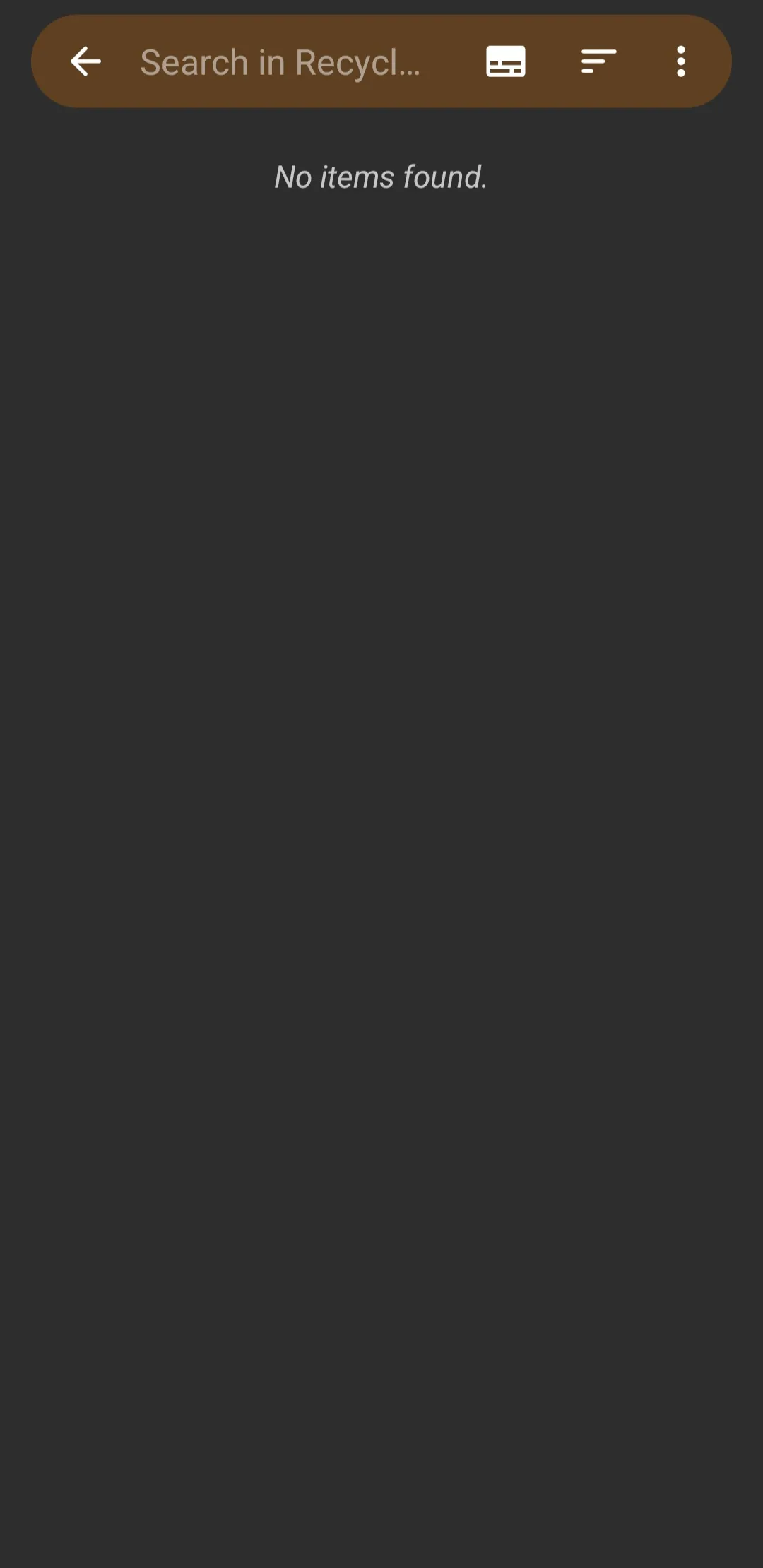
Never worry about accidentally deleting precious photos or videos again. Simple Gallery allows you to quickly recover deleted media, meaning that beyond being a top-tier media library app for Android, it also functions as an excellent photo vault.
Protect Your Private Photos, Videos, and Files
Rest assured that your albums are safe and secure. Simple Gallery includes robust security features, allowing you to use a password, pattern, or your device’s fingerprint scanner to restrict access to specific photos, videos, or important files. You can even secure the app itself or lock specific functions within the file manager.
Usage
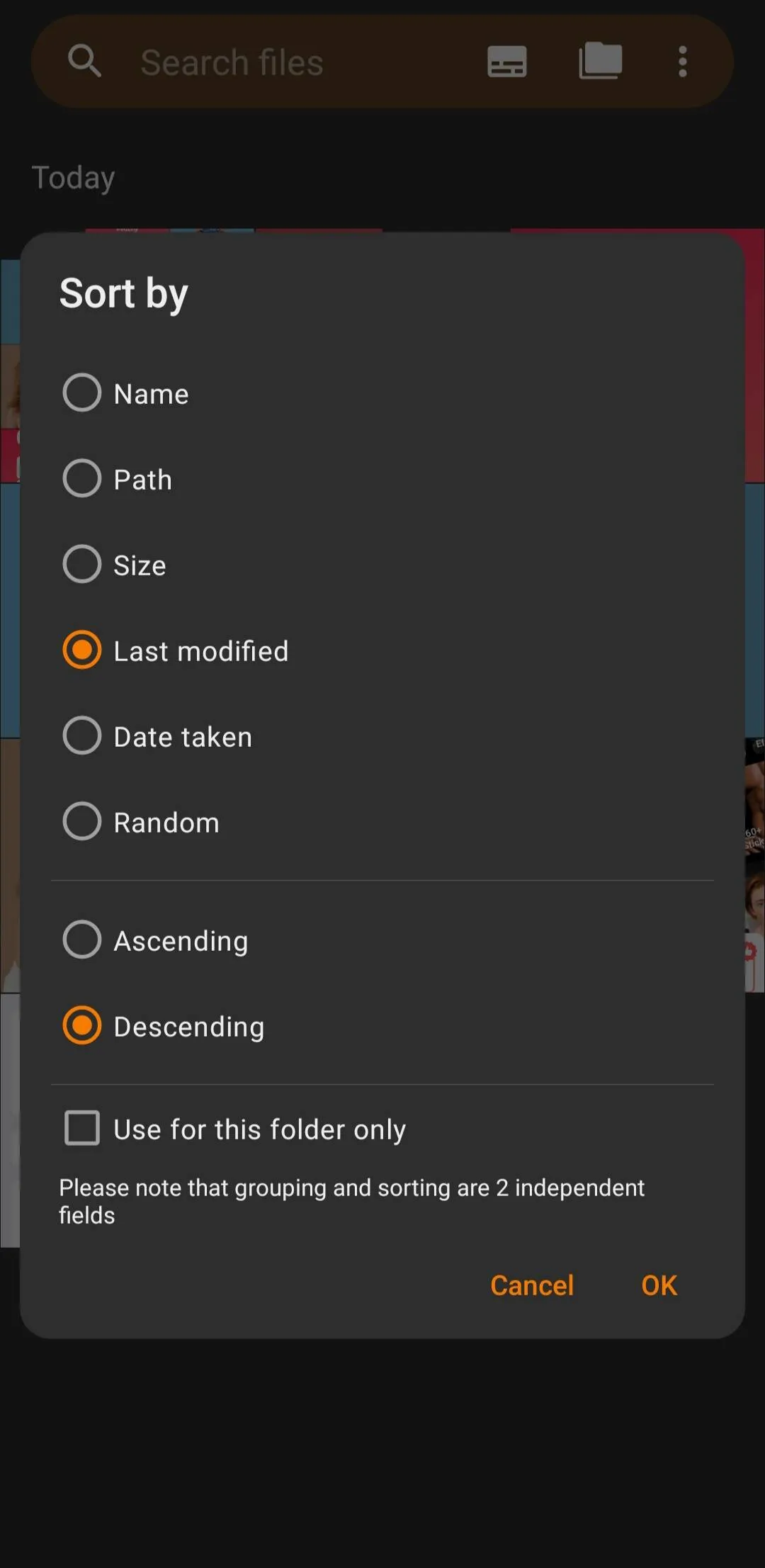
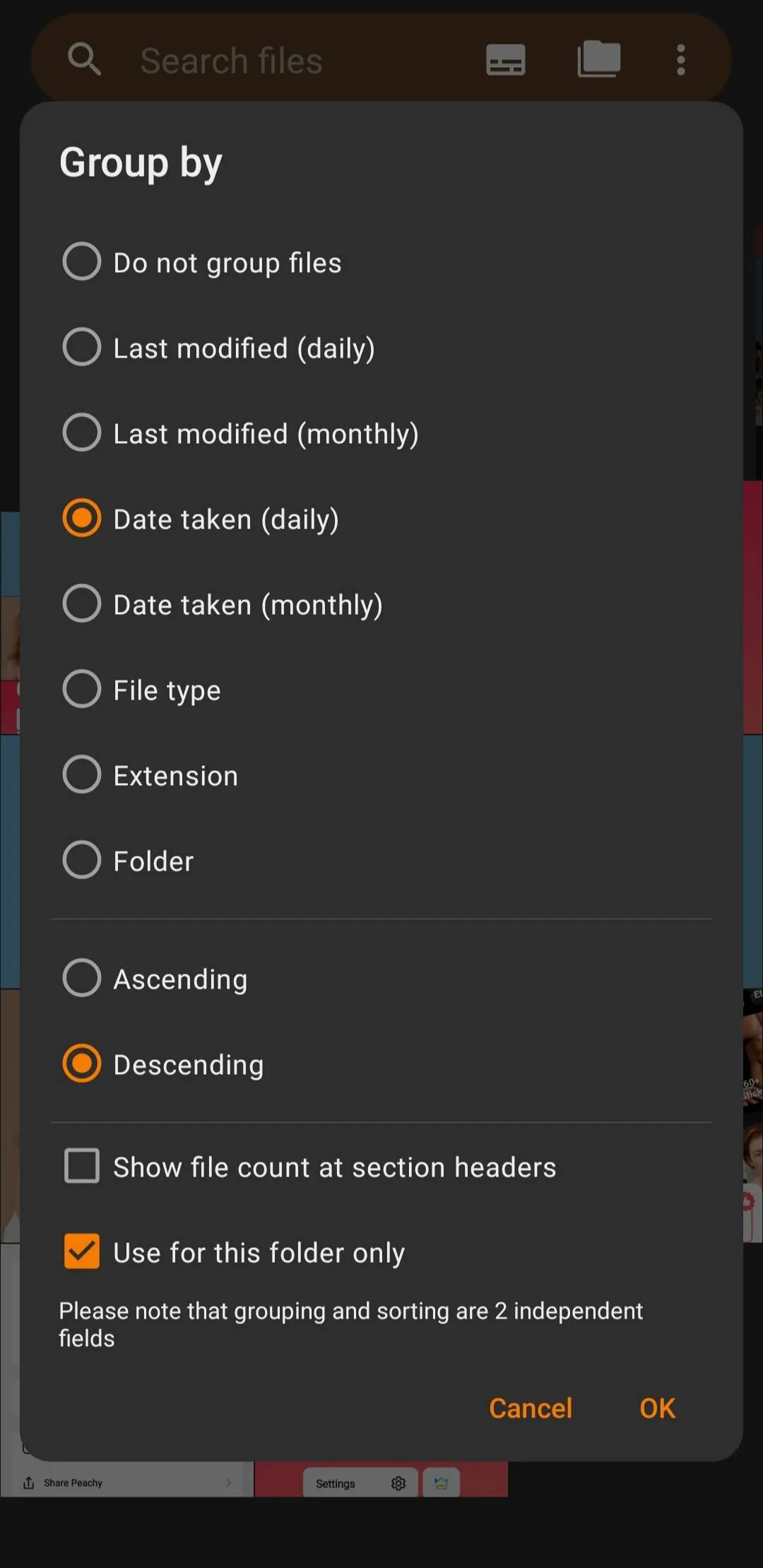
Open the app and grant storage permissions so it can scan your device and list all your media folders. Next, explore your media library to include or exclude folders based on how you want your albums to appear, and choose your preferred sorting or grouping options.
Then, select a photo or video and tap the edit icon to crop, rotate, flip, resize, or apply filters—be sure to save your changes when finished.
After that, protect your private content by hiding specific galleries, and set up a PIN, pattern, or fingerprint lock for the app itself or for sensitive actions.
Finally, customize the layout and theme by switching between grid or list views, adjusting the number of columns, and configuring the bottom toolbar buttons for quick access.
Pros and Cons
Pros:
Works without an internet connection or cloud storage.
Supports RAW, SVG, MKV, panoramic images, and other common file formats.
Allows locking of individual files, folders, specific features, or the entire app.
Highly customizable layout, colors, and toolbar.
Cons:
Does not support automatic cloud backup or cross-device synchronization.
Photo editor features are limited to basic adjustments.
Conclusion
Simple Gallery also allows you to quickly organize all the media files on your smartphone into folders. As a lightweight application that won’t slow down your device, Simple Gallery makes it easy to browse through all the photos and videos on your Android device.
More Information
- Size:54.44MB
- Version:6.1.12
- Requirements:Android
- Package Name:com.simplemobiletools.gallery
- Signature:9287d1b953c714e0b0eff01af6c74e1d
Related topics
-
Welcome to our image editing apps! Perfect for beginners and pros alike, they make photo enhancement easy. Use PicsArt to crop, adjust colors, and apply filters. Remove backgrounds instantly with Remove.bg. Get creative with layers and advanced tools on Adobe Photoshop Express. Start transforming your images today!
-
![Simple Gallery]()
Simple Gallery
-
![Pitu]()
Pitu
-
![Krita]()
Krita
-
![NOMO CAM Mod]()
NOMO CAM Mod
-
![X PhotoKit]()
X PhotoKit
-
![MoShow]()
MoShow
-
![PicCut]()
PicCut
-
![Pixelcut AI]()
Pixelcut AI
-
-
Visuals serve as a primary gateway for players to engage with games, where distinctive art direction immediately captures attention and creates lasting impressions. An unconventional aesthetic not only stands out in crowded markets but also enhances immersion and emotional connection. When executed with creativity and polish, striking visuals elevate gameplay into a memorable artistic experience. That's why titles with truly exceptional art styles deserve recognition - they offer both visual delight and meaningful interactive expression that resonates with players long after the session ends.
-
![Simple Gallery]()
Simple Gallery
-
![Pitu]()
Pitu
-
![Face Dance]()
Face Dance
-
![Krita]()
Krita
-
![NOMO CAM Mod]()
NOMO CAM Mod
-
![X PhotoKit]()
X PhotoKit
-
![PicCut]()
PicCut
-
![Funimate Video Editor & Maker]()
Funimate Video Editor & Maker
-
-
Enhance your photos effortlessly with the best free photo editing apps for Android! Whether you want to apply stunning filters, adjust brightness and contrast, remove blemishes, or create professional-quality edits, these apps offer powerful tools at your fingertips. From simple one-tap enhancements to advanced editing features like background removal and AI-powered effects, you can transform your images with ease. Explore a wide range of user-friendly and feature-rich apps, all available for free download. Start editing and make your photos stand out today!
-
![Simple Gallery]()
Simple Gallery
-
![Pitu]()
Pitu
-
![Krita]()
Krita
-
![NOMO CAM Mod]()
NOMO CAM Mod
-
![X PhotoKit]()
X PhotoKit
-
![PicCut]()
PicCut
-
![Funimate Video Editor & Maker]()
Funimate Video Editor & Maker
-
![Music Video Editor & Maker]()
Music Video Editor & Maker
-








Latest Updated




Popular Apps






Popular News
More+-
![Tomie Wants to Get Married Full Walkthrough, All Choices and Ending Guide]()
Tomie Wants to Get Married Full Walkthrough, All Choices and Ending Guide
2026-05-22
-
![Karryn’s Prison Gameplay Walkthrough & Strategy Guide]()
Karryn’s Prison Gameplay Walkthrough & Strategy Guide
2025-10-28
-
![Life in Santa County Game Guide & Complete Walkthrough]()
Life in Santa County Game Guide & Complete Walkthrough
2025-10-28
-
![Dreams of Desire Complete Walkthrough and Game Guide]()
Dreams of Desire Complete Walkthrough and Game Guide
2025-10-28
-
![Era Hunter Gameplay Guide & Full Walkthrough]()
Era Hunter Gameplay Guide & Full Walkthrough
2025-10-28




