
Samsung Camera
Download for Android This app is available for Android only.- Category:Photography
- Rating:
- Language:English
- Updated:2026-11-25
Screenshots
Introduction
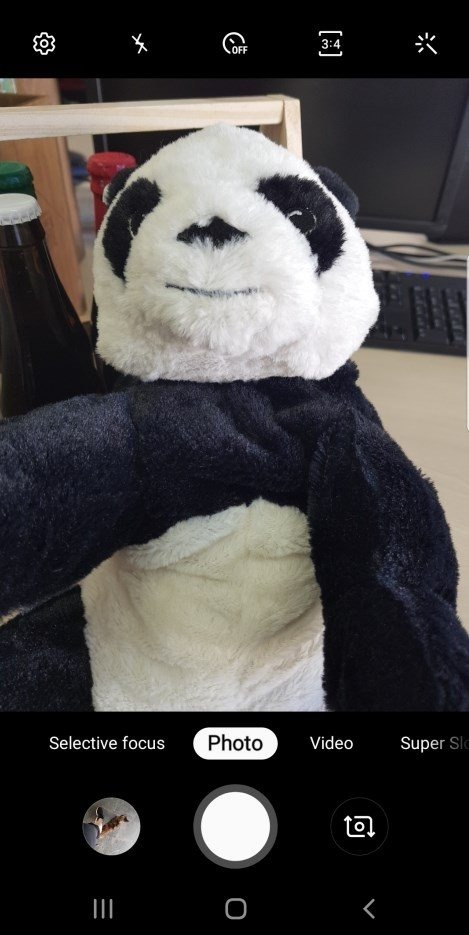
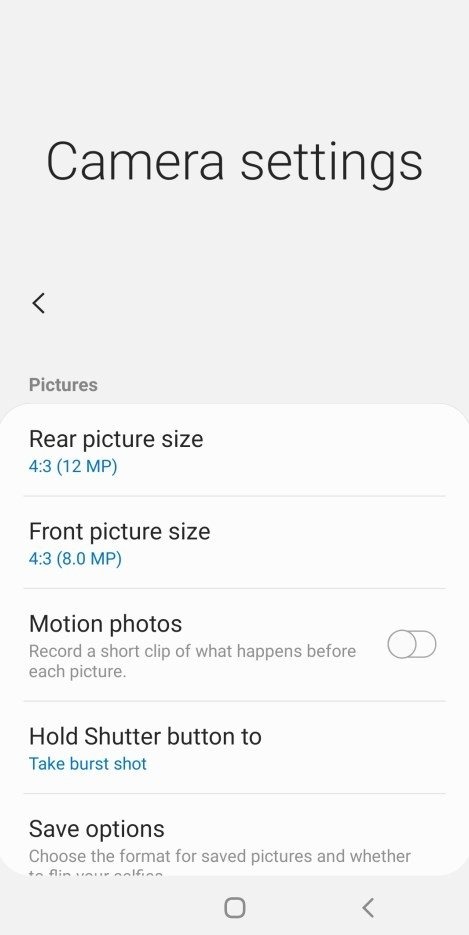
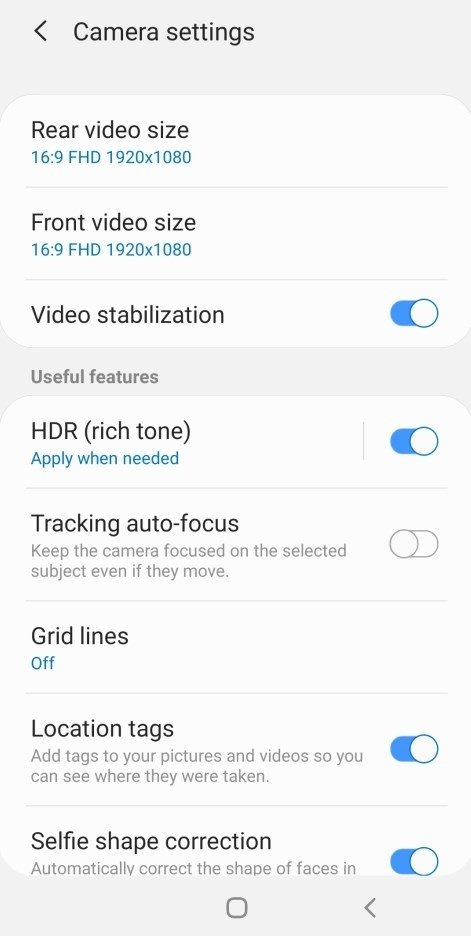
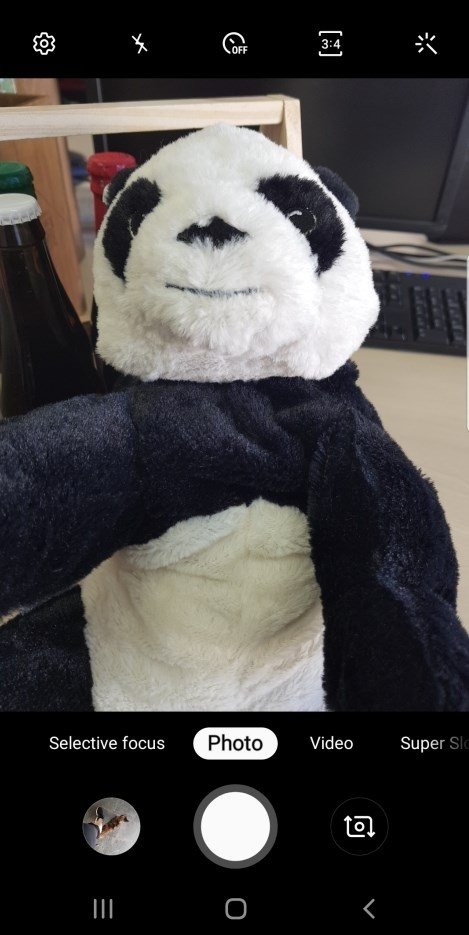
Samsung Camera is a camera application designed for the Android operating system. It offers a wide range of professional shooting modes, allowing users to manually adjust parameters such as shutter speed and exposure settings. The app also includes numerous preset modes tailored for various shooting scenarios. Furthermore, it supports 4K video recording, HDR format, and slow-motion capture, which delivers stunning detail when played back at normal speed. The app comes with a variety of built-in filters and editing tools, enabling users to perform basic photo editing—such as adding stickers or text—without needing to switch to a separate image editing application.
Features
One of the key features of Samsung Camera is its "Pro" mode, which allows users to manually adjust settings like ISO, shutter speed, white balance, and exposure compensation. This gives photographers greater control over their shots, helping them achieve professional-grade results. Additionally, the app provides various preset modes designed for specific scenarios, such as food photography, night scenes, or portraiture.
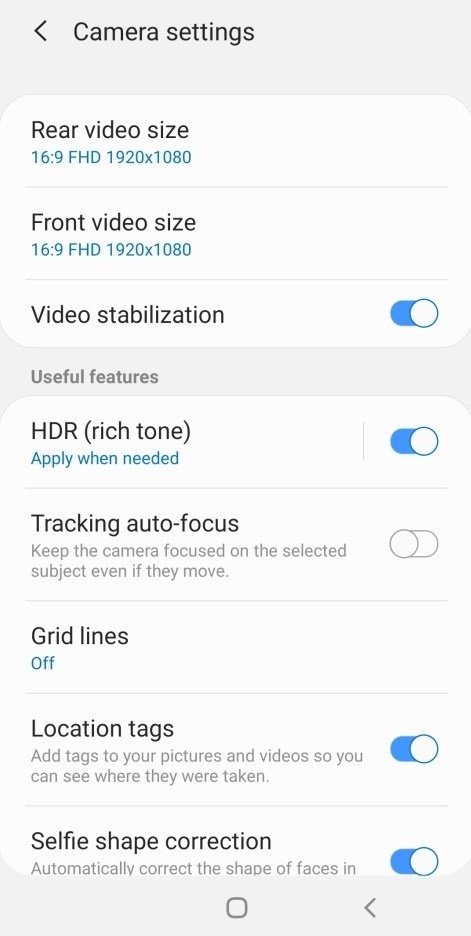
Another highlight is the app's ability to record video in 4K resolution with HDR support. It also supports slow-motion recording at up to 960 frames per second (fps), producing impressive results when played back at standard speed.
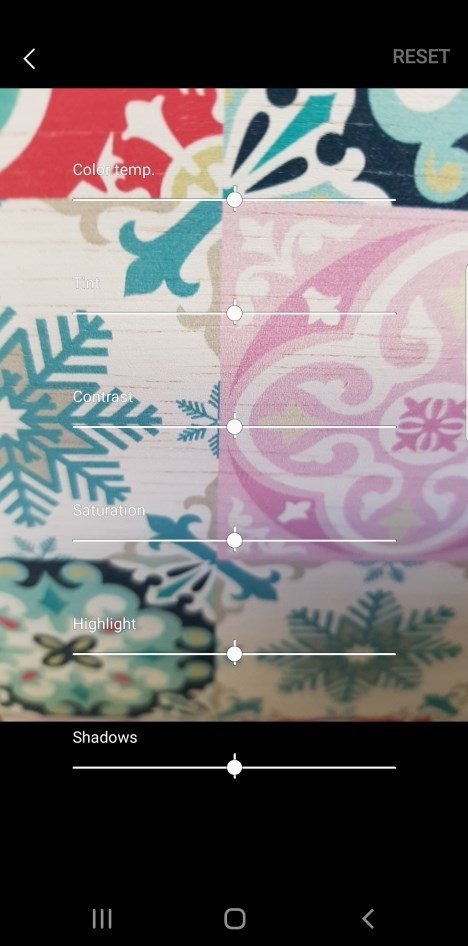
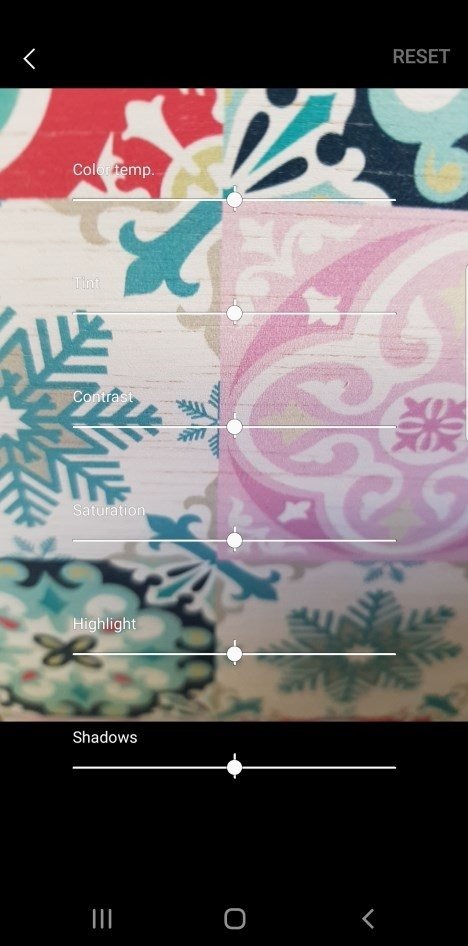
Samsung Camera also includes a suite of filters and editing tools, allowing users to enhance their photos without leaving the app. You can crop images, add text overlays or stickers, adjust brightness, contrast, saturation, and more.
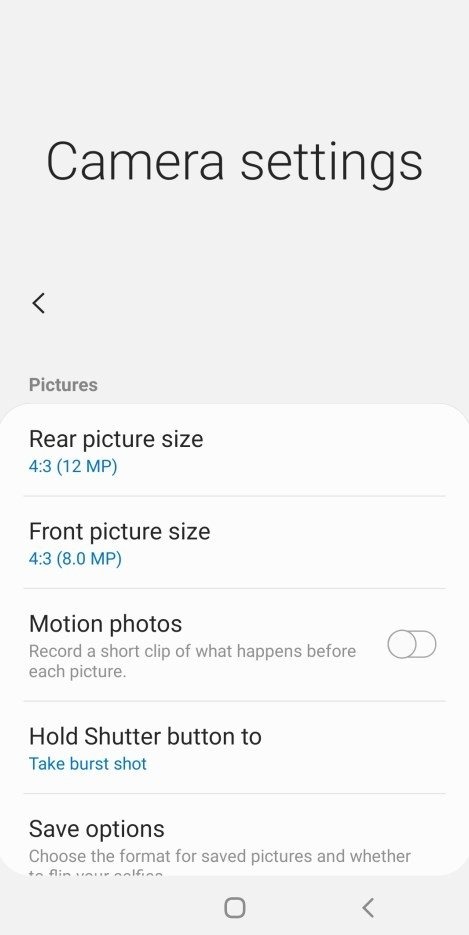
Accessing these various camera features is as simple as tapping on the available options. The app also allows you to use both the front and rear cameras simultaneously to capture still images or record videos.
Pros and Cons
Pros:
Makes taking photos quick and easy
Focuses on essential, mainstream camera features
Powerful built-in image editor
Regular updates
Cons:
Not ideal for serious smartphone photographers
Some effects may appear overly dramatic
FAQs
How long does it take to download Samsung Camera?
The file size of Samsung Camera is 61.3 MB. On a stable 4G, 5G, or Wi-Fi network, the download typically takes anywhere from a few seconds to a few minutes, depending on your connection speed.
Why might a download or installation fail?
Common reasons include insufficient storage space, an incompatible Android version, an unstable network connection, a corrupted download file, or a lack of necessary installation permissions.
What are the system requirements for Samsung Camera?
The latest version of Samsung Camera requires [undefined] or higher. If your device is running an earlier version of Android, please check if a compatible version of the app is available for download.
Conclusion
Samsung Camera is a powerful tool for anyone who enjoys taking photos with their Android device. With its advanced manual controls, shooting modes, and post-processing tools, capturing beautiful moments has never been easier!
More Information
- Size:61.28MB
- Version:17.0.00.12
- Requirements:Android
- Package Name:com.sec.android.app.camera
- Signature:f2a9a2d85281e214bcc5c557576a6278
Related topics
-
A collection of essential beauty camera tools designed to instantly enhance your photos. Whether you’re perfecting your selfies or creating stunning images, these tools help you achieve flawless results with just a few taps. Ideal for anyone looking to elevate their photo game effortlessly.
-
![Samsung Camera]()
Samsung Camera
-
![Pixel Camera]()
Pixel Camera
-
![Wuta Camera]()
Wuta Camera
-
![Presets & Filters]()
Presets & Filters
-
![SODA]()
SODA
-
![Camera360]()
Camera360
-
![LINE Camera]()
LINE Camera
-
![PhotoGrid]()
PhotoGrid
-
-
Photography is an art form that has been around for over a century and has evolved greatly over the years. With the advent of technology, photography has become more accessible and convenient, especially with the rise of mobile photography. Mobile photography has revolutionized the field of photography, making it possible to capture and edit high-quality photos right from your smartphone. As mobile photography continues to grow in popularity, there is an abundance of mobile apps available for photography enthusiasts. However, with so many options available, it can be difficult to determine which apps are worth your time and investment. In this article, we’ll take a look at the top mobile apps for photography and provide you with a comprehensive guide to help you choose the best app for your needs.
-
![Samsung Camera]()
Samsung Camera
-
![Wuta Camera]()
Wuta Camera
-
![PhotoLayers-Superimpose,Eraser]()
PhotoLayers-Superimpose,Eraser
-
![Presets & Filters]()
Presets & Filters
-
![GPS Map Camera]()
GPS Map Camera
-
![SODA]()
SODA
-
![PhotoGrid]()
PhotoGrid
-
![GCam Go Camera]()
GCam Go Camera
-
-
Transform your smartphone into a powerful creative tool with these top-rated camera apps. Packed with professional-grade editing features, stunning filters, and advanced effects, they help you capture and refine every shot like never before. Perfect for landscapes, portraits, or spontaneous selfies, these apps offer intuitive controls and AI-powered enhancements-all for free. Download today and unlock your full artistic potential. With these apps, your photos will stand out with polished, professional quality, making every moment picture-perfect!
-
![Samsung Camera]()
Samsung Camera
-
![Glip]()
Glip
-
![Shutterstock Contributor]()
Shutterstock Contributor
-
![Pixel Camera]()
Pixel Camera
-
![Presets & Filters]()
Presets & Filters
-
![GPS Map Camera]()
GPS Map Camera
-
![AniDub Max]()
AniDub Max
-
![Filmic Legacy]()
Filmic Legacy
-






Latest Updated




Popular Apps






Popular News
More+-
![Tomie Wants to Get Married Full Walkthrough, All Choices and Ending Guide]()
Tomie Wants to Get Married Full Walkthrough, All Choices and Ending Guide
2026-05-22
-
![Karryn’s Prison Gameplay Walkthrough & Strategy Guide]()
Karryn’s Prison Gameplay Walkthrough & Strategy Guide
2025-10-28
-
![Life in Santa County Game Guide & Complete Walkthrough]()
Life in Santa County Game Guide & Complete Walkthrough
2025-10-28
-
![Dreams of Desire Complete Walkthrough and Game Guide]()
Dreams of Desire Complete Walkthrough and Game Guide
2025-10-28
-
![Era Hunter Gameplay Guide & Full Walkthrough]()
Era Hunter Gameplay Guide & Full Walkthrough
2025-10-28




