

Presets & Filters
Download for Android This app is available for Android only.- Category:Photography
- Rating:
- Language:English
- Updated:2026-11-12
Screenshots
Introduction
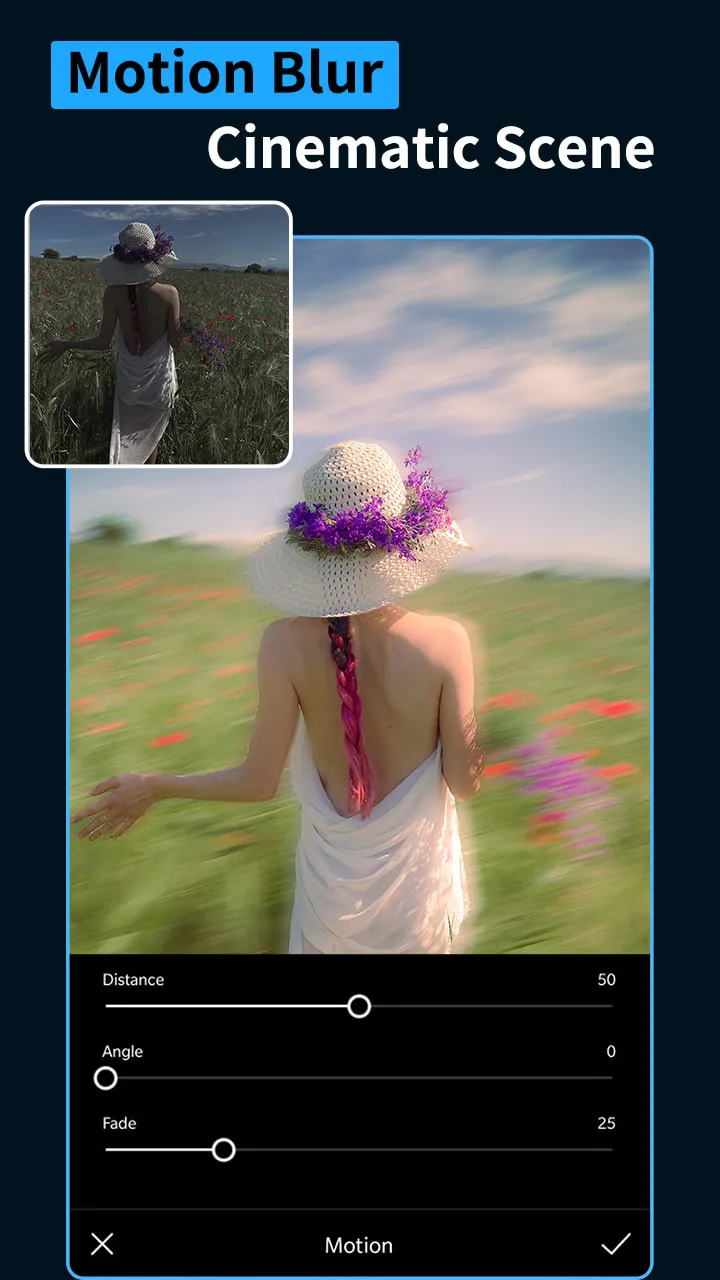
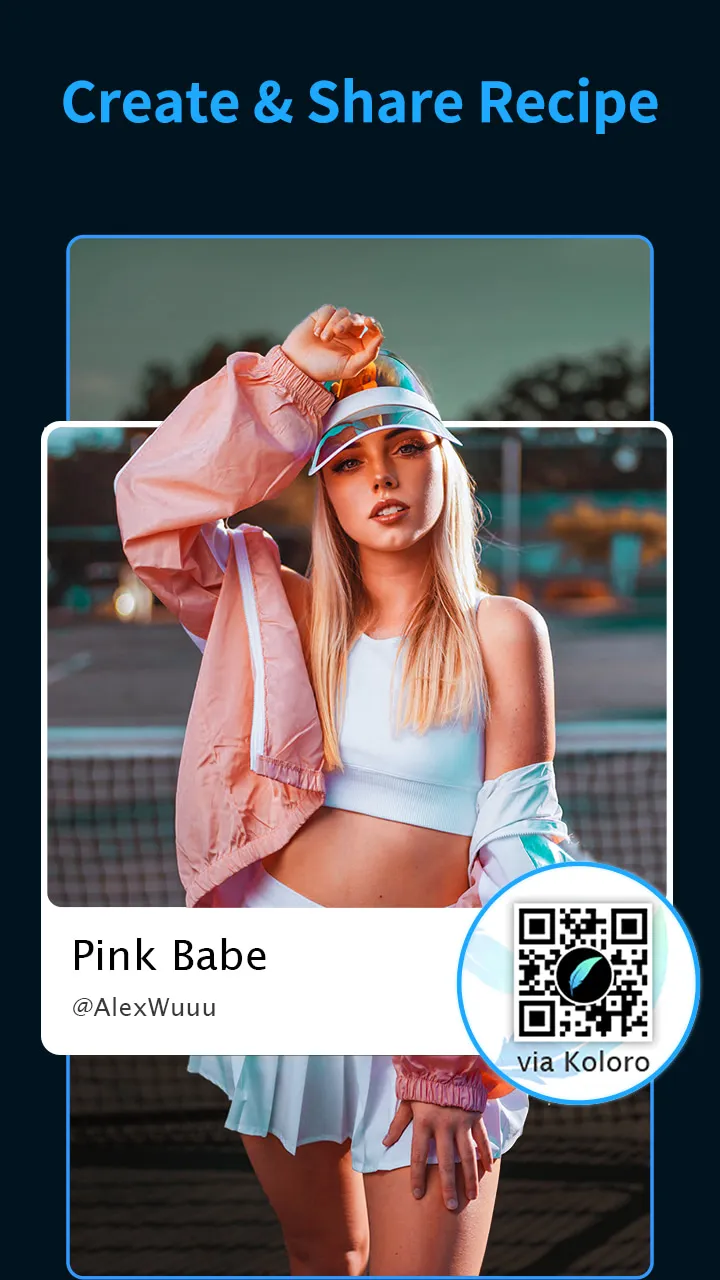
Presets & Filters is a photography and image-editing application designed for Android. It offers a vast array of presets and diverse styles, allowing users to customize their photos to their personal taste. Users can also share their editing recipes or import those created by others via QR codes. Beyond still images, the tool supports video editing—enabling users to apply presets, adjust technical settings, and modify aspect ratios. Furthermore, users can leverage the app’s various features to fine-tune photography parameters based on the specific shooting environment and the nuances of the available light.
Features
Extensive Presets and Overlays
Presets & Filters provides over 1,000 presets and overlays, carefully curated by designers and photographers. The collection spans a wide range of styles—including Retro/VHS, Teal & Orange, Cyberpunk, Bohemian, and Indie—all applicable to both photos and videos. You can browse through various collections to find a look that aligns with your personal brand or social media aesthetic, then apply it with a single tap. Specialized overlays—such as *kirakira* (sparkle) effects, blind-style shadows, fireworks, 8mm film textures, glitch art, dust, grain, and scratches—allow you to easily create striking visual transformations.
Sharing and Importing
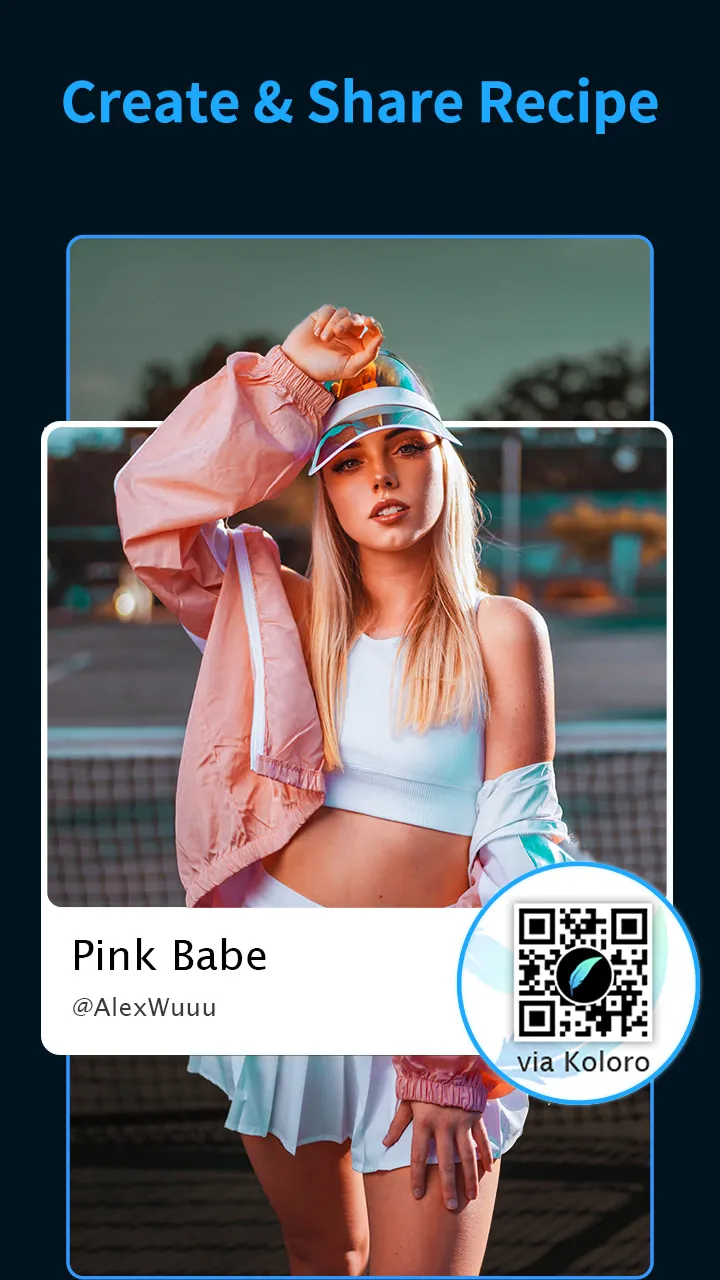
You can share or import editing recipes via QR codes, ensuring a consistent style across different devices and among team members. Presets & Filters also supports the exchange of DNG files with Adobe Lightroom Mobile, preserving your precise adjustments. This facilitates a seamless workflow where presets and detailed edits can be transferred between tools without any guesswork—making collaboration effortless and ensuring that your final edits remain true to your original vision.
Video Preset Editing
Presets & Filters makes applying presets to videos just as simple as applying them to photos. The interface maintains a familiar layout, making tasks like cropping a video as intuitive as cropping an image. You can preview changes, adjust frame rates, and select aspect ratios before exporting, which helps minimize the need for rework. This ensures a consistent style across clips, highlight reels, and stories—all without the need to switch between different applications.
Sky Changer and Editor
The Sky Changer offers over 50 one-tap sky effects, allowing you to quickly replace dull skies. Options include clear blue skies, sunsets, and sunrises, enabling you to adjust the atmosphere and lighting to suit your scene. The edges blend seamlessly, creating a natural and realistic horizon without the need for tedious manual masking—a highly practical tool for enhancing outdoor footage when reshooting isn't an option.
Advanced Tools and Batch Workflows
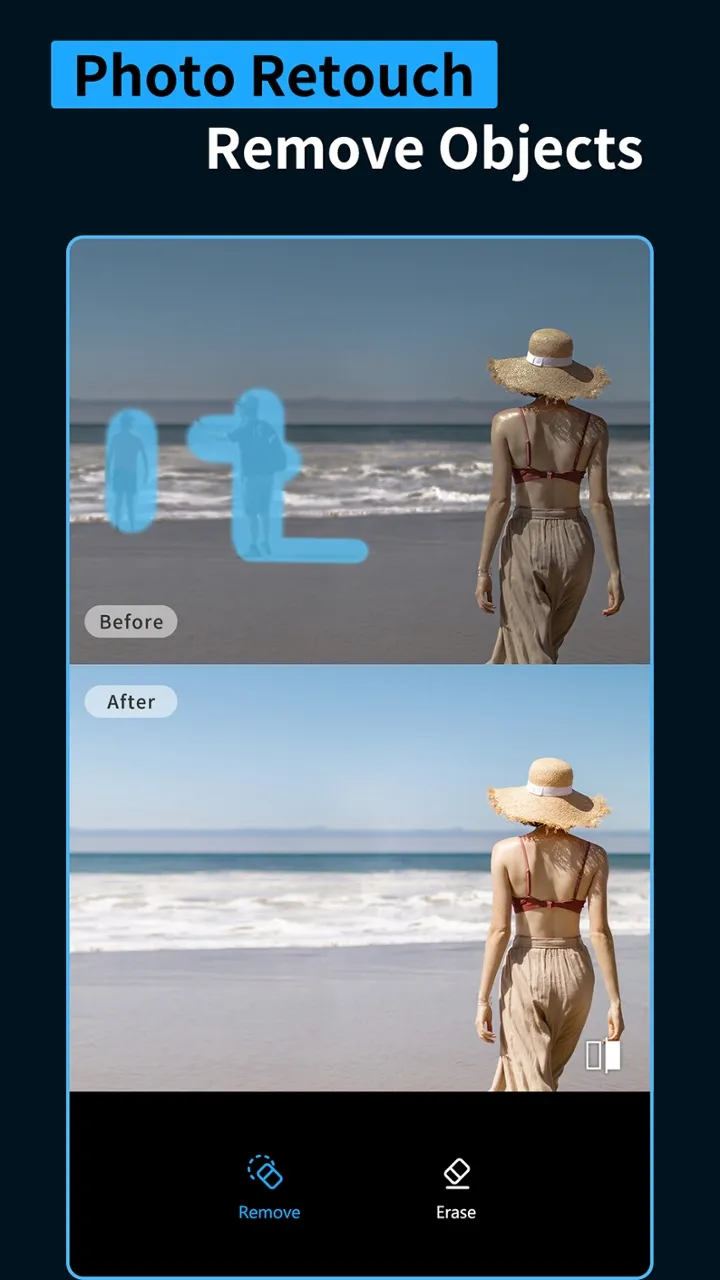
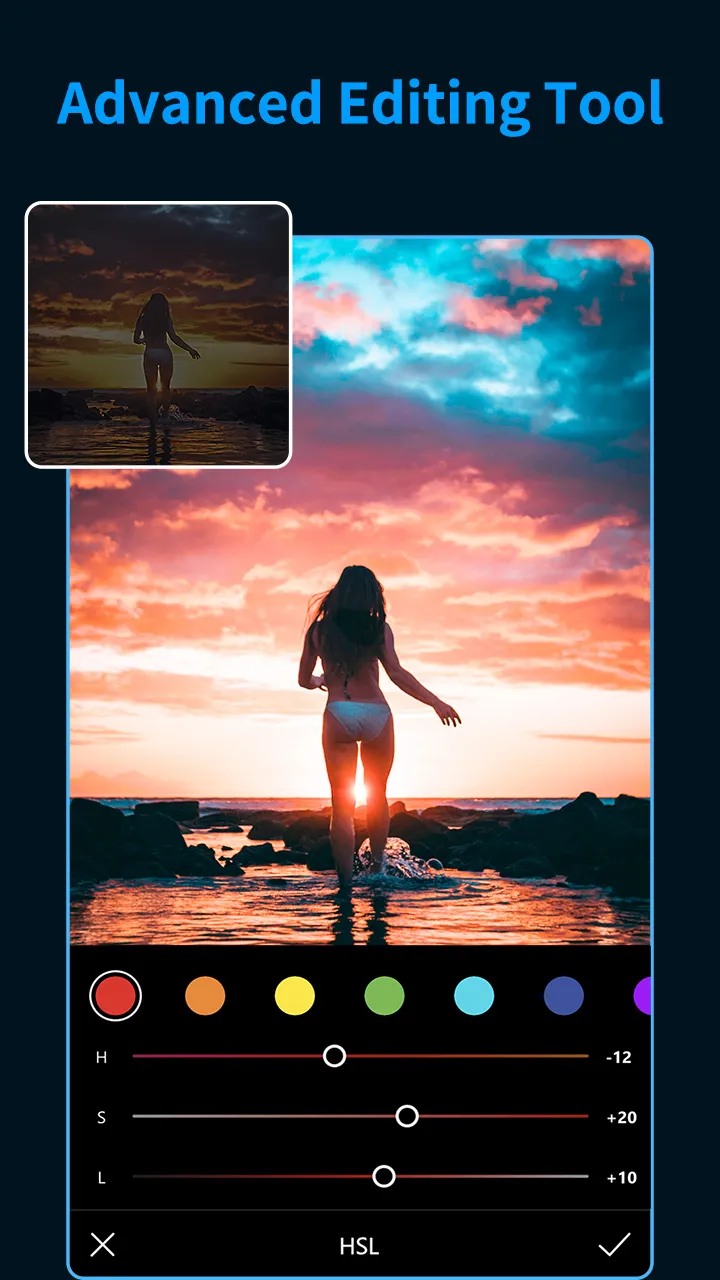
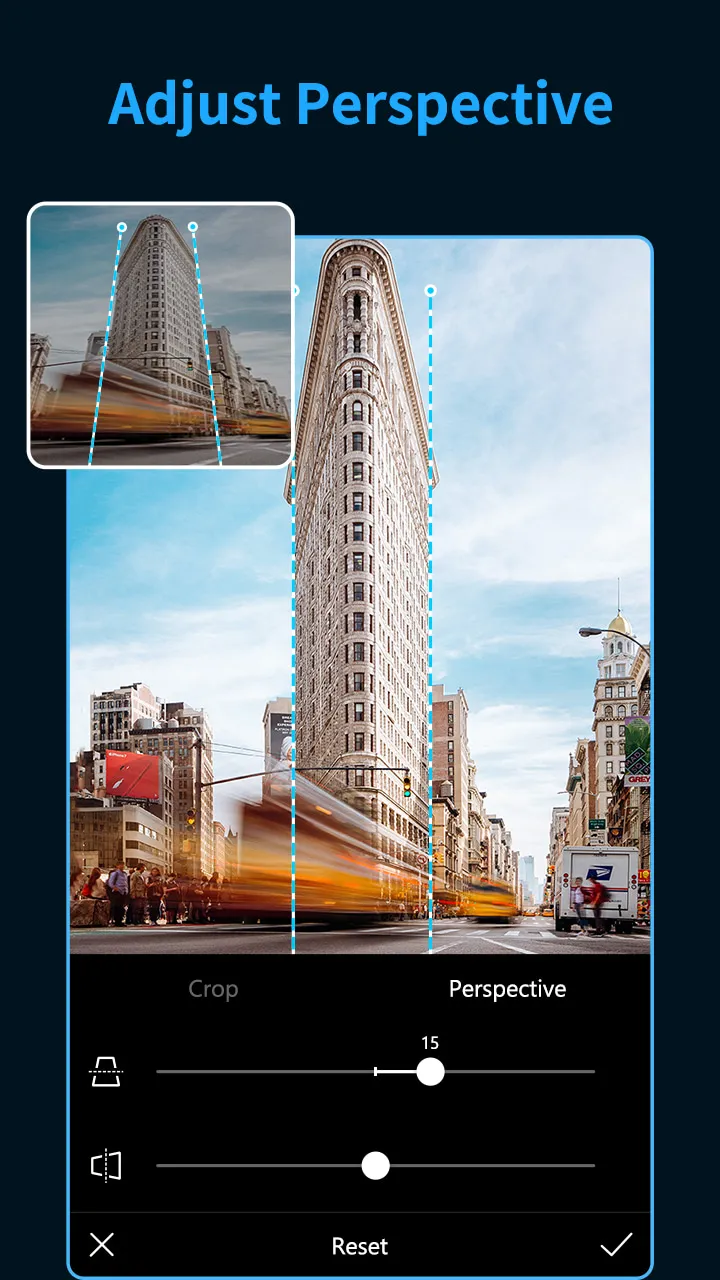
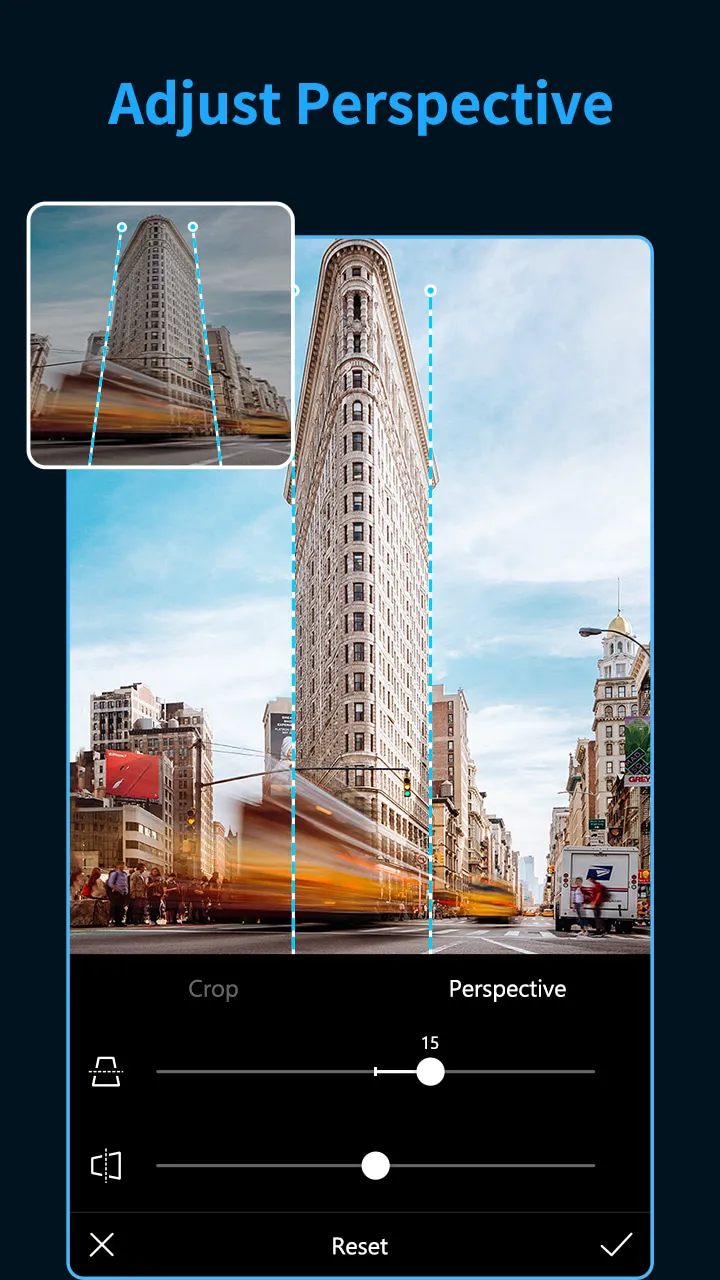
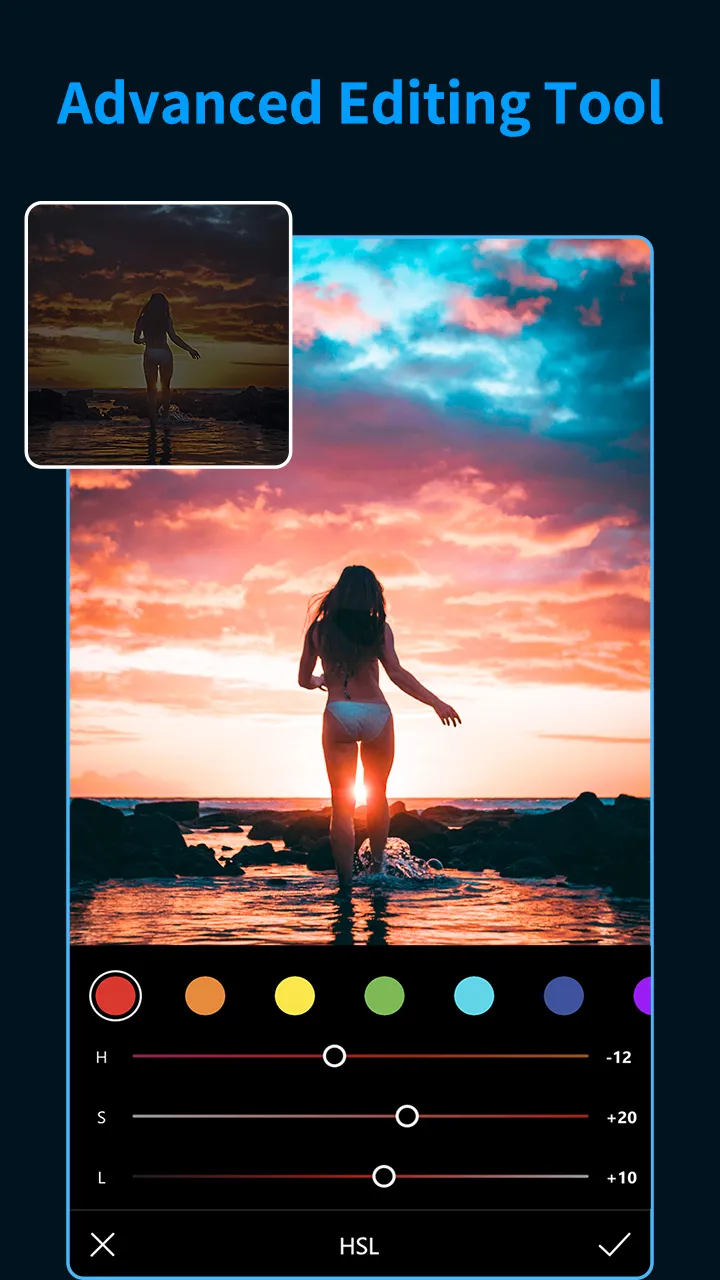
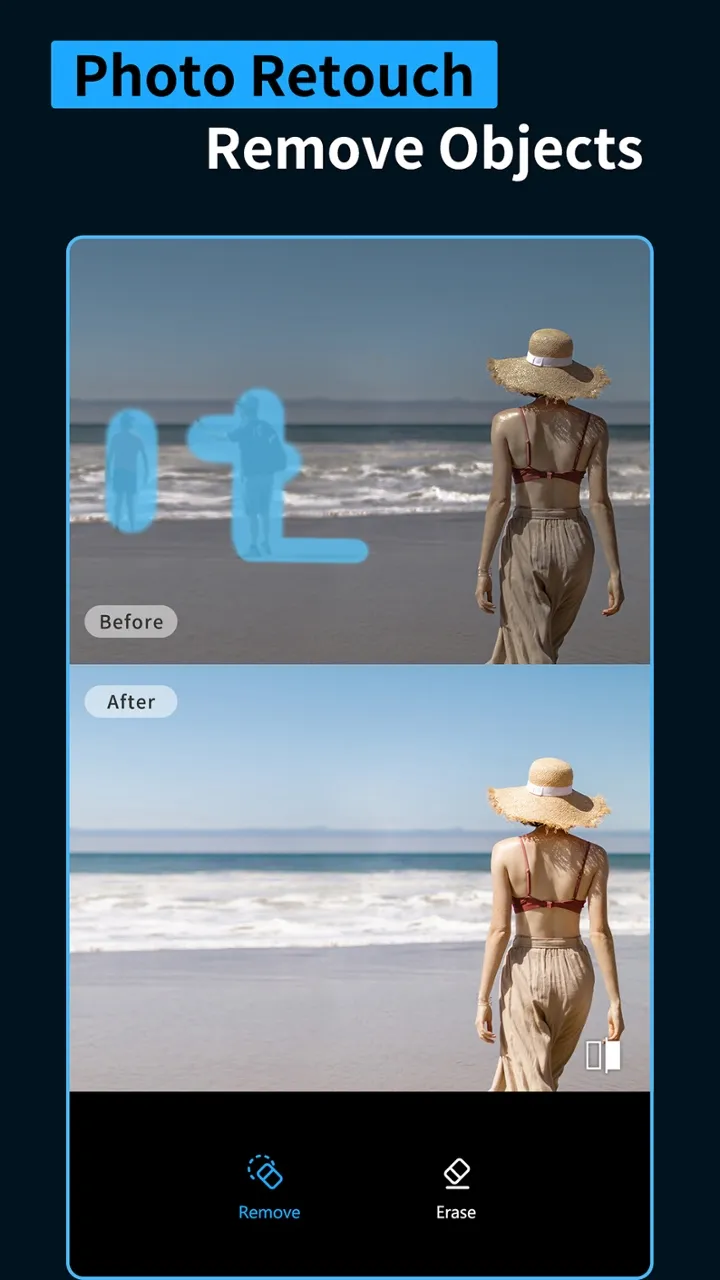
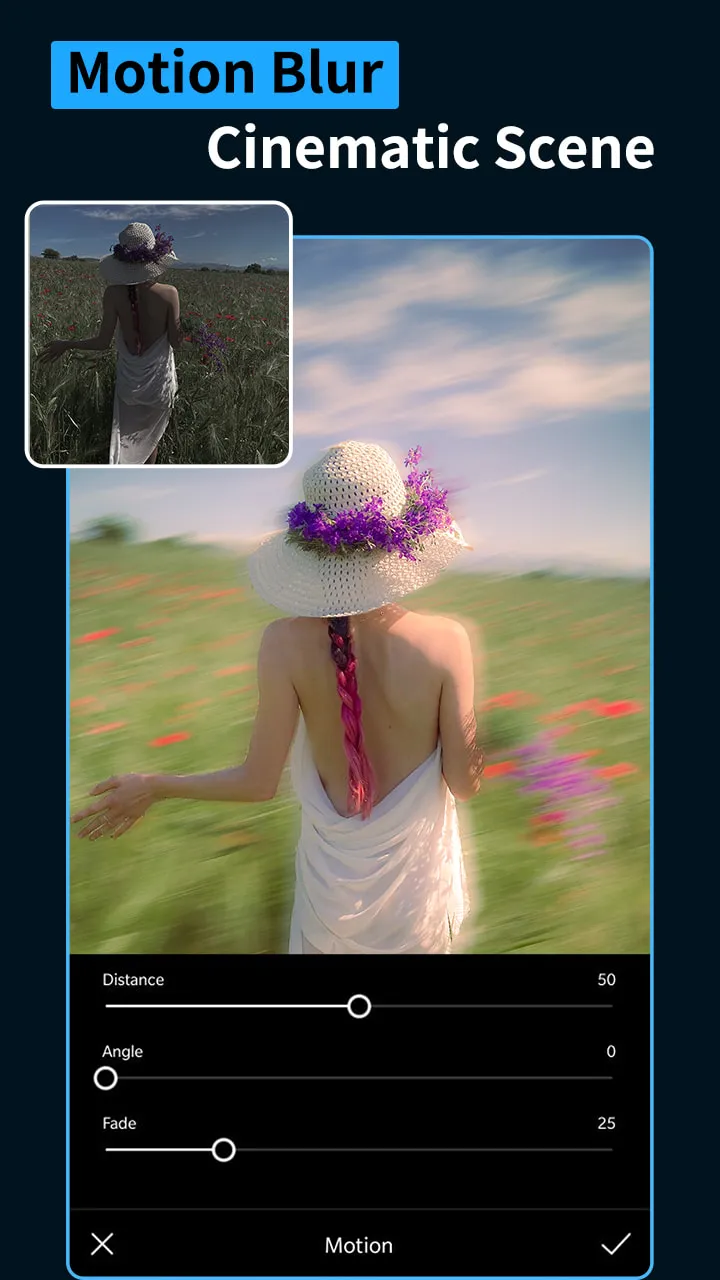
The app includes tools such as HSL, Curves, Grain, Split Toning, Selective Adjustments, and removal tools for precise editing. You can copy your edits and apply them to other files, accelerating batch processing while ensuring a consistent visual style. This is especially useful for product listings, marketing campaigns, or regular content schedules that require a unified look. With selective adjustments and granular control, your edits remain clean and professional, keeping your workflow efficient and smooth.
Usage
Open the app and grant access to your photos and videos to import your files.
Select a photo or video, then browse through the preset packs to find a style that complements your scene.
Tap a preset to apply it, then fine-tune the look using tools like HSL, Curves, Split Toning, and Grain.
Copy your edits, select other similar files, and paste the settings to streamline your batch-processing workflow.
Share your "recipes" (edit settings) with teammates via QR code, or export your edited files to your device's gallery.
Pros and Cons
Pros:
Over 1,000 presets and overlays
Presets work for both photos and videos
Includes HSL, Curves, Split Toning, and selective adjustment tools
Supports batch editing and reusable custom "recipes"
Cons:
Many presets require a paid subscription.
User Reviews
An excellent app for video color grading—easily the best I’ve used on Android. I decided to go for the full version; definitely planning to use it long-term.
If you’re new to photo editing, this app is perfect for you. It offers a massive library of presets to experiment with, and you can even create your own and tweak them to your liking.
I love that you can use other people's QR codes for free! Plus, it makes edited photos look even better. I love this app because it’s completely free. Keep up the great work! This app is severely underrated!
Conclusion
All in all, if you frequently take photos and videos and post them on social media, Presets & Filters is an editor worth considering.
More Information
- Size:67.09MB
- Version:6.2.8
- Requirements:Android
- Package Name:com.cerdillac.persetforlightroom
- Signature:5d51df7a57a2ccf8c0a3f96ee5fa9f7c
Related topics
-
A collection of essential beauty camera tools designed to instantly enhance your photos. Whether you’re perfecting your selfies or creating stunning images, these tools help you achieve flawless results with just a few taps. Ideal for anyone looking to elevate their photo game effortlessly.
-
![Presets & Filters]()
Presets & Filters
-
![SODA]()
SODA
-
![Camera360]()
Camera360
-
![LINE Camera]()
LINE Camera
-
![PhotoGrid]()
PhotoGrid
-
![GCam Go Camera]()
GCam Go Camera
-
![PhotoFunia]()
PhotoFunia
-
![InShot Video Editor]()
InShot Video Editor
-
-
Photography is an art form that has been around for over a century and has evolved greatly over the years. With the advent of technology, photography has become more accessible and convenient, especially with the rise of mobile photography. Mobile photography has revolutionized the field of photography, making it possible to capture and edit high-quality photos right from your smartphone. As mobile photography continues to grow in popularity, there is an abundance of mobile apps available for photography enthusiasts. However, with so many options available, it can be difficult to determine which apps are worth your time and investment. In this article, we’ll take a look at the top mobile apps for photography and provide you with a comprehensive guide to help you choose the best app for your needs.
-
![Presets & Filters]()
Presets & Filters
-
![SODA]()
SODA
-
![PhotoGrid]()
PhotoGrid
-
![GCam Go Camera]()
GCam Go Camera
-
![GPS Map Stamp Camera]()
GPS Map Stamp Camera
-
![PhotoFunia]()
PhotoFunia
-
![InShot Video Editor]()
InShot Video Editor
-
![ReLens Camera-Focus &DSLR Blur]()
ReLens Camera-Focus &DSLR Blur
-
-
Transform your smartphone into a powerful creative tool with these top-rated camera apps. Packed with professional-grade editing features, stunning filters, and advanced effects, they help you capture and refine every shot like never before. Perfect for landscapes, portraits, or spontaneous selfies, these apps offer intuitive controls and AI-powered enhancements-all for free. Download today and unlock your full artistic potential. With these apps, your photos will stand out with polished, professional quality, making every moment picture-perfect!
-
![Presets & Filters]()
Presets & Filters
-
![AniDub Max]()
AniDub Max
-
![Filmic Legacy]()
Filmic Legacy
-
![SODA]()
SODA
-
![PhotoGrid]()
PhotoGrid
-
![GCam Go Camera]()
GCam Go Camera
-
![PhotoFunia]()
PhotoFunia
-
![InShot Video Editor]()
InShot Video Editor
-



Latest Updated




Popular Apps








Popular News
More+-
![Tomie Wants to Get Married Full Walkthrough, All Choices and Ending Guide]()
Tomie Wants to Get Married Full Walkthrough, All Choices and Ending Guide
2026-05-22
-
![Karryn’s Prison Gameplay Walkthrough & Strategy Guide]()
Karryn’s Prison Gameplay Walkthrough & Strategy Guide
2025-10-28
-
![Life in Santa County Game Guide & Complete Walkthrough]()
Life in Santa County Game Guide & Complete Walkthrough
2025-10-28
-
![Dreams of Desire Complete Walkthrough and Game Guide]()
Dreams of Desire Complete Walkthrough and Game Guide
2025-10-28
-
![Era Hunter Gameplay Guide & Full Walkthrough]()
Era Hunter Gameplay Guide & Full Walkthrough
2025-10-28




