

Google Allo
Download for Android This app is available for Android only.- Category:Tools
- Rating:
- Language:English
- Updated:2026-11-26
Screenshots
Introduction
Google Allo is a smart assistant tool designed for Android devices. It can suggest replies on your behalf, learning from your personal writing style over time to offer an ever-expanding range of response options. The app also features a vast collection of stickers created by designers from around the world, which you can use in your chats. You can easily adjust the size of your text with a simple swipe—making it appear larger or smaller—and the app is versatile enough for various everyday scenarios. For instance, it can help you find nearby restaurants, and you can even chat one-on-one with the Google Assistant itself.
Features
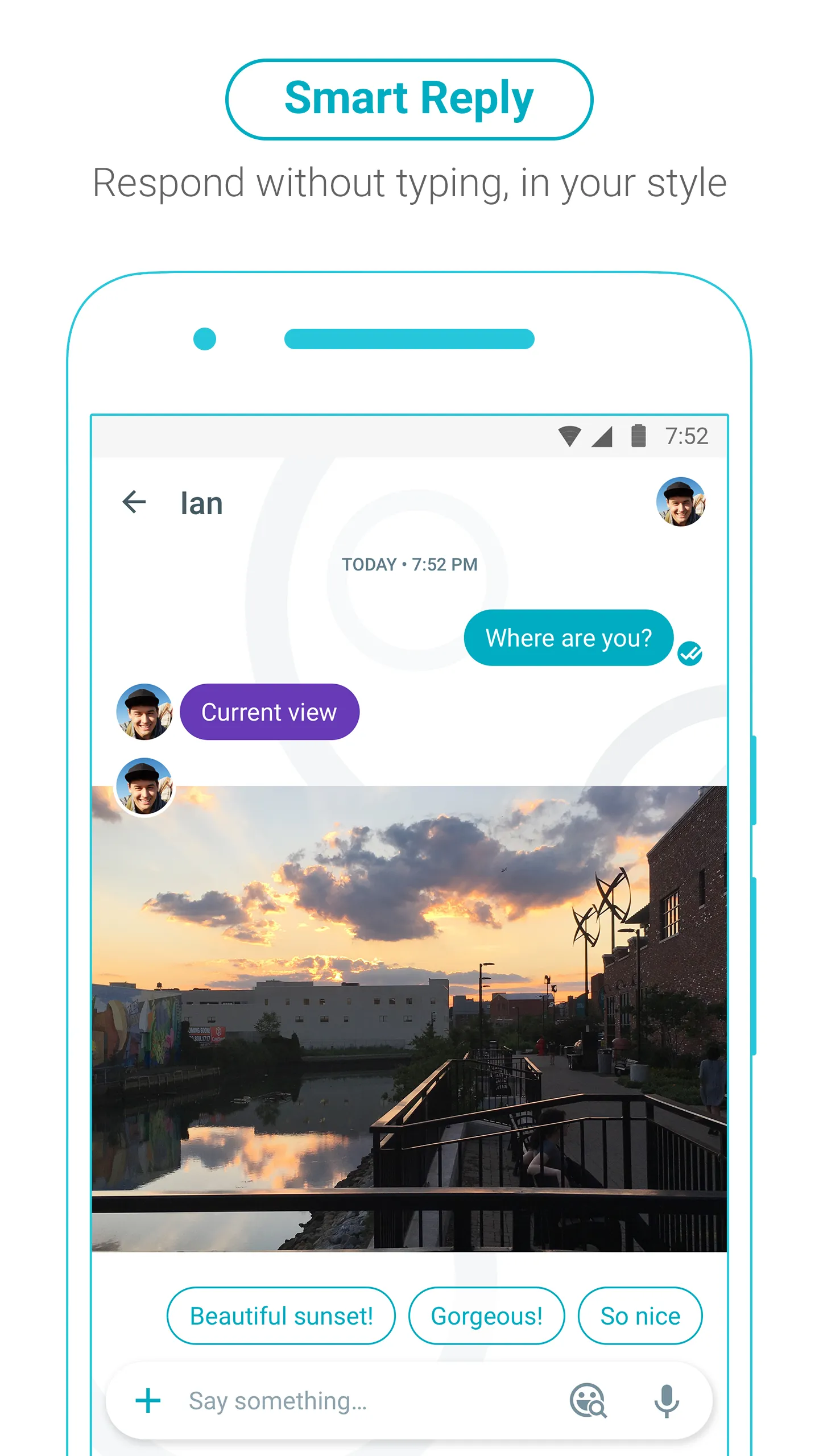
Smart Reply
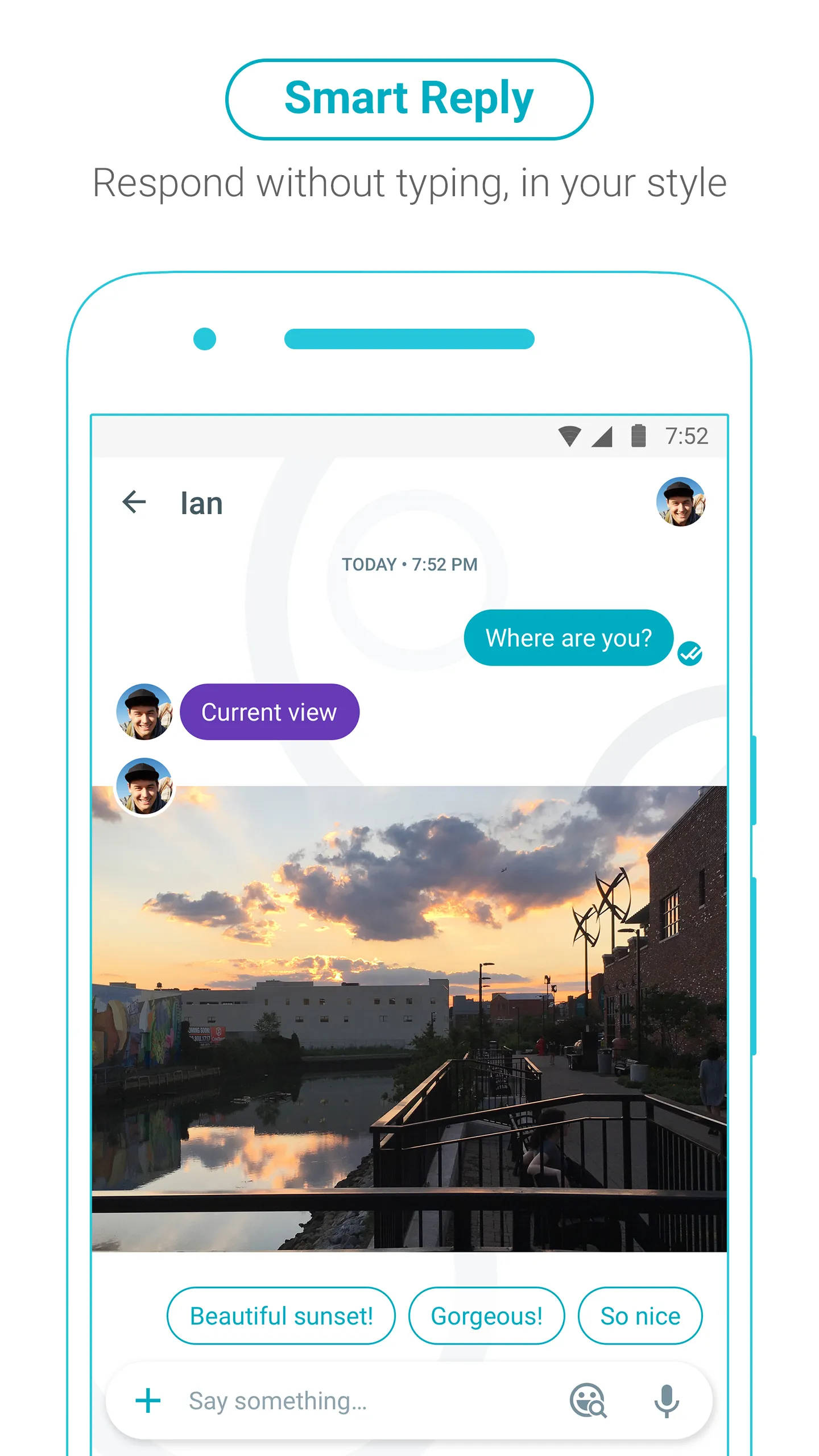
Respond to messages without typing a word. Smart Reply learns over time, offering suggestions for text and photo responses that align with your personal style.
Ink
Get creative with the photos you send by adding doodles or text.
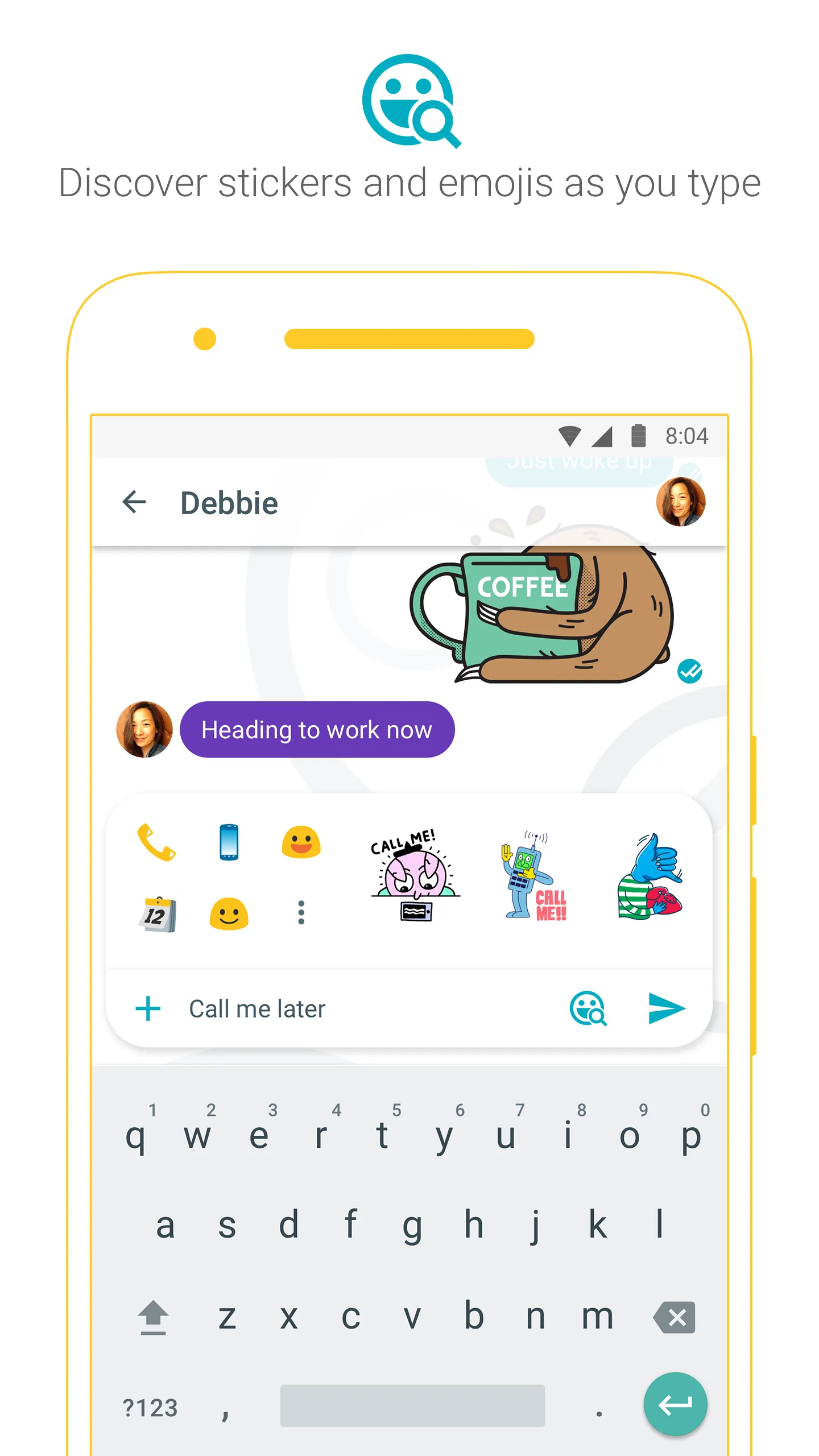
Stickers
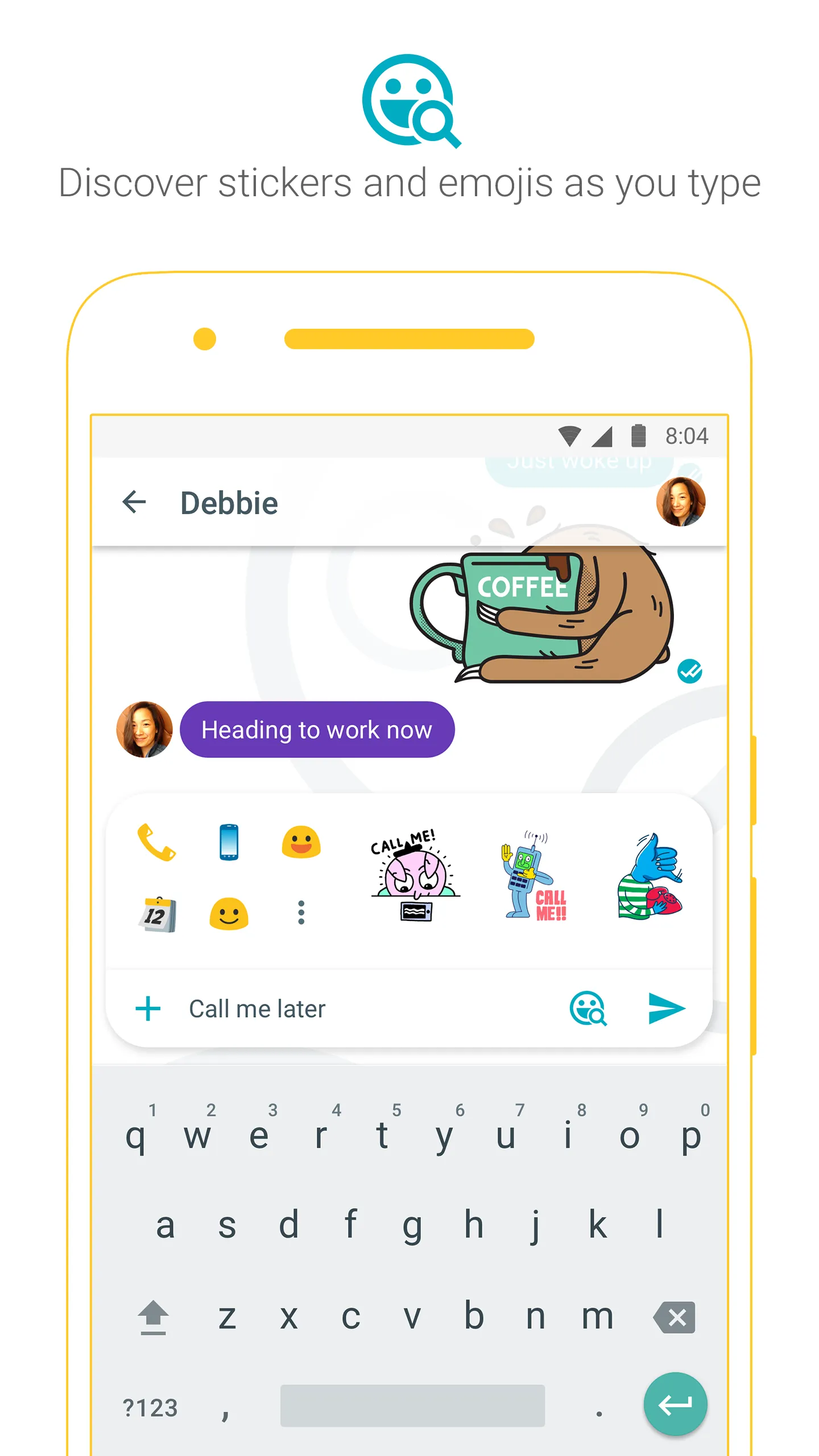
Express yourself with the perfect sticker. The stickers in Google Allo are designed by independent artists and studios from all over the world.
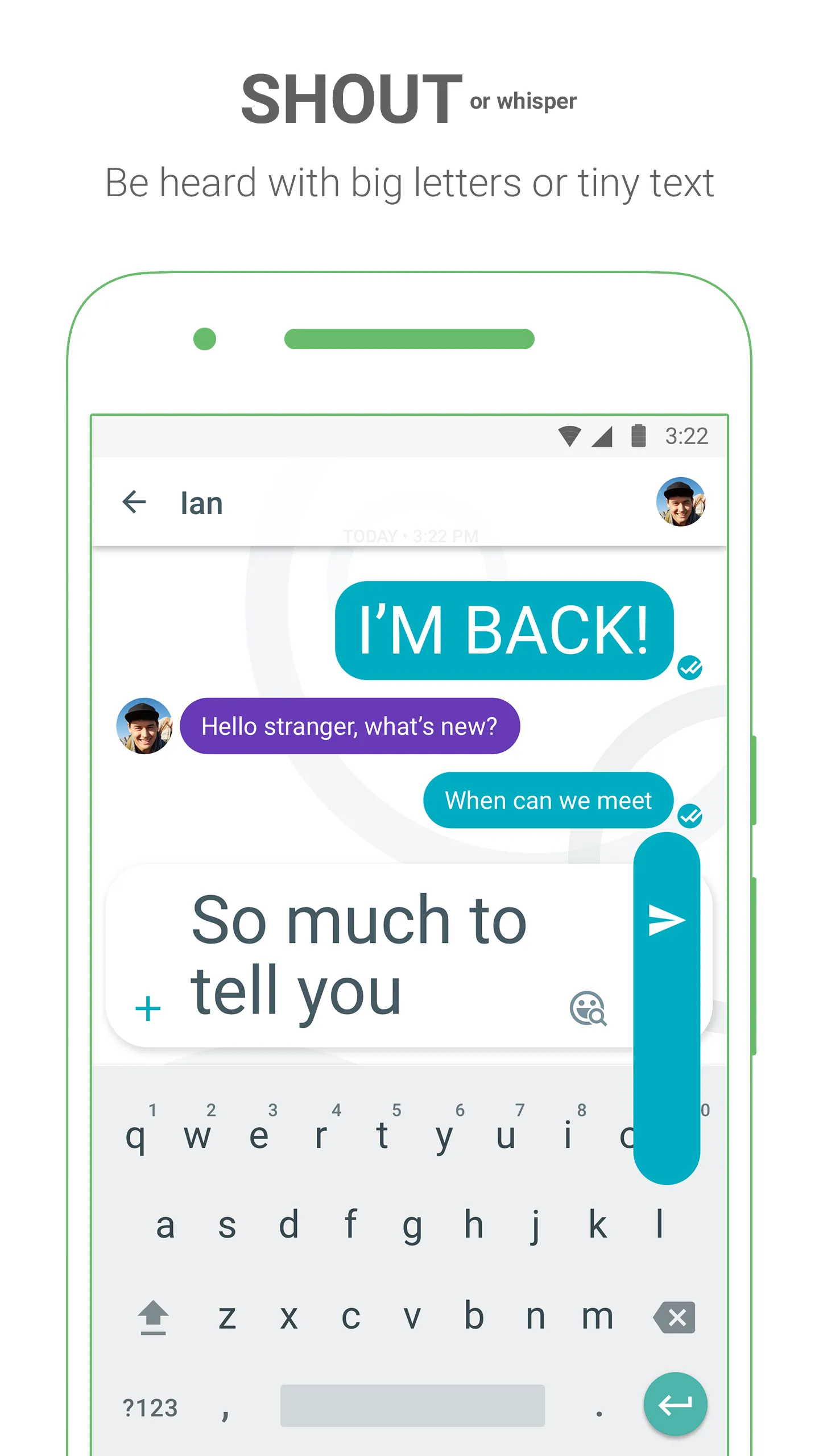
Shout or Whisper
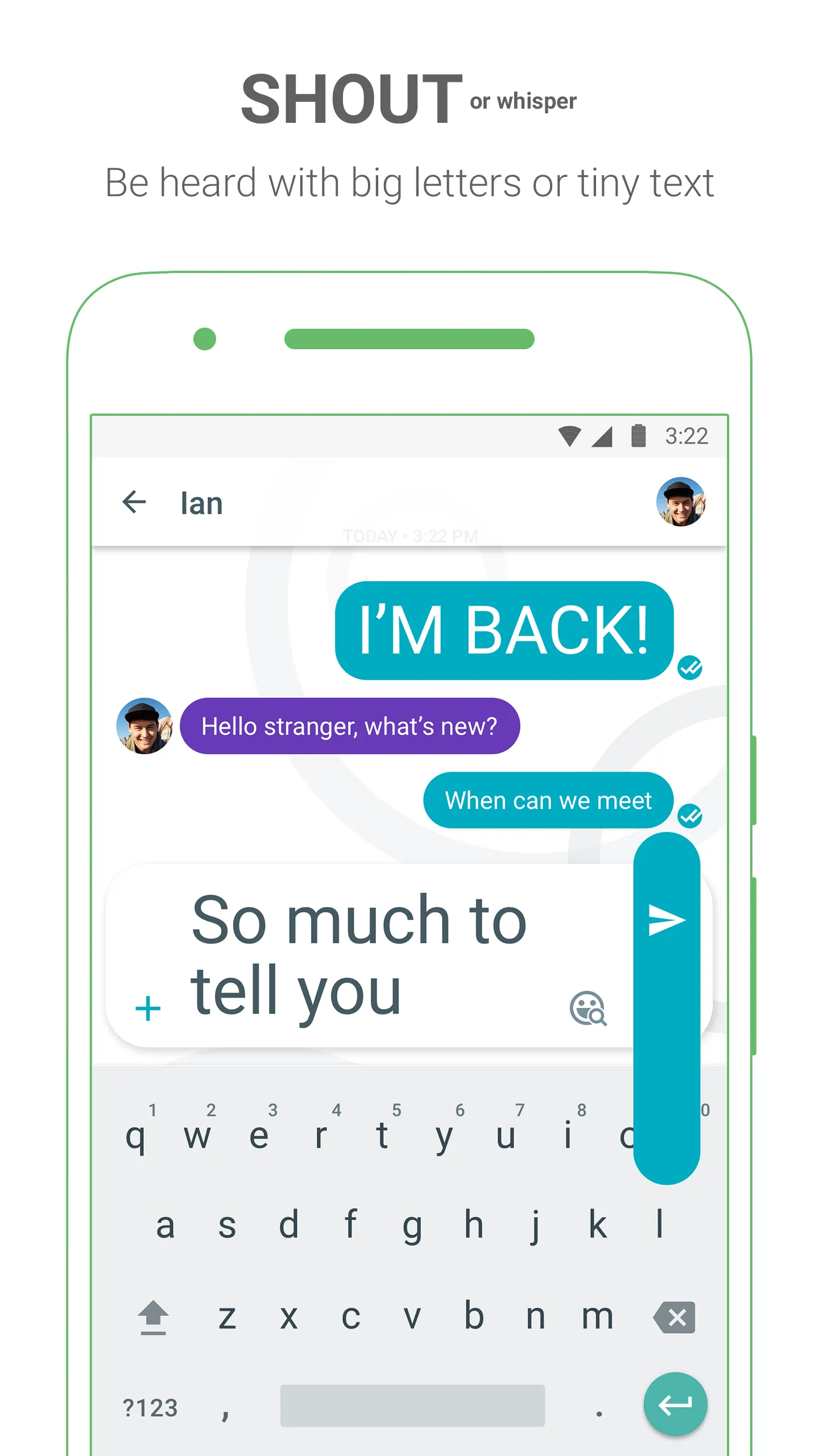
No need to rely on all-caps to get your point across. Simply swipe to change the size of your text, making your "voice" louder or quieter.
Meet Your Google Assistant
Google Allo brings the Google Assistant to you, wherever you are. Find nearby restaurants, share videos, or get answers—all within your conversations with friends. Mention @google in group chats, or have a one-on-one conversation with the Assistant. It’s like having your own personal Google, always ready to help.
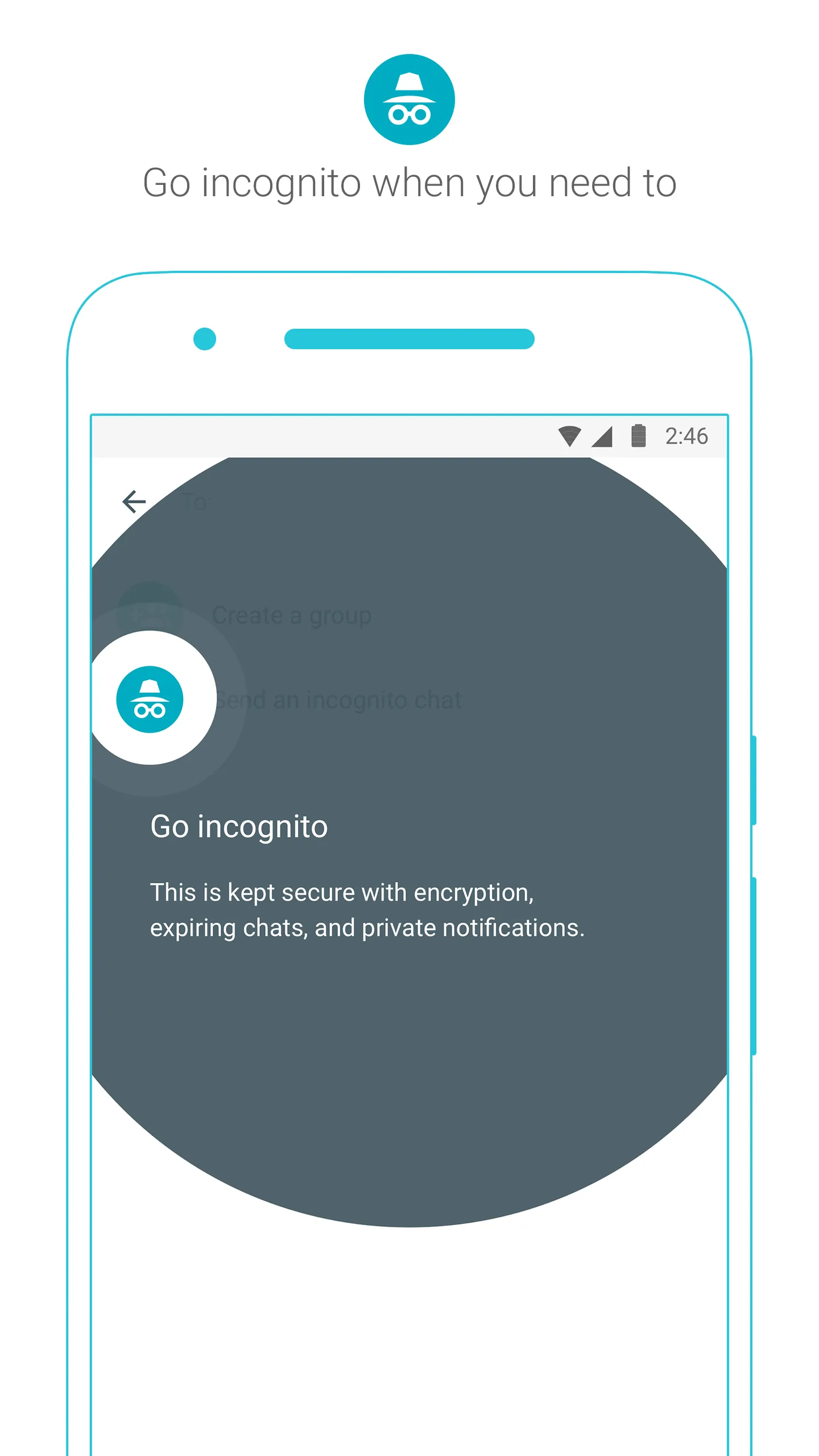
Incognito Mode
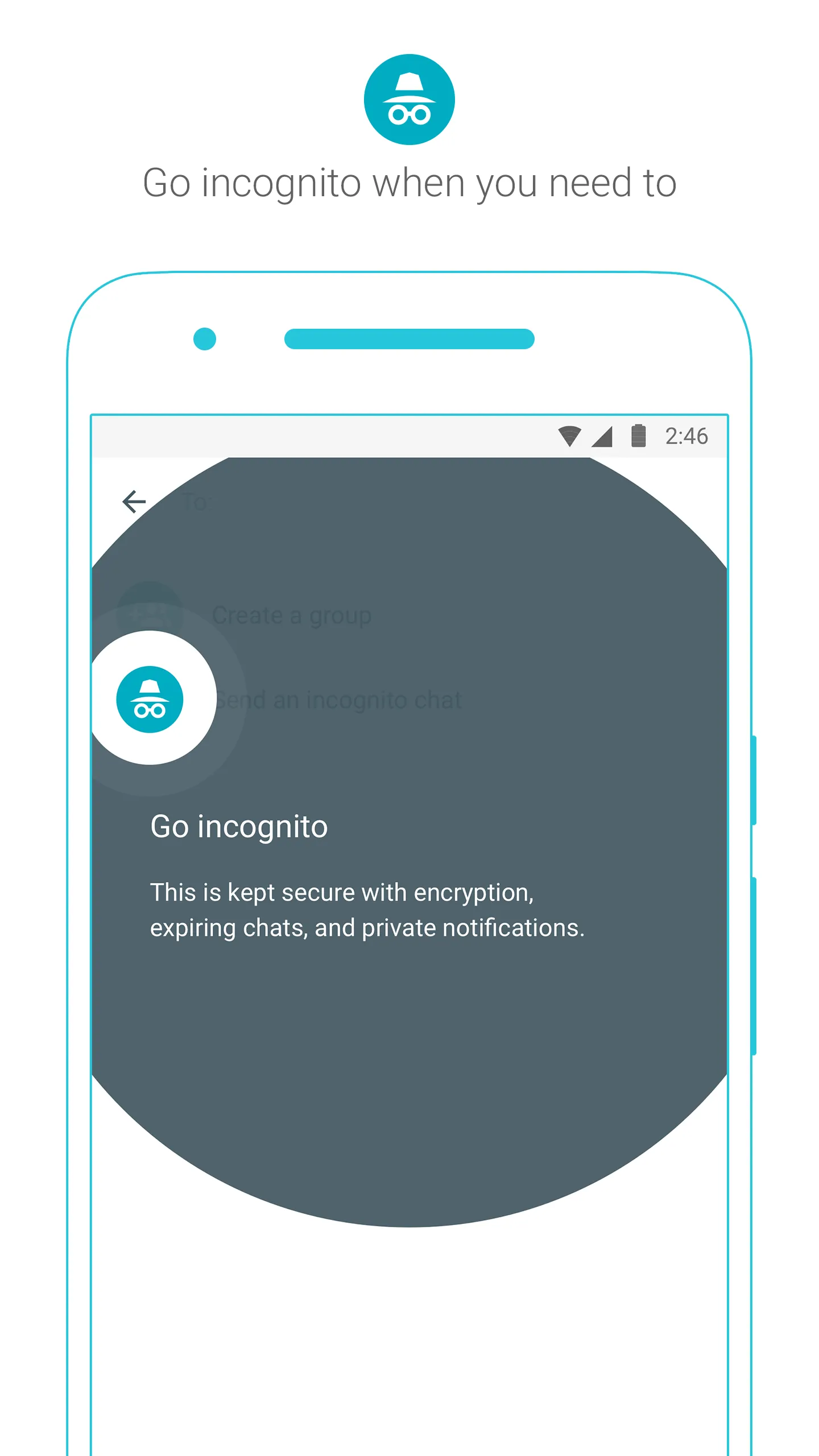
Send messages with end-to-end encryption, keep chats extra private with discreet notifications, and control how long messages persist using expiring chats.
Pros and Cons
Pros:
Extremely fast and highly convenient to use.
Supports both emojis and stickers.
Automatically saves past conversations.
Optional end-to-end encryption.
Essentially brings the Google Assistant to the world.
Includes all standard instant messaging features.
Cons:
Primarily designed for mobile phones rather than other devices.
Privacy may be a concern.
FAQs
How long does it take to download Google Allo?
The file size of Google Allo is 26.0 MB. Depending on your network speed, the download may take anywhere from a few seconds to several minutes over a stable 4G, 5G, or Wi-Fi connection.
Why am I unable to download or install it?
Common reasons include insufficient storage space, an incompatible Android version, an unstable network connection, a corrupted download file, or a lack of installation permissions.
What are the system requirements for Google Allo?
The latest version of Google Allo requires Android 4.1 or higher. If your device is running an older version of Android, please check whether a compatible, earlier version of the app is available.
Conclusion
Google Allo is one of Google’s most notable offerings in the instant messaging space. The app is designed to serve as a mainstream communication tool, competing directly with industry giants. Its primary strengths lie in its simplicity and ease of use—with the addition of a personal assistant feature serving as an excellent, value-adding enhancement.
More Information
- Size:25.99MB
- Version:27.0.326_RC03arm
- Requirements:Android
- Package Name:com.google.android.apps.fireball
- Signature:a5e0813707cb9a97801df10c7d0f797b
Related topics
-
Utility apps are indispensable in our lives, making our daily routines more convenient. To help you find these apps more easily, this site has created a collection. This collection brings together a series of practical tools covering various aspects of life, work, and education, meeting all your needs. What are you waiting for? Try these apps now and make your life easier!
-
![Yoosee]()
Yoosee
-
![Vaulty]()
Vaulty
-
![Google Allo]()
Google Allo
-
![Edge Screen]()
Edge Screen
-
![OpenSignal 4G WiFi Maps & Speed Test]()
OpenSignal 4G WiFi Maps & Speed Test
-
![G-NetTrack]()
G-NetTrack
-
![Homestyler]()
Homestyler
-
![Screen Off]()
Screen Off
-
-
Transform your mobile device into a powerhouse of efficiency with these handpicked essential tools. Whether you need professional-grade photo editing, seamless file organization, smart task management, or real-time weather updates, our curated selection of premium apps delivers unbeatable performance. Streamline your daily routine, automate repetitive tasks, and boost your productivity with intuitive interfaces and powerful features. Designed for both professionals and casual users, these editor-approved applications will revolutionize how you work and play. Don't settle for an ordinary phone - upgrade your digital experience today and unlock your device's full potential!
-
![Yoosee]()
Yoosee
-
![Google Allo]()
Google Allo
-
![OpenSignal 4G WiFi Maps & Speed Test]()
OpenSignal 4G WiFi Maps & Speed Test
-
![G-NetTrack]()
G-NetTrack
-
![Screen Off]()
Screen Off
-
![LetsVPN]()
LetsVPN
-
![File Manager by Xiaomi]()
File Manager by Xiaomi
-
-
With the development of mobile hardware and software, many practical tool software have emerged, covering a wide range of aspects and becoming a good helper for everyone in work and life. Today, the editor provides you with a list of useful tool software downloads. These tools are not particularly complex types, and after reading them, everyone can quickly learn how to use them. Proper use can bring great convenience to life and work.
-
![Vaulty]()
Vaulty
-
![Google Allo]()
Google Allo
-
![Edge Screen]()
Edge Screen
-
![G-NetTrack]()
G-NetTrack
-
![Homestyler]()
Homestyler
-
![Screen Off]()
Screen Off
-
![JioSwitch]()
JioSwitch
-










Latest Updated


Popular Apps








Popular News
More+-
![Tomie Wants to Get Married Full Walkthrough, All Choices and Ending Guide]()
Tomie Wants to Get Married Full Walkthrough, All Choices and Ending Guide
2026-05-22
-
![Karryn’s Prison Gameplay Walkthrough & Strategy Guide]()
Karryn’s Prison Gameplay Walkthrough & Strategy Guide
2025-10-28
-
![Life in Santa County Game Guide & Complete Walkthrough]()
Life in Santa County Game Guide & Complete Walkthrough
2025-10-28
-
![Dreams of Desire Complete Walkthrough and Game Guide]()
Dreams of Desire Complete Walkthrough and Game Guide
2025-10-28
-
![Era Hunter Gameplay Guide & Full Walkthrough]()
Era Hunter Gameplay Guide & Full Walkthrough
2025-10-28




