

Screen Off
Download for Android This app is available for Android only.- Category:Tools
- Rating:
- Language:English
- Updated:2026-11-26
Screenshots
Introduction
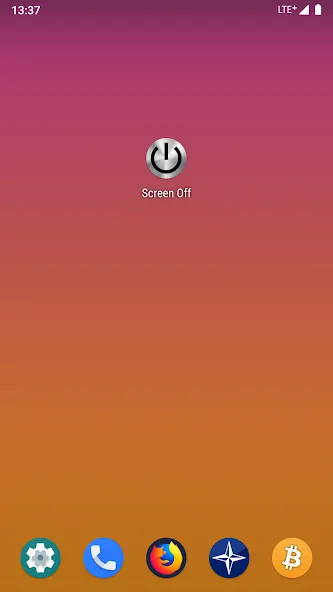
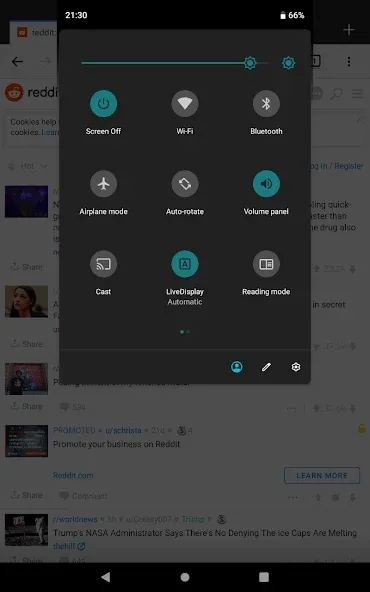
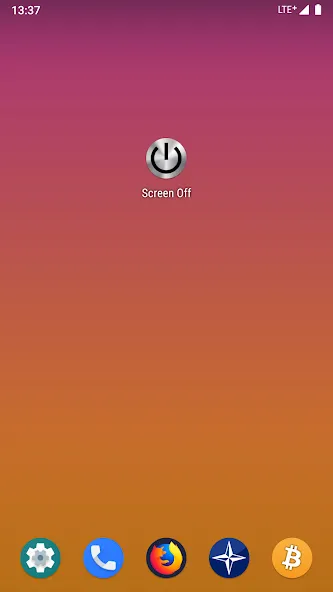
Screen Off is a screen-management tool for Android devices. It allows users to lock their screens without needing to press the physical power button—simply tap within the app to lock the device. The app also supports resizable widgets and enables unlocking via fingerprint recognition. It requires no unnecessary permissions; it only needs device administrator privileges to function, making the setup process very straightforward. If you ever wish to remove the app, a one-tap removal feature is available to clear all associated settings. Furthermore, the app can lock the screen while you are using another application, ensuring you don’t accidentally exit the app you’re currently in. It is completely ad-free, providing a seamless user experience.
Features
Unlock using a fingerprint scanner
Access to the power menu
Completely free with no hidden costs
No suspicious permissions
Uses device administrator privileges to lock the screen; no unnecessary permissions required
Simple setup—the app automatically prompts you to grant the necessary permissions; just accept to get started
Includes a one-tap removal feature; to uninstall, simply long-press the app icon and select "Settings"
Ad-free; we do not collect any data, ensuring your privacy is protected
Pros and Cons
Pros:
Lock your device without pressing the physical power button
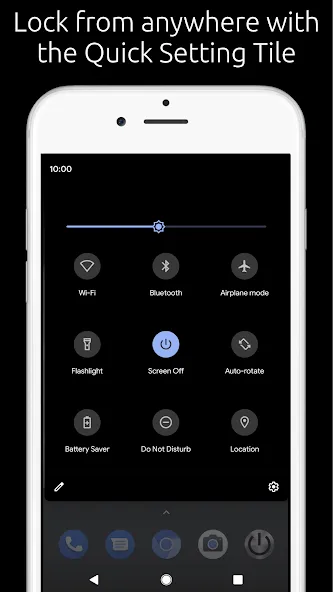
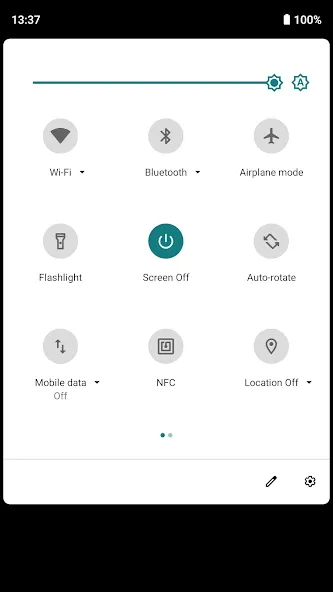
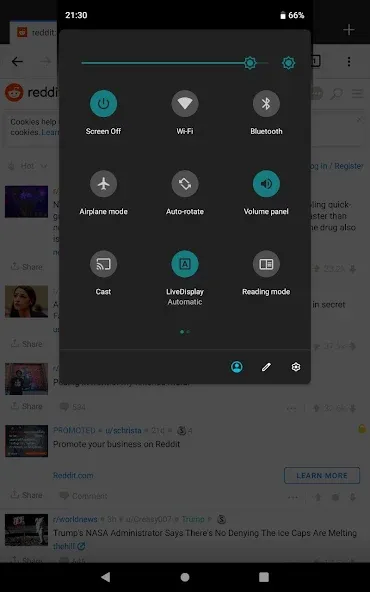
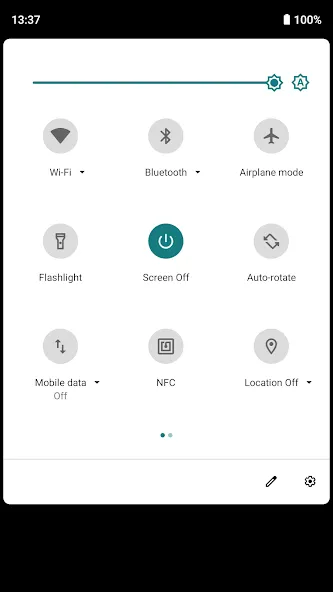
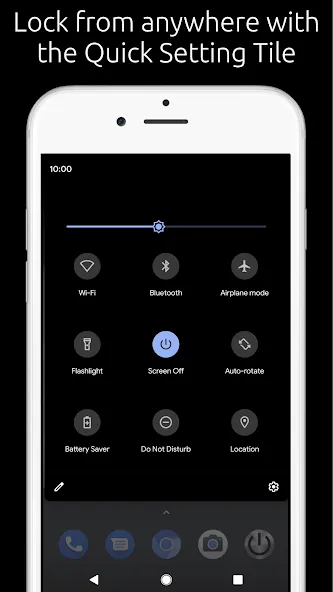
Includes a Quick Settings tile and resizable widgets
Supports fingerprint unlocking and access to the power menu
Designed to assist users with broken physical buttons or mobility impairments
Completely free; the developer states there are no hidden costs or trackers
Cons:
Some users have reported crashes on Android 12
Accessibility permissions may occasionally require re-verification
FAQs
How long does it take to download Screen Off?
The file size for Screen Off is 4.1 MB. Depending on your network speed, the download could take anywhere from a few seconds to a few minutes over a stable 4G, 5G, or Wi-Fi connection.
Why am I unable to download or install the app?
Common reasons include insufficient storage space, an incompatible Android version, an unstable network connection, a corrupted download file, or a lack of installation permissions.
What are the system requirements for Screen Off?
The latest version of Screen Off requires Android 7.0 or higher. If your device is running an older version of Android, please check if a compatible, earlier version of the app is available.
User Reviews
Once you enable the accessibility service for this app, you can lock your screen simply by tapping the icon. It supports fingerprint unlocking—it’s super convenient, ad-free, and can be uninstalled if desired. It’s one of the few apps that actually works with accessibility services enabled.
Extremely useful! You can unlock your device with a fingerprint after the screen is turned off, and you can even shut down the device by long-pressing the icon—it’s truly excellent.
This works great! I tried many other apps, but none supported fingerprint unlocking—this one does! It’s simple, ad-free, and the paid version is reasonably priced. Highly recommended.
Conclusion
Screen Off stands out for its commitment to user convenience and privacy protection. It is completely free with no hidden costs. Users can enjoy an ad-free experience without worrying about intrusive trackers or unnecessary permissions, ensuring a clean and reliable user experience.
More Information
- Size:4.13MB
- Version:26.11.11
- Requirements:Android
- Package Name:nl.matthijsvh.screenoff
- Signature:73aa622e4ef377225365ac5231f6401d
Related topics
-
Utility apps are indispensable in our lives, making our daily routines more convenient. To help you find these apps more easily, this site has created a collection. This collection brings together a series of practical tools covering various aspects of life, work, and education, meeting all your needs. What are you waiting for? Try these apps now and make your life easier!
-
![Yoosee]()
Yoosee
-
![Vaulty]()
Vaulty
-
![Google Allo]()
Google Allo
-
![Edge Screen]()
Edge Screen
-
![WiFiman]()
WiFiman
-
![OpenSignal 4G WiFi Maps & Speed Test]()
OpenSignal 4G WiFi Maps & Speed Test
-
![G-NetTrack]()
G-NetTrack
-
![Homestyler]()
Homestyler
-
-
Transform your mobile device into a powerhouse of efficiency with these handpicked essential tools. Whether you need professional-grade photo editing, seamless file organization, smart task management, or real-time weather updates, our curated selection of premium apps delivers unbeatable performance. Streamline your daily routine, automate repetitive tasks, and boost your productivity with intuitive interfaces and powerful features. Designed for both professionals and casual users, these editor-approved applications will revolutionize how you work and play. Don't settle for an ordinary phone - upgrade your digital experience today and unlock your device's full potential!
-
![Yoosee]()
Yoosee
-
![Google Allo]()
Google Allo
-
![OpenSignal 4G WiFi Maps & Speed Test]()
OpenSignal 4G WiFi Maps & Speed Test
-
![G-NetTrack]()
G-NetTrack
-
![Screen Off]()
Screen Off
-
![LetsVPN]()
LetsVPN
-
-
With the development of mobile hardware and software, many practical tool software have emerged, covering a wide range of aspects and becoming a good helper for everyone in work and life. Today, the editor provides you with a list of useful tool software downloads. These tools are not particularly complex types, and after reading them, everyone can quickly learn how to use them. Proper use can bring great convenience to life and work.
-
![Vaulty]()
Vaulty
-
![Google Allo]()
Google Allo
-
![Edge Screen]()
Edge Screen
-
![WiFiman]()
WiFiman
-
![G-NetTrack]()
G-NetTrack
-
![Homestyler]()
Homestyler
-








Latest Updated



Popular Apps








Popular News
More+-
![Tomie Wants to Get Married Full Walkthrough, All Choices and Ending Guide]()
Tomie Wants to Get Married Full Walkthrough, All Choices and Ending Guide
2026-05-22
-
![Karryn’s Prison Gameplay Walkthrough & Strategy Guide]()
Karryn’s Prison Gameplay Walkthrough & Strategy Guide
2025-10-28
-
![Life in Santa County Game Guide & Complete Walkthrough]()
Life in Santa County Game Guide & Complete Walkthrough
2025-10-28
-
![Dreams of Desire Complete Walkthrough and Game Guide]()
Dreams of Desire Complete Walkthrough and Game Guide
2025-10-28
-
![Era Hunter Gameplay Guide & Full Walkthrough]()
Era Hunter Gameplay Guide & Full Walkthrough
2025-10-28




