
Installation Tools
Download for Android This app is available for Android only.- Category:Tools
- Rating:
- Language:English
- Updated:2026-11-24
Screenshots
Introduction
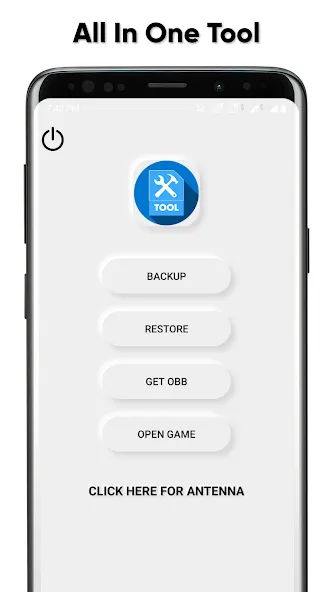
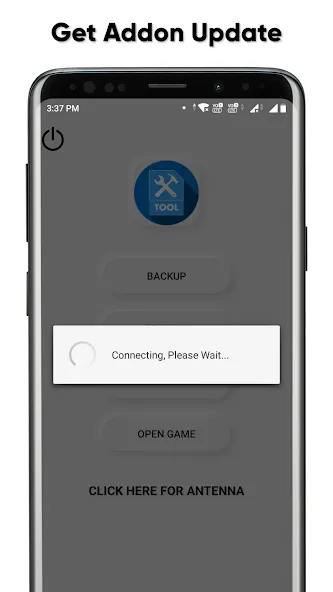
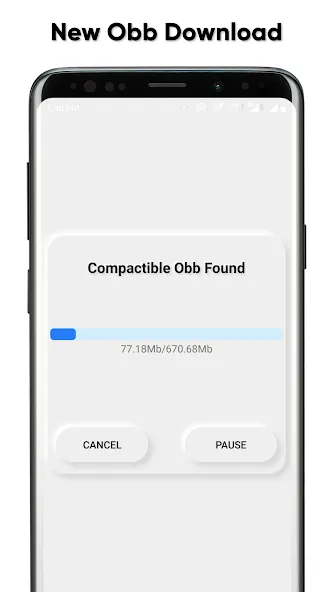
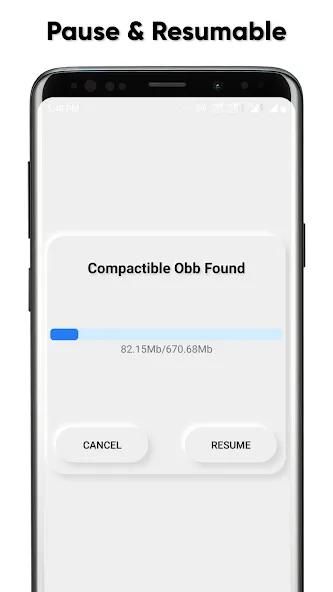
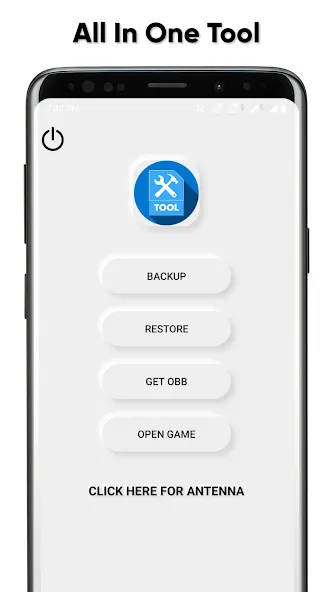
Installation Tools is a download utility for the Android operating system that allows users to batch-download APK files. The app automatically checks the security of each APK, and users can install apps with a single tap. It is optimized for a wide range of Android devices and versions, and it is completely free of advertisements, ensuring an excellent user experience. The entire APK download process is secure, and the user interface is highly intuitive. Furthermore, the app is lightweight and does not consume excessive system resources, making it suitable for all types of users.
Function
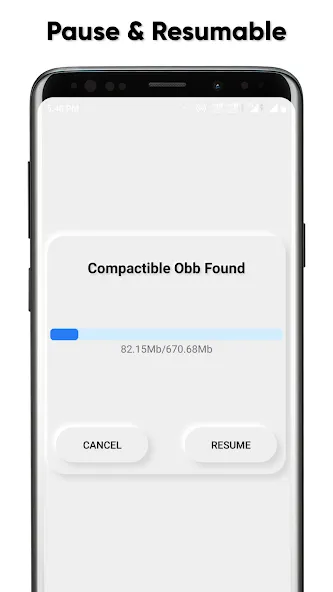
Automatic APK Detection: Instantly scans for and lists all available APK files on your device.
One-Tap Installation: Install apps with a single tap—no need to navigate through multiple prompts.
Batch Installation: Select and install multiple APK files simultaneously to save time.
User-Friendly Interface: A clean, straightforward interface that is easy to understand and navigate.
No Manual Intervention Required: Eliminates the need for manual file handling or complex file management.
High Performance: Optimized for speed, ensuring a smoother and faster installation process.
Ad-Free Experience: Enjoy an uninterrupted experience without advertisements.
Lightweight: Consumes minimal storage space and system resources; ideal for all devices.
Broad Compatibility: Works with a wide variety of Android smartphones and tablets.
Safe and Reliable: Ensures that APK files are installed securely with the appropriate permissions.
Pros and Cons
Pros:
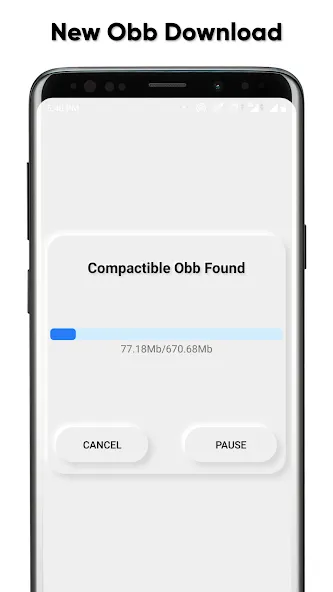
Combines automatic installation with game data backup capabilities.
Supports patches, plugins, and downloadable data.
Reportedly useful for managing modified files for games like Free Fire and FIFA.
Cons:
Some users have reported issues where the app fails to open.
Lack of clear documentation regarding certain features (such as "game reports" or "PR" support).
FAQs
Is Installation Tools completely ad-free?
No, this version of the app may occasionally display advertisements.
Can I install multiple apps at once?
Yes, the app supports the batch processing of APK files.
Is it safe to use this app?
It is designed to ensure that the installation process is both safe and reliable.
Conclusion
Installation Tools makes the entire process easier, faster, and more convenient. With its clean design and automated features, even users with limited technical knowledge can get started with ease. Whether you are installing one app or multiple apps, it helps you get the job done efficiently.
More Information
- Size:30.73MB
- Version:4.5
- Requirements:Android
- Package Name:com.unitedmods.itool
- Signature:dbc400875a6dbdd5b7b7997a9ee821dc
Related topics
-
Discover our File Management Apps hub! Here, you can explore essential tools like Google Drive for cloud storage, Dropbox for simple file sharing, and File Commander for managing files directly on your device. Easily organize and access your files across your phone, or tablet. Our platform is designed to help you quickly find reliable apps to streamline your digital file management.
-
![Installation Tools]()
Installation Tools
-
![Virtual Android]()
Virtual Android
-
![Quick Share]()
Quick Share
-
![Yt5s All Media Video]()
Yt5s All Media Video
-
![MagTapp]()
MagTapp
-
![FEB]()
FEB
-
![File Cleaner–Booster&Cleanup]()
File Cleaner–Booster&Cleanup
-
![KeepSafe]()
KeepSafe
-
-
Utility apps are indispensable in our lives, making our daily routines more convenient. To help you find these apps more easily, this site has created a collection. This collection brings together a series of practical tools covering various aspects of life, work, and education, meeting all your needs. What are you waiting for? Try these apps now and make your life easier!
-
![Installation Tools]()
Installation Tools
-
![Foap]()
Foap
-
![Mods AddOns for Minecraft PE]()
Mods AddOns for Minecraft PE
-
![Custom Navigation Bar]()
Custom Navigation Bar
-
![REGEDDIT MOBILE]()
REGEDDIT MOBILE
-
![Virtual Android]()
Virtual Android
-
![PRAMA ONLINE]()
PRAMA ONLINE
-
![Easy Share]()
Easy Share
-
-
Transform your mobile device into a powerhouse of efficiency with these handpicked essential tools. Whether you need professional-grade photo editing, seamless file organization, smart task management, or real-time weather updates, our curated selection of premium apps delivers unbeatable performance. Streamline your daily routine, automate repetitive tasks, and boost your productivity with intuitive interfaces and powerful features. Designed for both professionals and casual users, these editor-approved applications will revolutionize how you work and play. Don't settle for an ordinary phone - upgrade your digital experience today and unlock your device's full potential!
-
![Installation Tools]()
Installation Tools
-
![Foap]()
Foap
-
![Custom Navigation Bar]()
Custom Navigation Bar
-
![PRAMA ONLINE]()
PRAMA ONLINE
-
![ClevGuard]()
ClevGuard
-
![psp games files downloader]()
psp games files downloader
-
![ScreenStream]()
ScreenStream
-
![Wipro Next Smart Home]()
Wipro Next Smart Home
-















Latest Updated



Popular Apps








Popular News
More+-
![Tomie Wants to Get Married Full Walkthrough, All Choices and Ending Guide]()
Tomie Wants to Get Married Full Walkthrough, All Choices and Ending Guide
2026-05-22
-
![Karryn’s Prison Gameplay Walkthrough & Strategy Guide]()
Karryn’s Prison Gameplay Walkthrough & Strategy Guide
2025-10-28
-
![Life in Santa County Game Guide & Complete Walkthrough]()
Life in Santa County Game Guide & Complete Walkthrough
2025-10-28
-
![Dreams of Desire Complete Walkthrough and Game Guide]()
Dreams of Desire Complete Walkthrough and Game Guide
2025-10-28
-
![Era Hunter Gameplay Guide & Full Walkthrough]()
Era Hunter Gameplay Guide & Full Walkthrough
2025-10-28




