
Video.Guru
Download for Android This app is available for Android only.- Category:Photography
- Rating: 4.6
- Language:English
- Updated:2026-08-27
Screenshots
Introduction
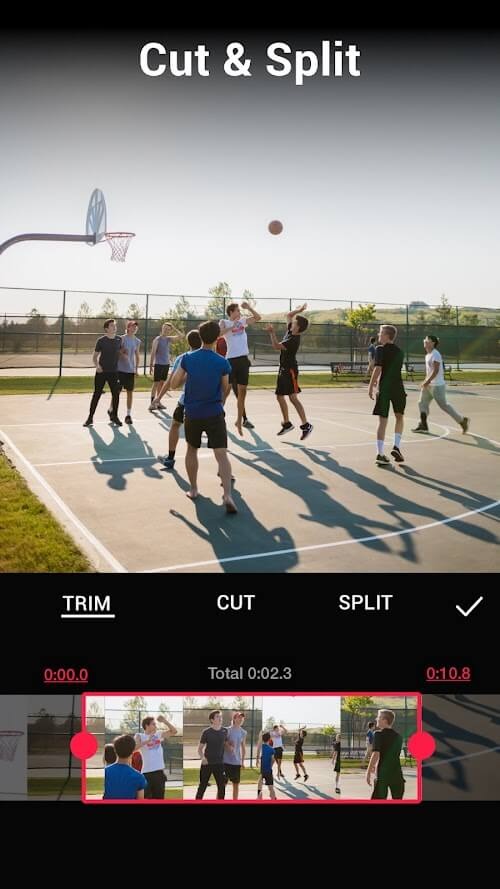
Video.Guru is a video creation and editing tool built with AI technology. After importing videos, users can easily cut, split, and splice them, add different styles of filters, music, transition effects, and subtitles, and create high-quality video works to share on popular social media platforms, easily gaining a lot of attention and likes. The software integrates the latest AI technology, allowing users to easily remove backgrounds from videos and enhance video quality. It can also automatically generate subtitles based on people's speech, meeting different creative needs. After uploading a video, users can also easily extract the music for later use as source material.
Features of Video.Guru:
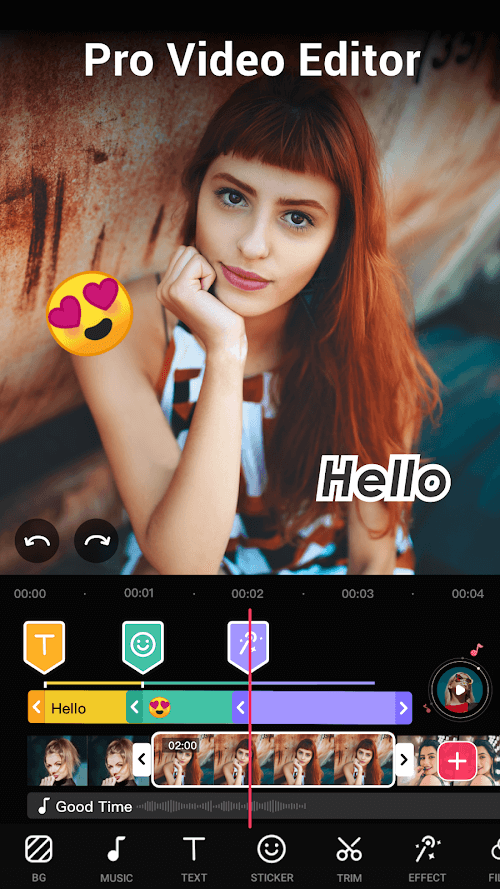
Multi layer editing: Similar to Kinemaster, Video.Guru offers a multi-layer editing feature that helps you to make your videos stunning and informational. Users, who want to make some creative video masterpieces can try this feature and get the best results in minutes with amazing effects. This layer-oriented video editor has the most advanced technology for customization, where they made it more impressive and popular than before.
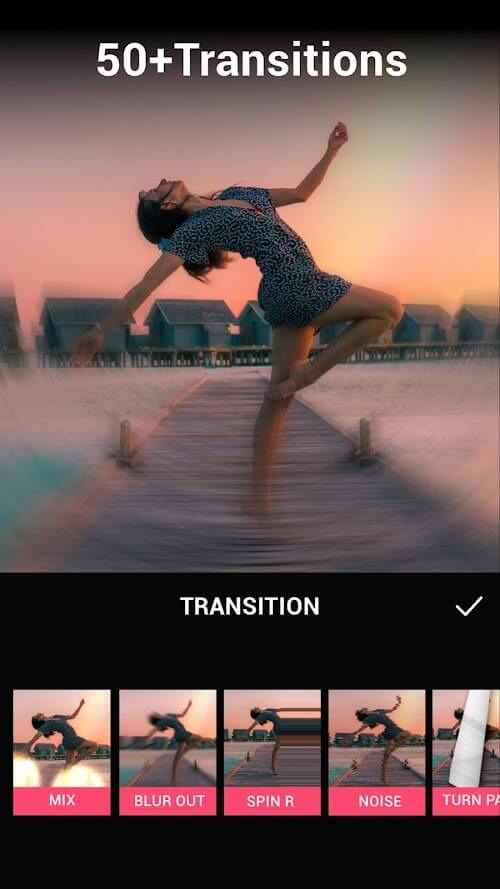
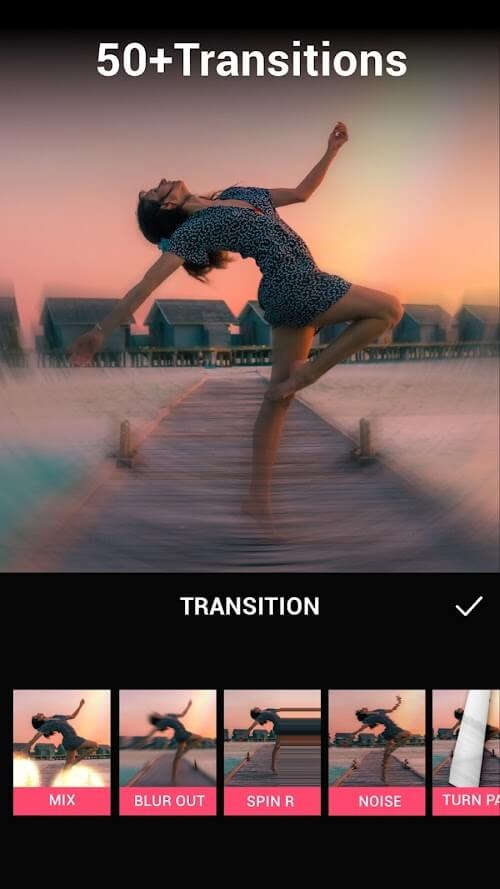
Various transition effects: This app has many transition effects which are very creative for making stunning videos. Many different transitions like crossfade, linear wipe, and so on are available here with audio editing features to make the most perfect masterpieces even you will not find in any other video editor apps. This is the only app where all types of transition effects are available without any cost involved.
Video speed editing: In this application, you will get the option to adjust video speed so anyone can make slow-motion or fast-motion videos easily. You can also change audio speeds to match your desired video effects and sound quality. This feature is very useful for those who want to make something more impressive than others by adding their creativity to it.
Multiple video export: Video.Guru has multiple options for exporting your clips where exporting in mp4 format is available so that you can share it with others without any compatibility issues. You can also export in HQ 1080P and 720P formats which will be great for watching on large screen devices like TV, Laptop, etc.
Strengths of Video.Guru:
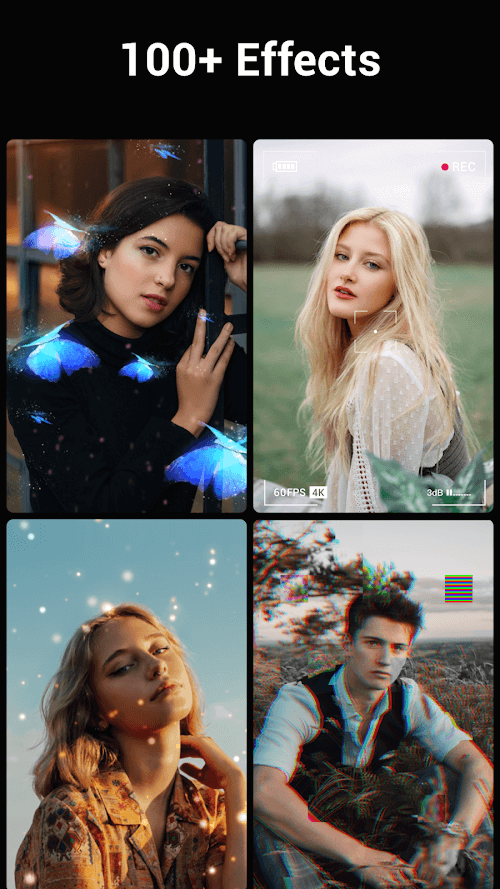
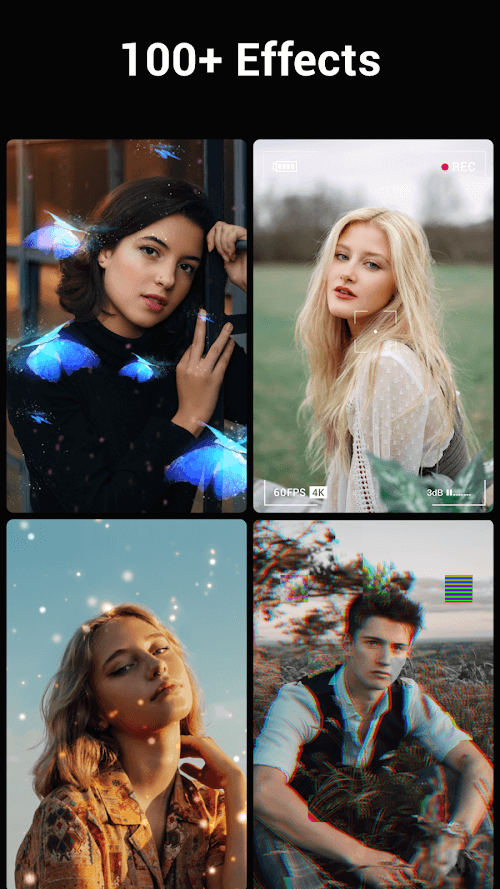
The application has many features that are useful and reliable for improving the image quality. These include filters, color changes and after effects. They also come with many customization options to meet the needs of users. They are simple to use and they can be combined with others to create the perfect combination.
The filter is a highlight as it automatically changes the color or landscape of the multi-media content. The filter also corrects any lighting issues for the user. This makes a photo or video more beautiful and appealing than ever. Filters can overlap and harmonize automatically to meet the creative needs of users.
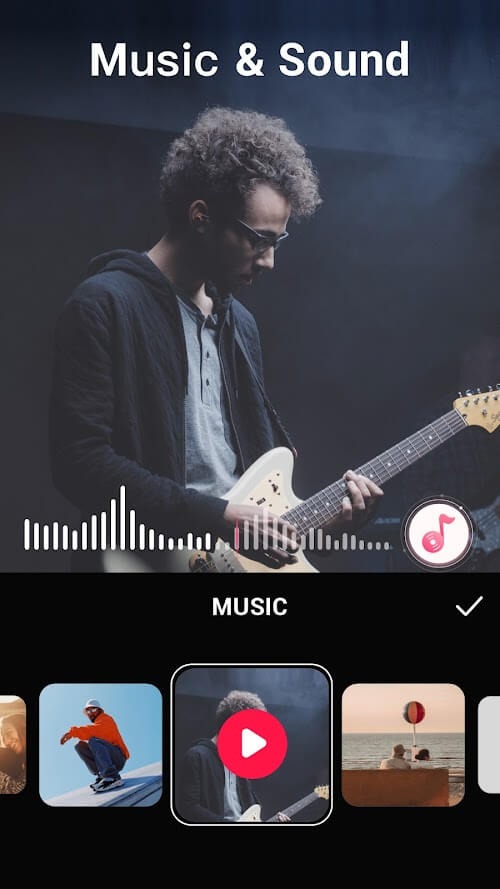
Video.Guru offers users the ability to insert audio into videos. This gives them many options for enhancing video appeal. The built-in app library has been developed to a high standard, and includes the majority of free and trending videos, with numerous variations. Music inserting is easy and diverse, allowing users to enjoy the sync of melodies with pictures.
Video.Guru allows users to add enchanting or artistic text to their video in addition to all the other features. The app allows users to create more elaborate typefaces, with their countless styles, variations and shapes. The user can change the look of the video or even animate it to make it more lively. This will create a powerful impression on the viewers.
User Reviews of Video.Guru:
Wow! Wow! is all I can say. This app allowed me to produce some of the best videos in no time. I love how you can add layers, pic in pic and a whole lot more with such ease. The free part is good as well. I recommend to anybody from beginner to a pro. Thank you!!
AMAZING! btw this is not ai or bot, this is an actual student who uses capcut for PT performance editing like photos and videos for 5 years now, and i can assure you that this app is SOO MUCH better than Capcut! If you accidentally delete the video or photo in your gallery, it wouldn't automatically disappear in Video Maker, unlike Capcut, and it's MUCH MORE easier to use! It doesn't confuse me. The features are easy and Beginner-friendly!
I Always prefer using this video editor over others, because it offers simple, easy and rapid editing offline and ads don't interrupt the editing. Alot of features like filters and animations need modification but still working with this app is very easy . I'm using this since past 3 years and it's just amazing . Very satisfied with it's Swipes, voice editing , voice extraction , adjustments and other features . Thank you so much for Making this app this better and comfortable for us...........
so this app so much useful for me it helps me fir edit the vidoe gaming and vlog. but we need some more fonts so try to search more fonts.this app is useful for those persons who want so1e simple edits but it contains ads.
I have the free version. It has great transitions, cool sound effects, fun fonts, etc. It makes your average video editing more fun. The thing I like THE MOST is the ability to edit down to the exact moment with ease. I bet the paid version is great, but I'm happy with this one for now. 5 Stars!!
Final Verdict:
Whether you’re creating a vlog or a movie, Video.Guru has everything you need. With dozens of HD free music options and the ability to adjust video speed, background color, and video blur, you can customize your video to fit your unique style.
More Information
- Size:55.23MB
- Version:1.592.187
- Requirements:Android
- Votes:592
- Package Name:videoeditor.videomaker.videoeditorforyoutube
- Signature:8327446fa1846e322768daec2625bccc
Related Versions


Related topics
-
Transform your smartphone into a powerful editing studio with the best video editing apps for Android! Whether you're a content creator, social media enthusiast, or just looking to polish personal videos, these apps offer professional-grade tools right at your fingertips. Enjoy intuitive interfaces, advanced features like multi-track editing and filters, and seamless exporting options - all optimized for mobile devices. Download now and start creating stunning videos anytime, anywhere!
-
![Video.Guru]()
Video.Guru
-
![Funimate]()
Funimate
-
![Beat.ly]()
Beat.ly
-
![VlogNow]()
VlogNow
-
![Dream Face]()
Dream Face
-
![VN - Video Editor & Maker]()
VN - Video Editor & Maker
-
![Faceplay Face Swap Video]()
Faceplay Face Swap Video
-
![NodeVideo]()
NodeVideo
-
-
Video Editor is a powerful software tool designed for crafting, refining, and enhancing video content. It enables users to transform raw footage into compelling visual narratives or effective communication platforms. As digital media continues to evolve, video editing has grown in significance - no longer just a professional necessity but also an accessible skill for everyday creators. Modern editing tools now offer intuitive interfaces, AI-powered features, and cross-platform compatibility, making high-quality video production achievable for both experts and casual users alike.
-
![Video.Guru]()
Video.Guru
-
![Vidmix]()
Vidmix
-
![Funimate]()
Funimate
-
![Cinema FV-5]()
Cinema FV-5
-
![VlogNow]()
VlogNow
-
![Vivavideo]()
Vivavideo
-
![Faceplay Face Swap Video]()
Faceplay Face Swap Video
-
![NodeVideo]()
NodeVideo
-
-
Mobile video editing tools are highly popular, with complete functions and professional tools that provide a strong atmosphere for various materials. Rich video templates can be operated with just one click, saving time and without too high a threshold. So what are the free versions of mobile video editing software? Editing software should have high popularity, but most of them require membership. Next, I recommend several platforms that can be used for free.
-
![Video.Guru]()
Video.Guru
-
![Vidmix]()
Vidmix
-
![Funimate]()
Funimate
-
![VlogNow]()
VlogNow
-
![Venlow]()
Venlow
-
![Adobe Lightroom]()
Adobe Lightroom
-
![Faceplay Face Swap Video]()
Faceplay Face Swap Video
-
![NodeVideo]()
NodeVideo
-












Latest Updated




Popular Apps








Popular News
More+-
![Tomie Wants to Get Married Full Walkthrough, All Choices and Ending Guide]()
Tomie Wants to Get Married Full Walkthrough, All Choices and Ending Guide
2026-05-22
-
![Karryn’s Prison Gameplay Walkthrough & Strategy Guide]()
Karryn’s Prison Gameplay Walkthrough & Strategy Guide
2025-10-28
-
![Life in Santa County Game Guide & Complete Walkthrough]()
Life in Santa County Game Guide & Complete Walkthrough
2025-10-28
-
![Dreams of Desire Complete Walkthrough and Game Guide]()
Dreams of Desire Complete Walkthrough and Game Guide
2025-10-28
-
![Era Hunter Gameplay Guide & Full Walkthrough]()
Era Hunter Gameplay Guide & Full Walkthrough
2025-10-28




