
WiFi Direct +
Download for Android This app is available for Android only.- Category:Tools
- Rating:
- Language:English
- Updated:2026-11-26
Screenshots
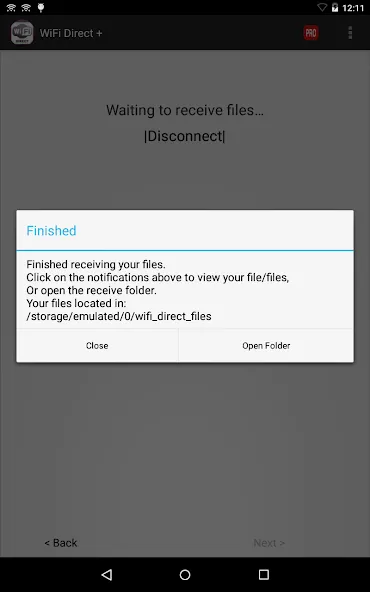
Introduction
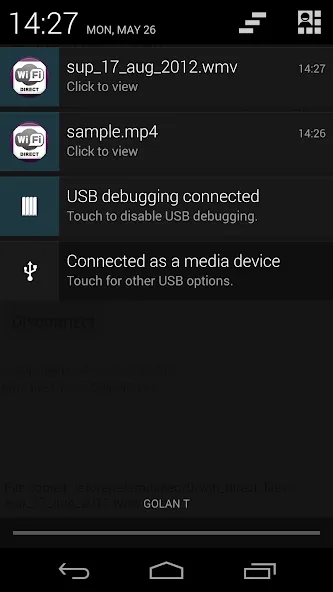
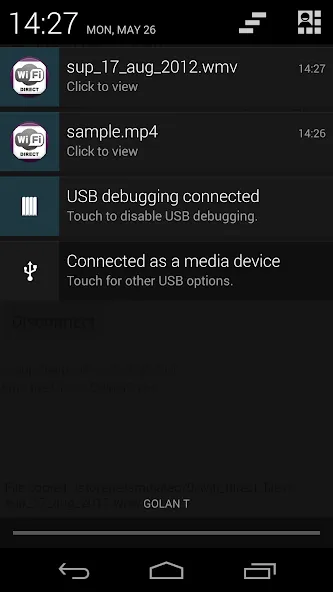
WiFi Direct+ is a file transfer tool for Android devices. It utilizes a peer-to-peer (P2P) architecture, allowing for rapid file transfers without the limitations imposed by a router. Users can quickly move files between multiple devices—whether they are videos or large files—with no restrictions on file size or quantity. The app can access external SD cards, your photo gallery, and other storage locations, making the transfer process highly convenient. Furthermore, it features a clean, minimalist design that ensures a simple and efficient user experience.
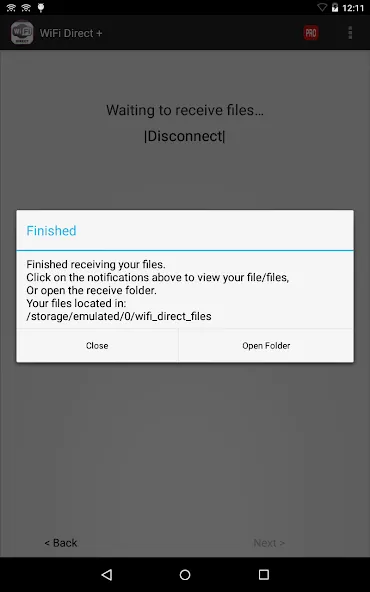
Features
Rapid file transfer is one of the standout features of WiFi Direct+. By leveraging a peer-to-peer architecture, it achieves exceptionally high transfer speeds. Because the process bypasses routers entirely, data moves directly between devices—significantly faster than standard Wi-Fi. This makes it effortless to share various types of media, including photos, videos, and large documents.
There are no limits on the size or number of files you can transfer. This makes it an ideal solution for users who frequently share files or exchange large volumes of data without wanting to be constrained by restrictions. Additionally, the app boasts a clean, user-friendly interface—completely free of advertisements and intrusive prompts to upgrade to a paid version.
With this app, you can send files from virtually anywhere on your device. It supports access to and sharing of files from a wide range of sources, including internal storage, external SD cards, cloud services, your photo gallery, your camera roll, and more. A powerful file picker makes selecting items for transfer a breeze—a lifesaver when you need to work with files scattered across different folders or applications.
WiFi Direct+ also makes sharing entire folders incredibly simple. With just a few taps, you can transfer the contents of an entire folder, eliminating the need to select files one by one. This feature is perfect for sharing large collections—such as an entire album of photos—much faster than sending them individually.
The app is also highly reliable and compatible. It has undergone comprehensive performance testing across a wide variety of Android devices from different manufacturers, consistently meeting or exceeding expectations. Fast connections and seamless file transfers are the hallmarks of this service. If you need to transfer files wirelessly between devices, WiFi Direct+ makes the process effortless.
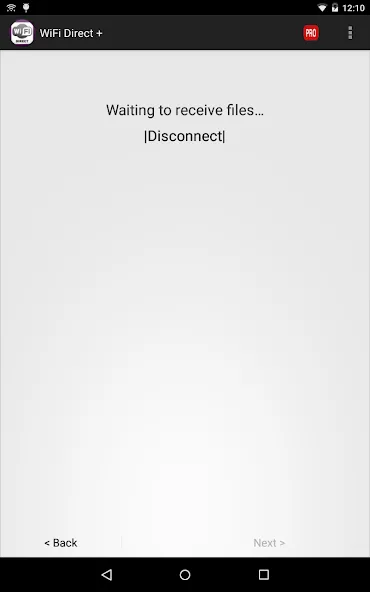
Highlights
Supports sharing from your photo gallery.
Supports the transfer of any file type.
Supports multi-file transfers.
Supports folder transfers.
Supports file transfers to/from an external SD card.
Tested on a wide range of devices.
Faster discovery.
Faster transfer speeds.
To save files on the receiving device, please use the Google Files app (or another file manager, such as Solid Explorer) and ensure that the "All Files Access" permission is enabled.
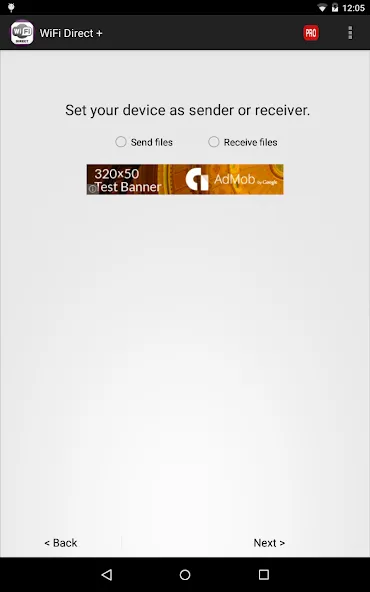
Usage
Open the app on the device from which you wish to send files.
Bring the two devices close together.
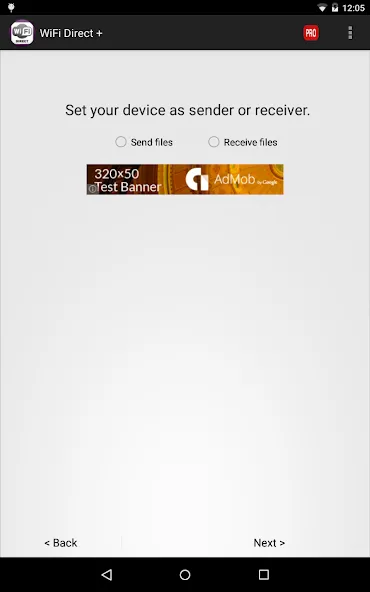
Set your device as the "Sender" if you are sending files, or as the "Receiver" if you are receiving them.
If you are the sender, tap "Select files or folders."
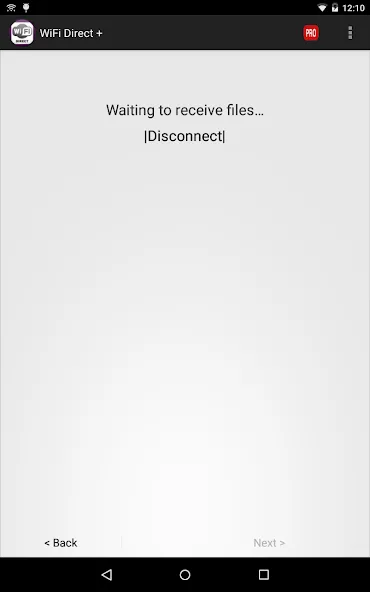
Begin the file transfer.
Once the transfer is complete, simply tap the "Done" button.
Conclusion
Whether you are using an Android device from LG, Huawei, or HTC—or even a Sony Bravia or Samsung TV—as long as the devices are connected to the same Wi-Fi network, you can link them using this "Wi-Fi Direct+" application, which offers superior performance compared to Bluetooth.
More Information
- Size:16.41MB
- Version:10.1.48
- Requirements:Android
- Package Name:com.netcompss_gh.wifidirect
- Signature:c2621eae257c61f11a4f2ff7663ec7ae
Related topics
-
Discover our File Management Apps hub! Here, you can explore essential tools like Google Drive for cloud storage, Dropbox for simple file sharing, and File Commander for managing files directly on your device. Easily organize and access your files across your phone, or tablet. Our platform is designed to help you quickly find reliable apps to streamline your digital file management.
-
![WiFi Direct +]()
WiFi Direct +
-
![Edge Screen]()
Edge Screen
-
![File Manager by Xiaomi]()
File Manager by Xiaomi
-
![JioSwitch]()
JioSwitch
-
![WT Hub]()
WT Hub
-
![Installation Tools]()
Installation Tools
-
![Virtual Android]()
Virtual Android
-
![Quick Share]()
Quick Share
-
-
Utility apps are indispensable in our lives, making our daily routines more convenient. To help you find these apps more easily, this site has created a collection. This collection brings together a series of practical tools covering various aspects of life, work, and education, meeting all your needs. What are you waiting for? Try these apps now and make your life easier!
-
![Yoosee]()
Yoosee
-
![Vaulty]()
Vaulty
-
![WiFi Direct +]()
WiFi Direct +
-
![Whiteboard]()
Whiteboard
-
![Google Allo]()
Google Allo
-
![Edge Screen]()
Edge Screen
-
![WiFiman]()
WiFiman
-
-
Transform your mobile device into a powerhouse of efficiency with these handpicked essential tools. Whether you need professional-grade photo editing, seamless file organization, smart task management, or real-time weather updates, our curated selection of premium apps delivers unbeatable performance. Streamline your daily routine, automate repetitive tasks, and boost your productivity with intuitive interfaces and powerful features. Designed for both professionals and casual users, these editor-approved applications will revolutionize how you work and play. Don't settle for an ordinary phone - upgrade your digital experience today and unlock your device's full potential!
-
![Yoosee]()
Yoosee
-
![WiFi Direct +]()
WiFi Direct +
-
![Whiteboard]()
Whiteboard
-
![Google Allo]()
Google Allo
-
![OpenSignal 4G WiFi Maps & Speed Test]()
OpenSignal 4G WiFi Maps & Speed Test
-
![G-NetTrack]()
G-NetTrack
-












Latest Updated



Popular Apps








Popular News
More+-
![Tomie Wants to Get Married Full Walkthrough, All Choices and Ending Guide]()
Tomie Wants to Get Married Full Walkthrough, All Choices and Ending Guide
2026-05-22
-
![Karryn’s Prison Gameplay Walkthrough & Strategy Guide]()
Karryn’s Prison Gameplay Walkthrough & Strategy Guide
2025-10-28
-
![Life in Santa County Game Guide & Complete Walkthrough]()
Life in Santa County Game Guide & Complete Walkthrough
2025-10-28
-
![Dreams of Desire Complete Walkthrough and Game Guide]()
Dreams of Desire Complete Walkthrough and Game Guide
2025-10-28
-
![Era Hunter Gameplay Guide & Full Walkthrough]()
Era Hunter Gameplay Guide & Full Walkthrough
2025-10-28




