
Vysor
Download for Android This app is available for Android only.- Category:Tools
- Rating:
- Language:English
- Updated:2026-11-27
Screenshots
Introduction
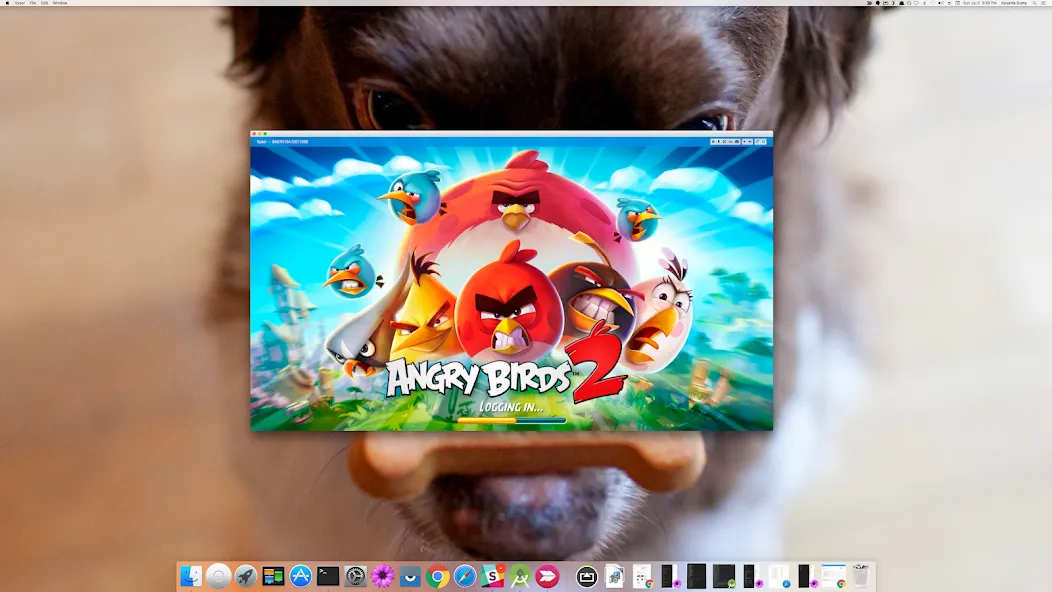
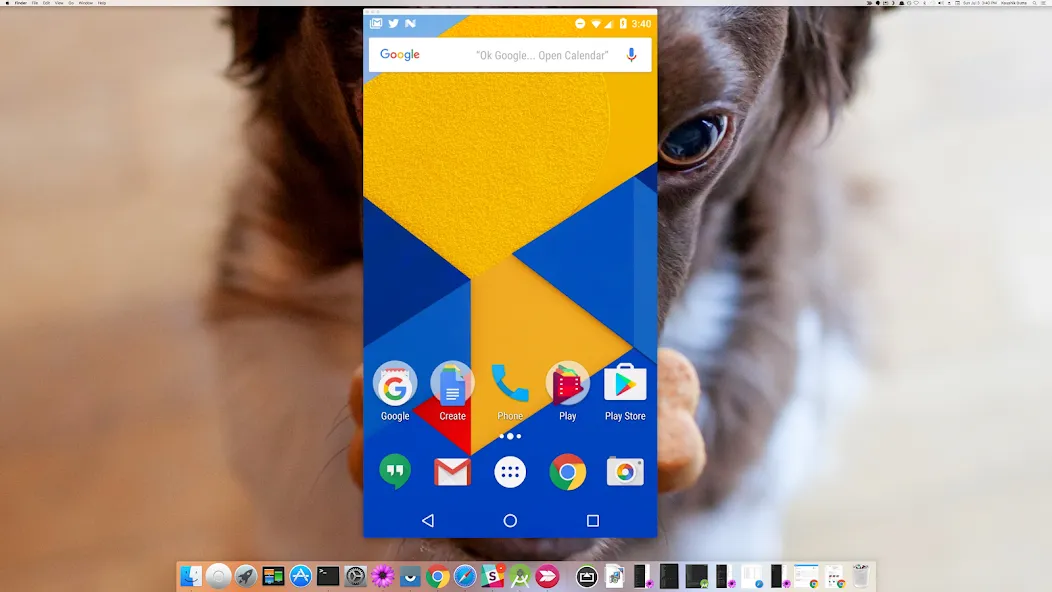
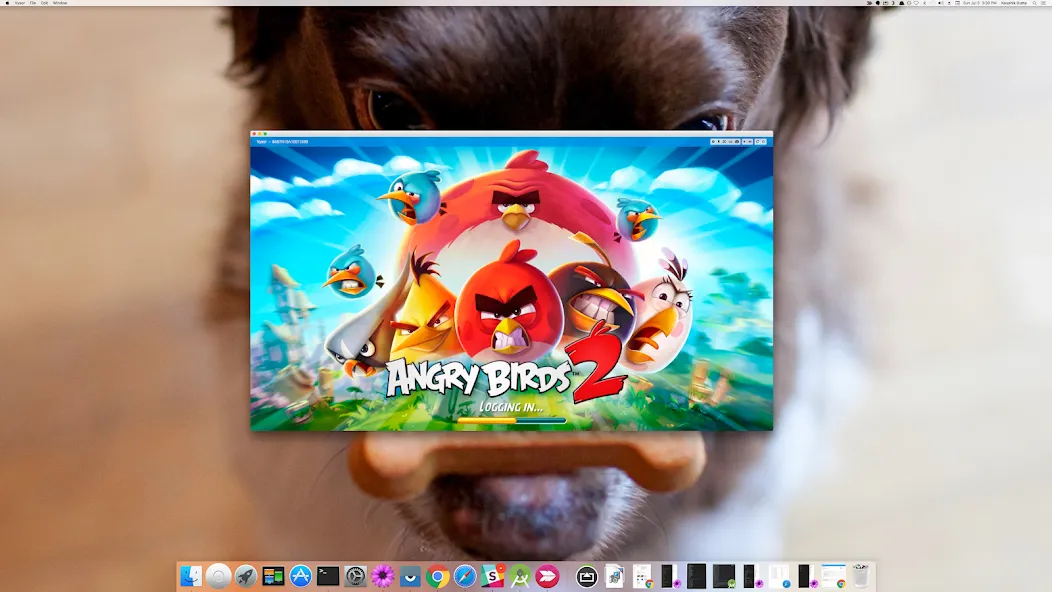
Vysor is a remote connection tool for Android devices that allows users to connect their mobile devices to a PC. Once connected, users can operate their phone’s screen and various applications using their computer’s keyboard and mouse. By simply sharing a link, users can establish a remote connection to mirror their mobile screen onto a PC. The software also enables screen sharing with others, facilitating collaborative tasks like multi-user online editing. Furthermore, it is highly lightweight—consuming very little memory—and has minimal device version requirements, making it accessible to all users. For gamers, the ability to project a mobile screen onto a larger PC monitor and control it with a mouse opens up entirely new ways to play.
Features
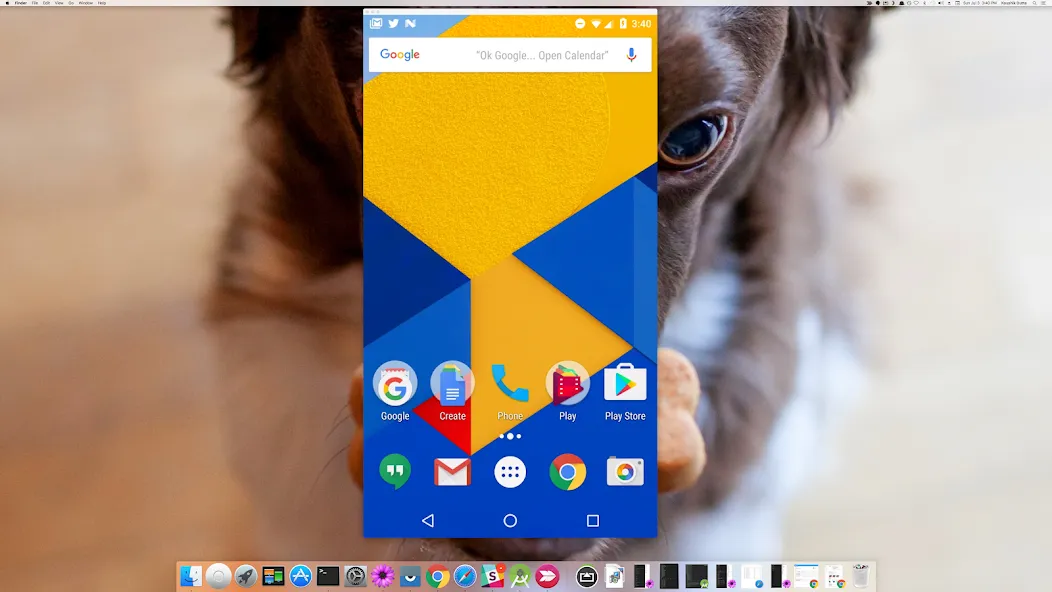
Point-and-click control: Point, click, and scroll—all using your mouse.
Ditch the emulator: Are you an Android developer? This app offers the convenience and integration of an emulator while using a real, physical device.
Easily share your device with others, whether they are in the office or on the other side of the globe. Access remote devices via screen mirroring and ADB—all it takes is sending a link.
Generate and save asset reports in various formats.
Keep track of relevant vendors and contacts.
Control any app on your phone from your computer—even play exclusive Android games directly on your PC.
Type faster on your smartphone using your computer’s keyboard.
Share your screen with others to receive remote assistance.
Manage any on-screen element using mouse clicks and scrolling.
Developers can work seamlessly on actual Android devices—no emulator required—for remote debugging and testing.
Pros and Cons
Pros:
Control real Android devices using your computer’s mouse and keyboard.
Supports wireless mirroring and remote assistance via Vysor.
Manage multiple devices for debugging and testing purposes.
Navigate your phone using simple point-and-click actions.
Cons:
The free version includes ads that may interrupt media playback or other tasks.
Paid access can be relatively expensive.
User Reviews
The best app for controlling Android from a PC! Please add support for the Chinese language.
Everything went so smoothly from the very first use that I felt compelled to leave a positive review. Although I had to restart the Windows application for it to detect my phone, it’s no big deal. I will update this review if I run into any issues using Vysor later on.
Using the app is straightforward—just follow the instructions. While the documentation isn’t particularly well-written, once you figure out how it works, it can indeed mirror multiple devices simultaneously (without needing to pair them).
Conclusion
Vysor is simple and easy to use. There’s no complex setup required; just connect your Android phone to your PC, and you’re all set. You’ll be able to control your Android phone from your PC screen in no time.
More Information
- Size:1.13MB
- Version:4.2.4
- Requirements:Android
- Package Name:com.koushikdutta.vysor
- Signature:41c39c74de896ca1828a767e69367ab9
Related topics
-
Discover our File Management Apps hub! Here, you can explore essential tools like Google Drive for cloud storage, Dropbox for simple file sharing, and File Commander for managing files directly on your device. Easily organize and access your files across your phone, or tablet. Our platform is designed to help you quickly find reliable apps to streamline your digital file management.
-
![Vysor]()
Vysor
-
![Simple Scanner]()
Simple Scanner
-
![WiFi Direct +]()
WiFi Direct +
-
![Edge Screen]()
Edge Screen
-
![File Manager by Xiaomi]()
File Manager by Xiaomi
-
![JioSwitch]()
JioSwitch
-
![WT Hub]()
WT Hub
-
![Installation Tools]()
Installation Tools
-
-
Meet Game BOX — your all-in-one game hub! Explore action, RPG, strategy, and more. Find games quickly, download fast, and play seamlessly on mobile. Simple, safe, and packed with top-rated titles. Perfect for gamers everywhere.
-
![Vysor]()
Vysor
-
![Among Pink MOD]()
Among Pink MOD
-
![Dolphin MMJR2]()
Dolphin MMJR2
-
![Moonlight Game Streaming]()
Moonlight Game Streaming
-
![Mods AddOns for Minecraft PE]()
Mods AddOns for Minecraft PE
-
![REGEDDIT MOBILE]()
REGEDDIT MOBILE
-
![Mogul]()
Mogul
-
![psp games files downloader]()
psp games files downloader
-
-
Utility apps are indispensable in our lives, making our daily routines more convenient. To help you find these apps more easily, this site has created a collection. This collection brings together a series of practical tools covering various aspects of life, work, and education, meeting all your needs. What are you waiting for? Try these apps now and make your life easier!
-
![Yoosee]()
Yoosee
-
![MIUI Downloader]()
MIUI Downloader
-
![Vaulty]()
Vaulty
-
![Vysor]()
Vysor
-
![Simple Scanner]()
Simple Scanner
-
![WiFi Direct +]()
WiFi Direct +
-
![Whiteboard]()
Whiteboard
-
![Google Allo]()
Google Allo
-









Latest Updated



Popular Apps








Popular News
More+-
![Tomie Wants to Get Married Full Walkthrough, All Choices and Ending Guide]()
Tomie Wants to Get Married Full Walkthrough, All Choices and Ending Guide
2026-05-22
-
![Karryn’s Prison Gameplay Walkthrough & Strategy Guide]()
Karryn’s Prison Gameplay Walkthrough & Strategy Guide
2025-10-28
-
![Life in Santa County Game Guide & Complete Walkthrough]()
Life in Santa County Game Guide & Complete Walkthrough
2025-10-28
-
![Dreams of Desire Complete Walkthrough and Game Guide]()
Dreams of Desire Complete Walkthrough and Game Guide
2025-10-28
-
![Era Hunter Gameplay Guide & Full Walkthrough]()
Era Hunter Gameplay Guide & Full Walkthrough
2025-10-28




