
Cymera
Download for Android This app is available for Android only.- Category:Photography
- Rating:
- Language:English
- Updated:2026-11-16
Screenshots
Introduction
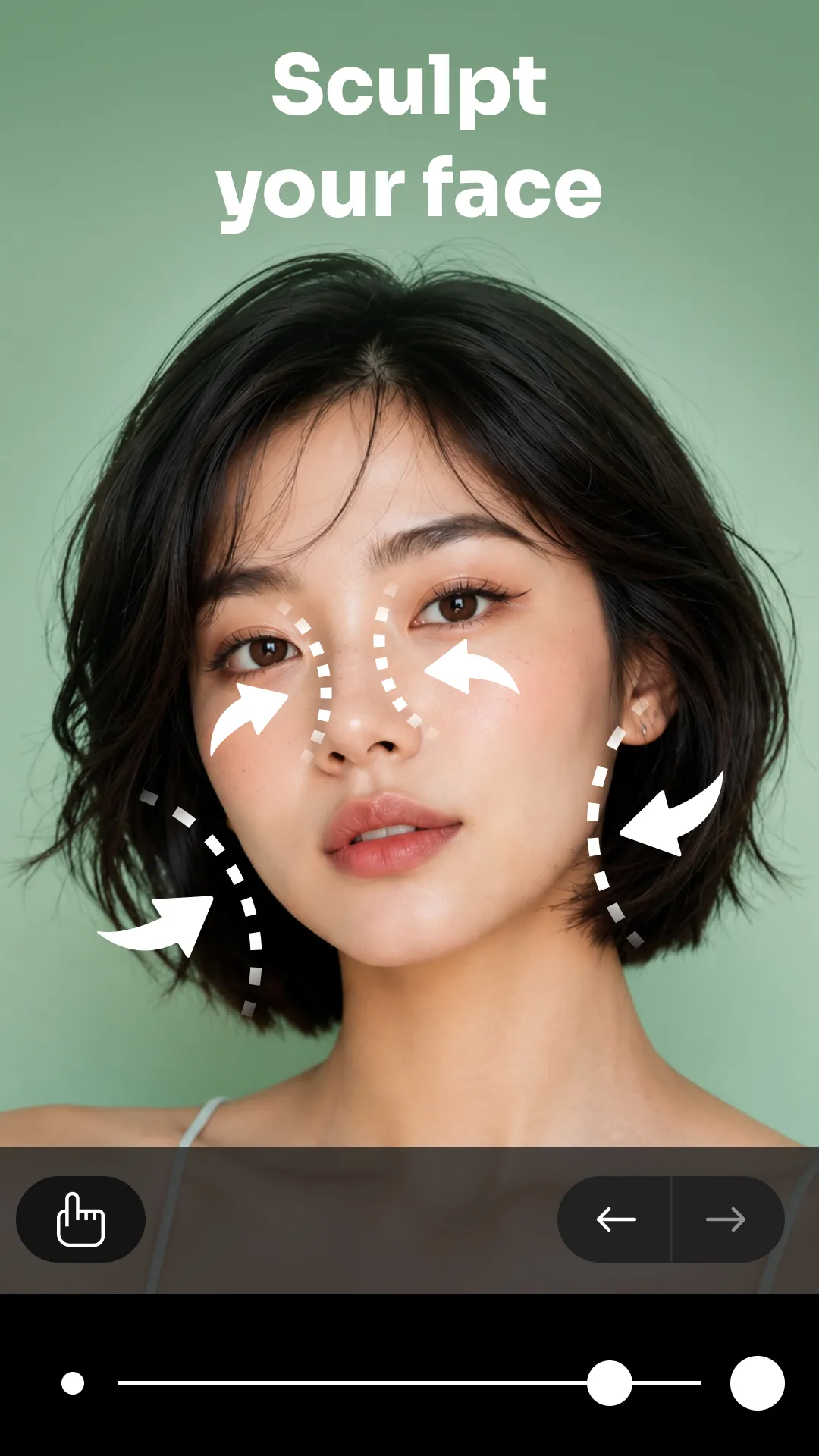
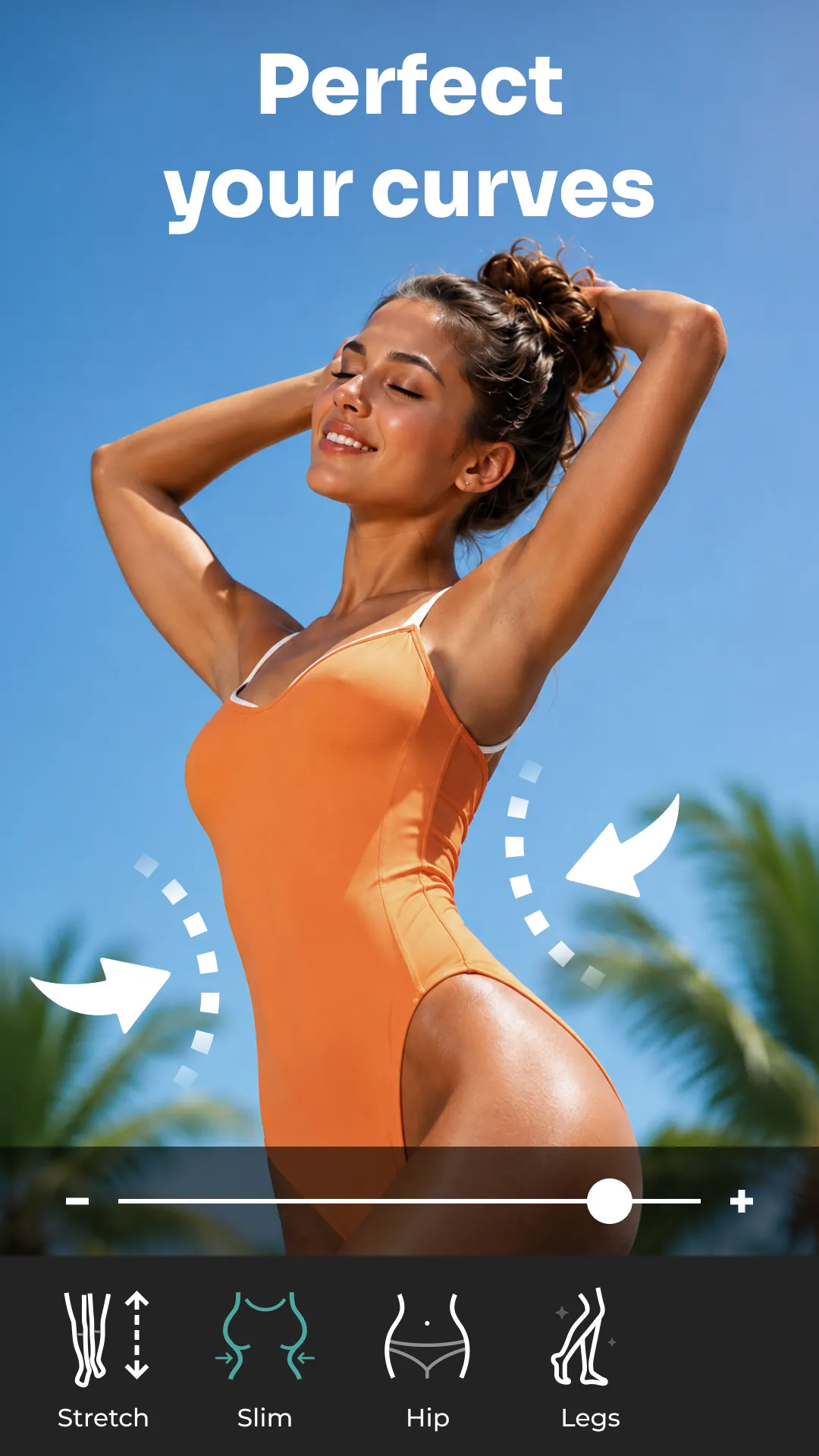
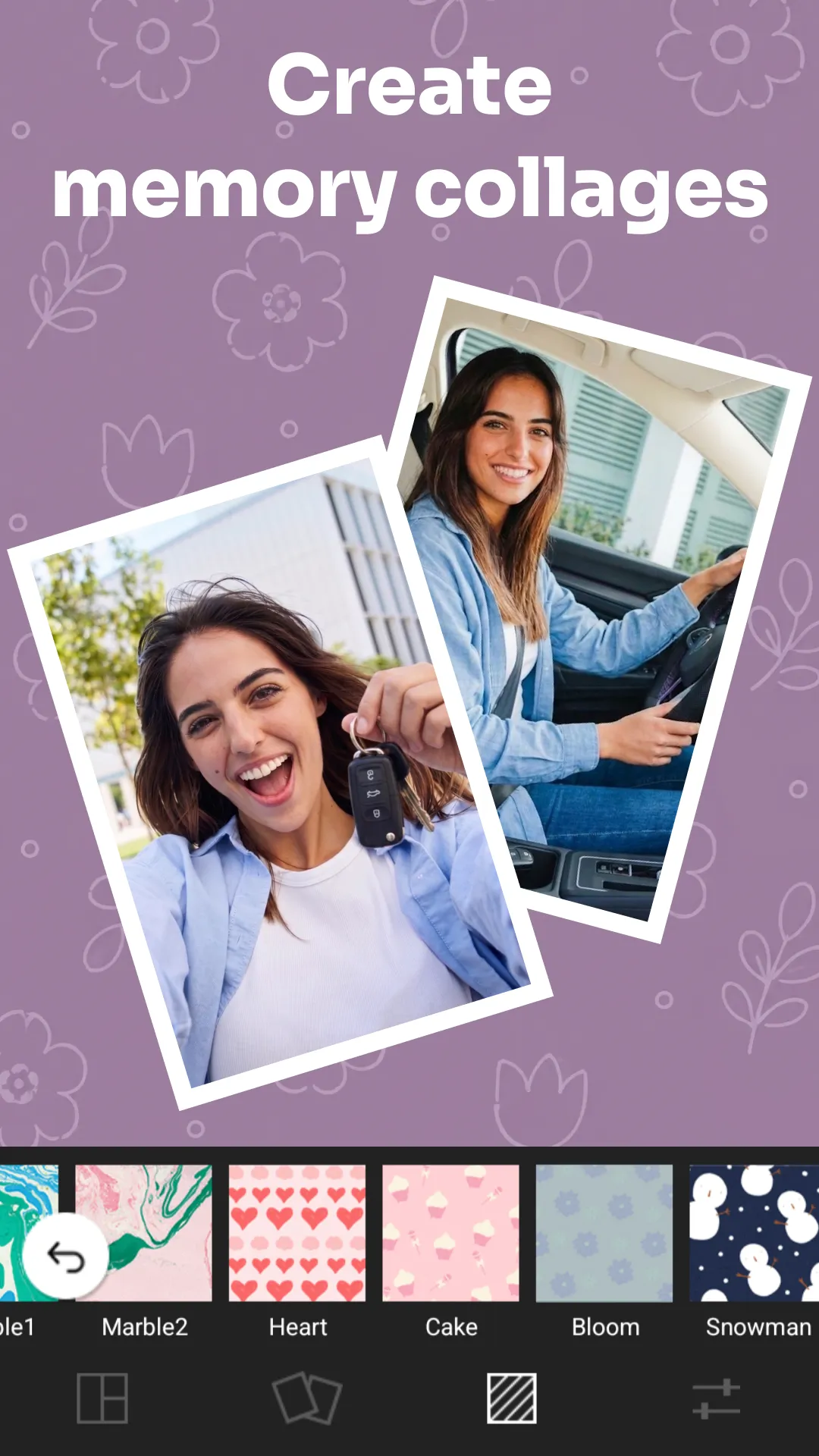
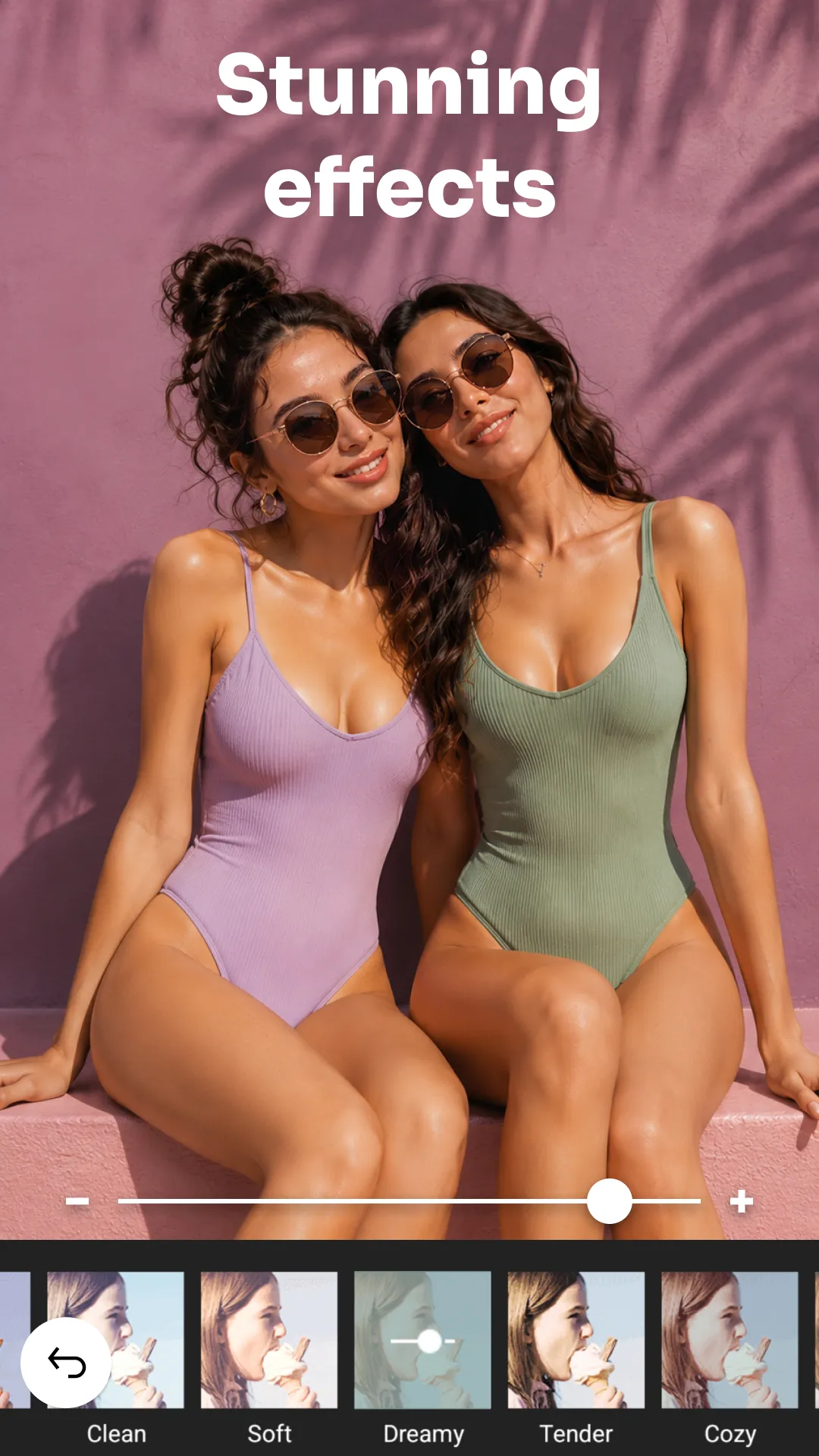
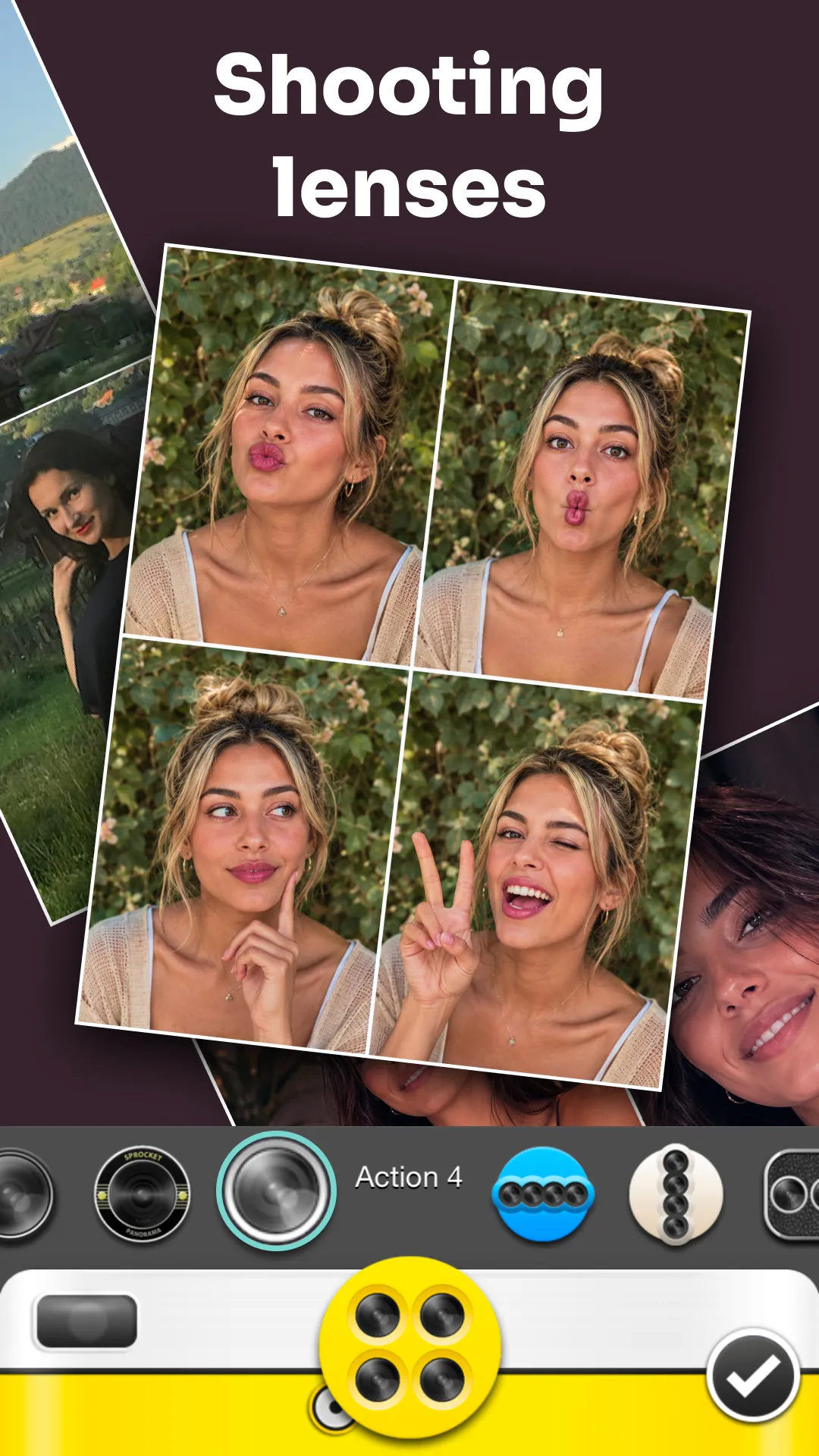
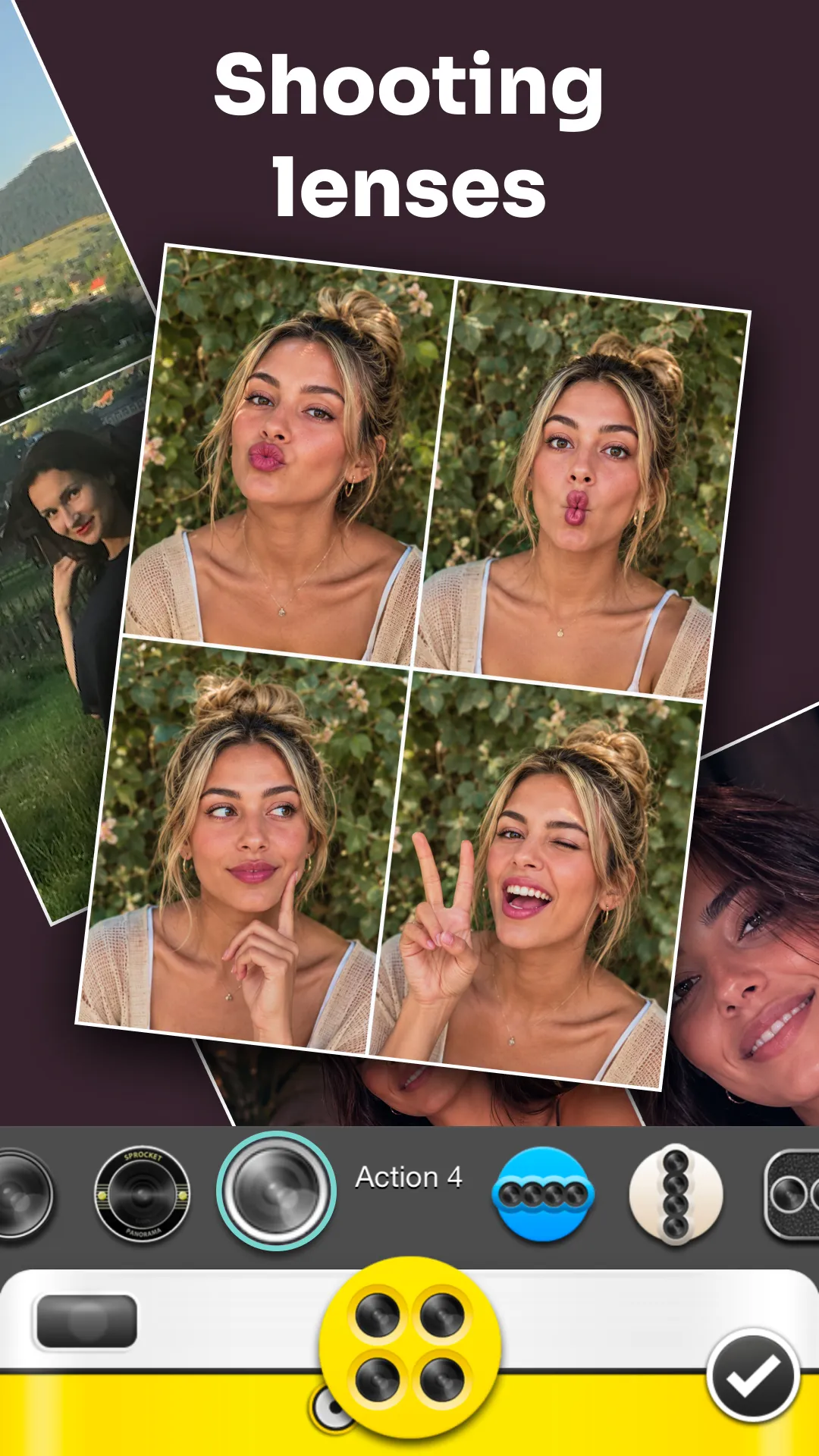
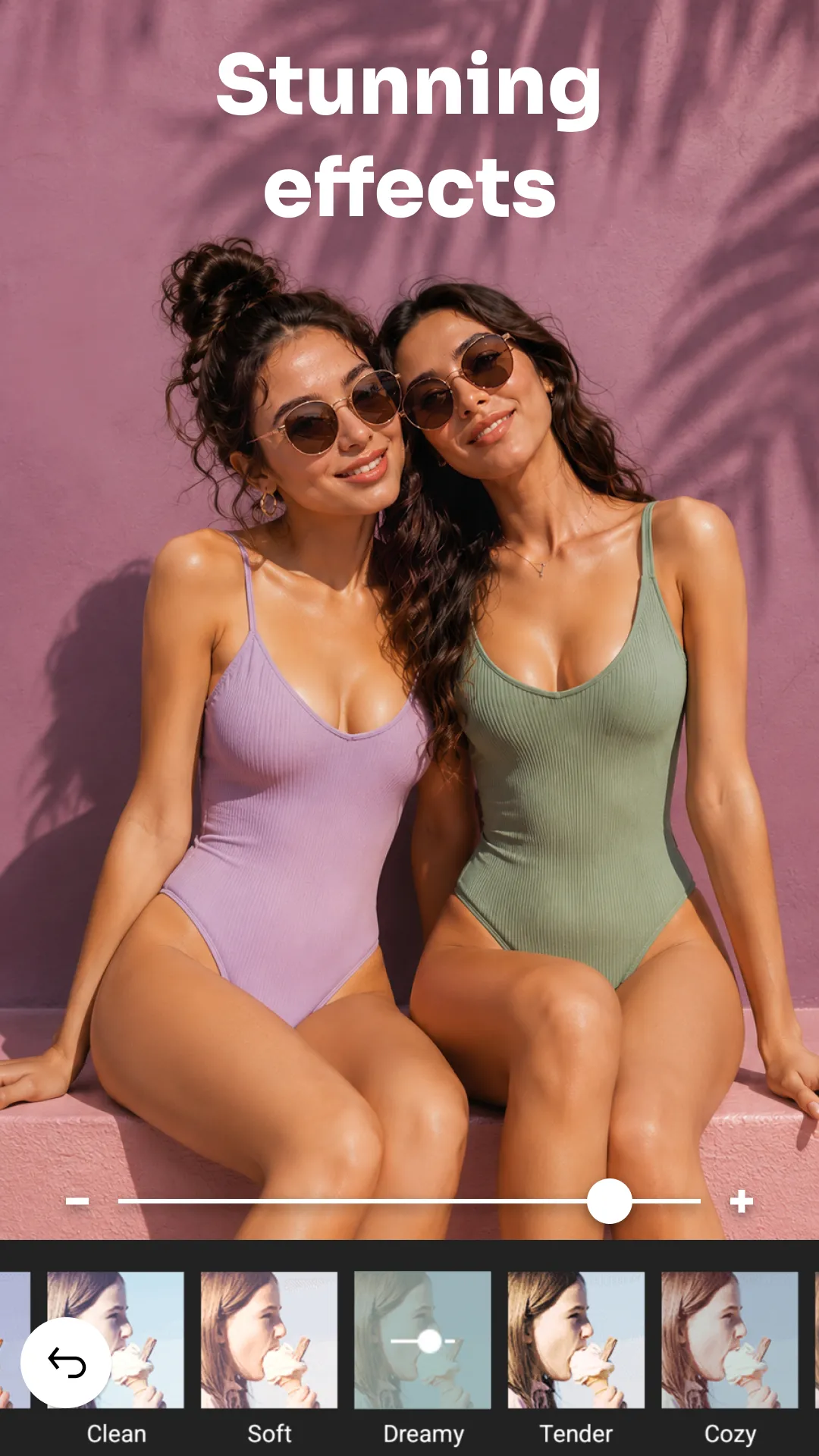
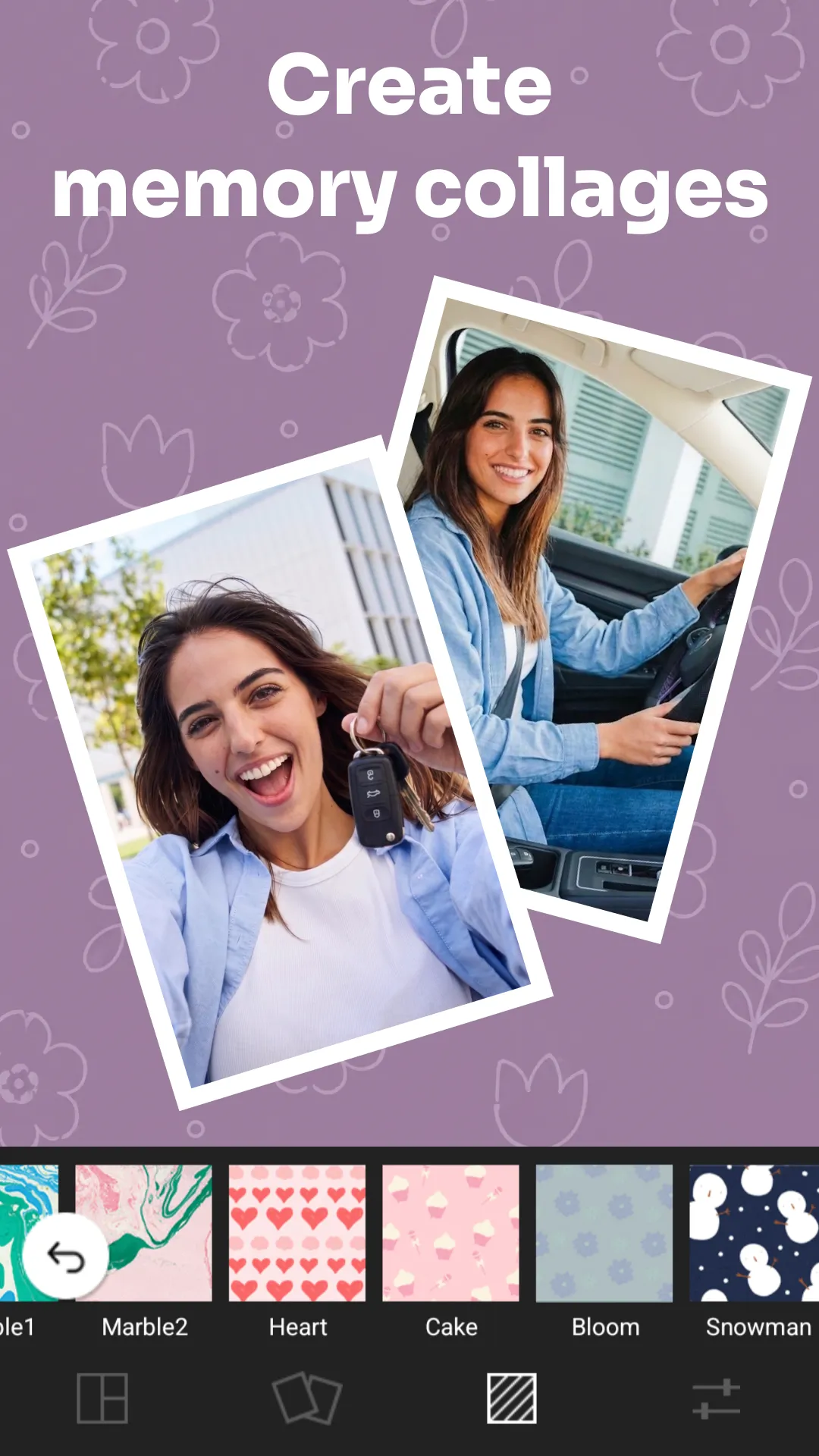
Cymera is a photo editor designed for the Android operating system. Beyond basic photo editing, it offers features for retouching specific parts of the body—allowing users to elongate or reshape areas to improve their appearance—as well as tools for correcting facial imperfections. The app also enables users to combine up to nine photos into a grid layout, making it ideal for sharing. It includes a vast array of filters, categorized to suit various user preferences. Furthermore, exported images retain their original clarity.
Functions
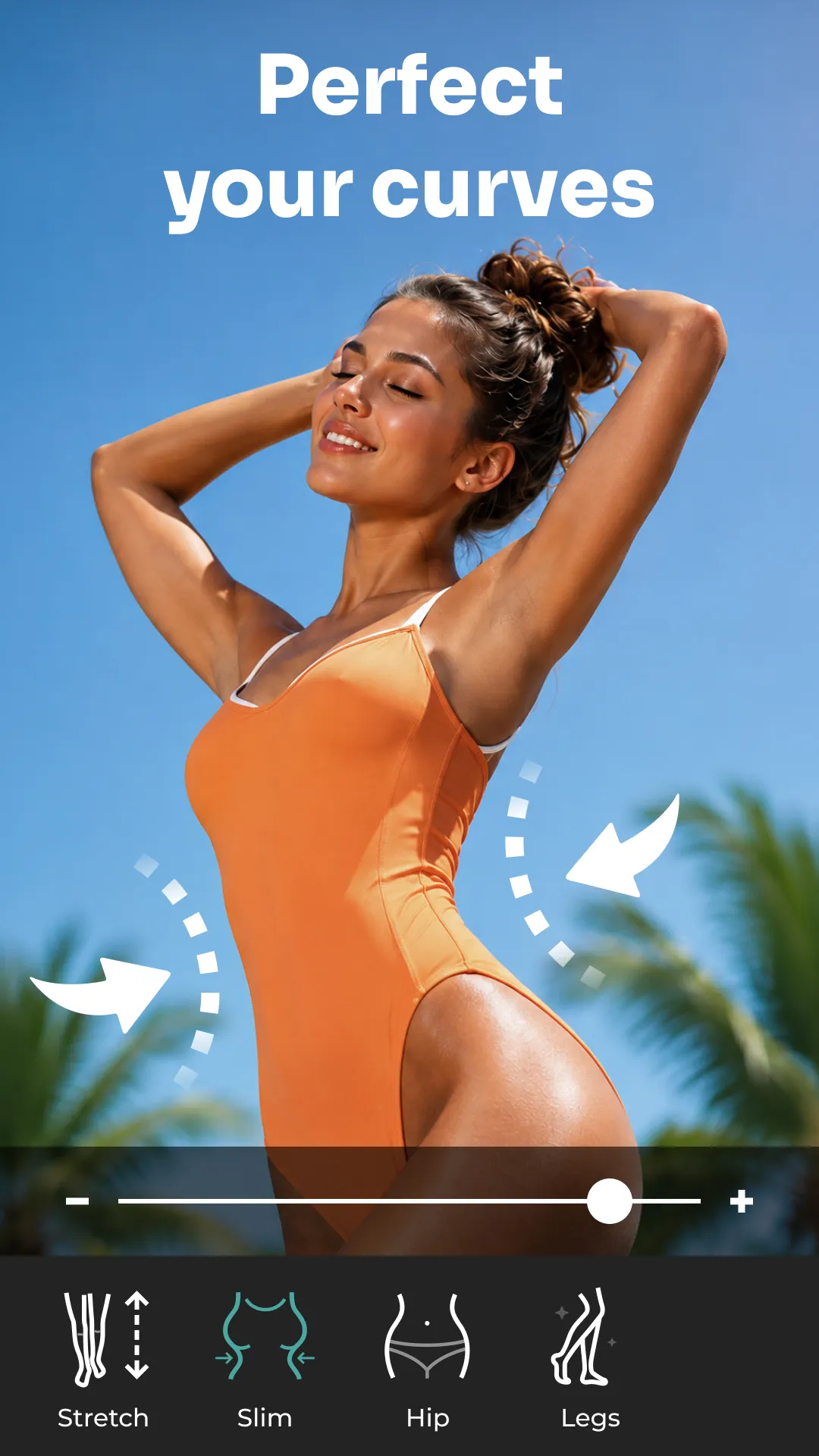
Body Retouching: Use tools for reshaping, slimming the waist, elongating legs, and lifting the glutes.
Photo Collages & Selfie Editor: Create collages, posters, and photo cards using images from your gallery.
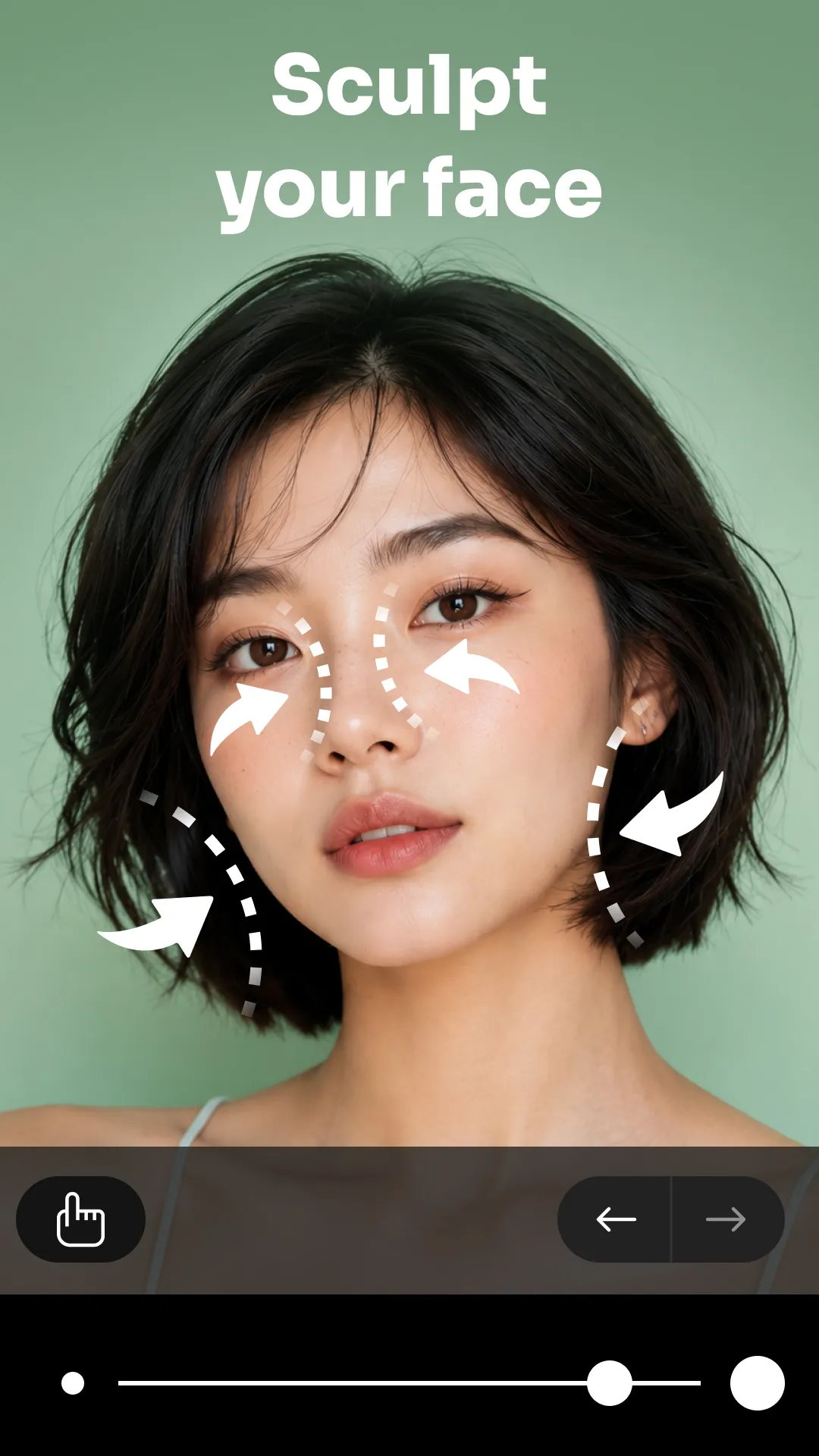
Facial Retouching: Remove blemishes such as acne, wrinkles, dark circles, and red-eye.
Photo Collages: Combine up to 9 photos into various grid layouts.
Selfie Filters: Experiment with real-time filters, beauty effects, and collections of your favorite filters.
Photo Editing: Crop, rotate, apply mosaics, and adjust brightness or contrast.
Reshaping: Enlarge eyes, adjust smiles, slim the face, and refine portraits.
Beauty Camera & Collage Maker: Produce crisp, clear, high-resolution images.
Pros and Cons
Pros:
Real-time filters.
Tools for professional-style photography.
Available in multiple languages.
Cons:
Some features require payment.
Performance may slow down during updates.
FAQs
Can I save photos to an SD card (external storage)?
Android 4.4 (KitKat) and later versions do not support saving photos to an SD card (external storage device). As SD card access is controlled by Google, there is little that Cymera can do to change this.
How do I change my phone wallpaper?
Select a photo from your Cymera gallery to set as your phone's wallpaper.
How can you use it quickly and easily via the Cymera widget?
On your device, long-press on the home screen until a menu appears at the bottom, then tap the "Widgets" tab.
Locate the Cymera camera and gallery widget.
Press and hold the widget to move it to your preferred spot on the home screen.
Now, you can access the camera (front-facing) and your gallery directly from your home screen.
Find the wallpaper icon in the bottom tab, tap it, and you're all set! (Note: The method for setting up widgets may vary depending on your device model.)
User Reviews
I’m giving it 5 stars because it has consistently performed well over time—I’ve been using this app for nearly 10 years and absolutely love it. The interface is clean and user-friendly; it doesn’t overwhelm you with thousands of complicated options, yet it includes everything you actually need. One of my favorite features is the ability to add text to photos.
Cymera is one of the most accessible photo-editing apps I’ve ever used. Whether I’m doing a quick touch-up on a selfie or refining a photo before posting, the tools are incredibly intuitive and produce natural-looking results. The app strikes a perfect balance between being easy to use and powerful, offering a great selection of filters, portrait features, and editing tools. While I’d love to see more AI-powered enhancements, it’s already an excellent app that I find myself returning to again and again.
This is hands-down my favorite photo-editing app ever!! I’ve been using it since I got my very first Android phone. It lets you edit photos in every way imaginable—from basic adjustments like brightness, contrast, and sharpness to filters, light effects, and blur tools. It even includes beauty features—like enlarging eyes, smoothing skin, or adjusting your smile—it has everything you could possibly want or need!
Conclusion
Cymera combines powerful editing capabilities with a user-friendly design, offering a comprehensive solution for anyone looking to elevate their photography experience. With its extensive range of filters, editing tools, and collage-making features, the app allows users to easily create visually appealing photos and share them on social media platforms. It caters to a wide variety of user needs—from casual everyday selfies to carefully curated photography portfolios.
More Information
- Size:152.08MB
- Version:5.2.1
- Requirements:Android
- Package Name:com.cyworld.camera
- Signature:2c8282b9fed6b0ed5e6693391148f289
Related topics
-
Welcome to our image editing apps! Perfect for beginners and pros alike, they make photo enhancement easy. Use PicsArt to crop, adjust colors, and apply filters. Remove backgrounds instantly with Remove.bg. Get creative with layers and advanced tools on Adobe Photoshop Express. Start transforming your images today!
-
![Cymera]()
Cymera
-
![PhotoLayers-Superimpose,Eraser]()
PhotoLayers-Superimpose,Eraser
-
![Blend Me]()
Blend Me
-
![3DLUT mobile 2]()
3DLUT mobile 2
-
![Sticker Maker - WASticker]()
Sticker Maker - WASticker
-
![GCamera]()
GCamera
-
![Snap Pro]()
Snap Pro
-
![Photo Lab PRO Picture Editor]()
Photo Lab PRO Picture Editor
-
-
Visuals serve as a primary gateway for players to engage with games, where distinctive art direction immediately captures attention and creates lasting impressions. An unconventional aesthetic not only stands out in crowded markets but also enhances immersion and emotional connection. When executed with creativity and polish, striking visuals elevate gameplay into a memorable artistic experience. That's why titles with truly exceptional art styles deserve recognition - they offer both visual delight and meaningful interactive expression that resonates with players long after the session ends.
-
![Cymera]()
Cymera
-
![YouCam Enhance]()
YouCam Enhance
-
![PicMonkey]()
PicMonkey
-
![GCamera]()
GCamera
-
![AniDub Max]()
AniDub Max
-
![Photo Lab PRO Picture Editor]()
Photo Lab PRO Picture Editor
-
![Kwiky]()
Kwiky
-
![Memes]()
Memes
-
-
Enhance your photos effortlessly with the best free photo editing apps for Android! Whether you want to apply stunning filters, adjust brightness and contrast, remove blemishes, or create professional-quality edits, these apps offer powerful tools at your fingertips. From simple one-tap enhancements to advanced editing features like background removal and AI-powered effects, you can transform your images with ease. Explore a wide range of user-friendly and feature-rich apps, all available for free download. Start editing and make your photos stand out today!
-
![Cymera]()
Cymera
-
![PhotoLayers-Superimpose,Eraser]()
PhotoLayers-Superimpose,Eraser
-
![3DLUT mobile 2]()
3DLUT mobile 2
-
![PicMonkey]()
PicMonkey
-
![GCamera]()
GCamera
-
![Snap Pro]()
Snap Pro
-
![Photo Lab PRO Picture Editor]()
Photo Lab PRO Picture Editor
-
![Aarya Editz]()
Aarya Editz
-









Latest Updated

Popular Apps








Popular News
More+-
![Tomie Wants to Get Married Full Walkthrough, All Choices and Ending Guide]()
Tomie Wants to Get Married Full Walkthrough, All Choices and Ending Guide
2026-05-22
-
![Karryn’s Prison Gameplay Walkthrough & Strategy Guide]()
Karryn’s Prison Gameplay Walkthrough & Strategy Guide
2025-10-28
-
![Life in Santa County Game Guide & Complete Walkthrough]()
Life in Santa County Game Guide & Complete Walkthrough
2025-10-28
-
![Dreams of Desire Complete Walkthrough and Game Guide]()
Dreams of Desire Complete Walkthrough and Game Guide
2025-10-28
-
![Era Hunter Gameplay Guide & Full Walkthrough]()
Era Hunter Gameplay Guide & Full Walkthrough
2025-10-28




